Due to the current public health threat caused by COVID-19 and the economic challenges that it has brought, our partner Zoho has created an initiative to help small businesses: the Small Business Emergency Subscription Assistance Program (ESAP).
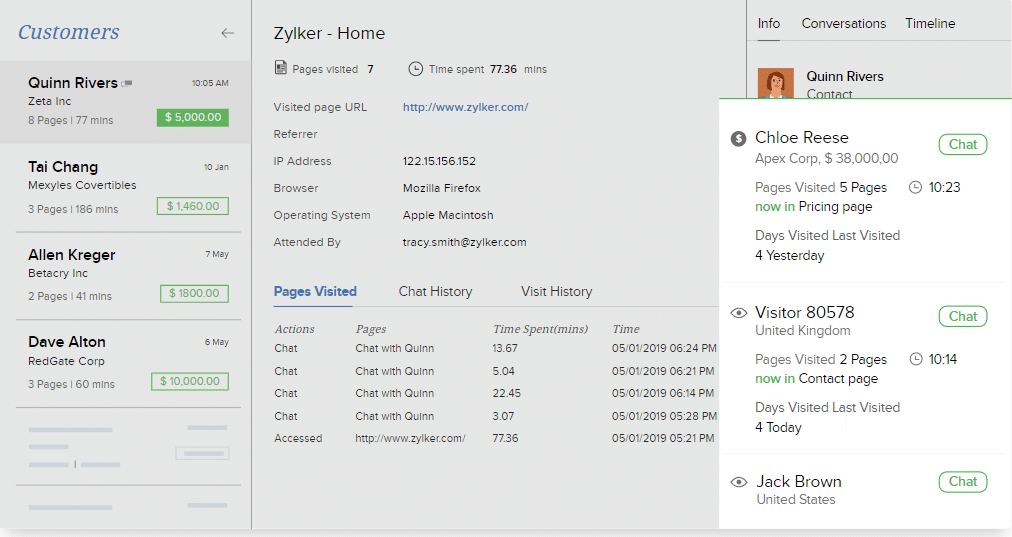
Image via Zoho
According to Zoho, small business customers have always stood by them, which is why they want to do their part to stand by them. In a message shared on Zoho’s website, they explained the following:
“ESAP gives our severely impacted small business customers access to Zoho software they currently use, free for three months. All Zoho customers with 25 employeesor fewer who have been severely impacted by the coronavirus-related downturn may apply. We will grant waivers based on the severity of disruption, industry, and other factors.”
Who can apply for ESAP?
The program is for Zoho’s small business customers with 25 employees or fewer who are being severely impacted by the economic disruption. Before applying, please take a moment and consider if you really need this. If you don’t need this program and apply anyway, you will likely be taking from an organization that does.
Esperamos que todos se mantengan seguros y saludables durante estos tiempos difíciles. Por favor, recuerden mantenerse en sus casas y tomar las debidas precauciones.
One of the many useful features from Zoho CRM is that modules can be interlinked in order to establish database relationships. This brief and on point video tutorial from Zoho shows you how to associate multiple look-up values to a record and establish a perfect many-to-many module association between two modules. This will help you to keep track of how your CRM’s data is interrelated.
Are you considering implementing Zoho CRM in your business? Then click here and sign up for a free trial of Zoho CRM.
With over 40 apps under its belt, Zoho One has become an excellent operating system alternative for businesses. Zoho One is a unified suite of business and productivity applications from Zoho to manage sales, marketing, customer support, finance and operations, human resources, custom solutions, and more. Because we know you’d like to learn more about how Zoho One can help you, here’s a video testimonial of Rablab, a digital marketing agency based in Canada. In the video, some of the company’s employees share how Zoho One helped their business thrive thanks to its streamlined and time-saving processes. Watch the video or read the following transcript*.
Nicolas Rabouille, Co-founder/Project Management
I’m a partner and Project Manager at Rablab. What we do is ad placement. We run Adwords [Google] ads, Facebook ads, we do SEO. When someone has a website and needs more visibility, we give them the visibility that they need. We used to have lots of different tools for accounting, for project management. We started with Trello but it got out of hand really fast because we have over 150 clients.
Francis Jobidon, Co-founder/Key Account Manager
We’re like lawyers. Our business is a business of time and we were losing so much time everywhere being across two or three platforms. Having Zoho One helped us scale way, way faster.
Nicolas Rabouille, Co-founder/Project Management
[Using other platforms] was really expensive because we had to subscribe to monthly fees to each of those tools, so since we moved on to Zoho we got everything in the same place. It’s really streamlined for business because Zoho basically manages our whole business.
Francis Jobidon, Co-founder/Key Account Manager
Before we had Zoho, the biggest client that made us realize the need for a great one-stop-shop tool was Vans. We were managing their campaign across Canada and we didn’t have the feeling that we were on top of before Zoho. Using Zoho helped us nail it down and deliver on the right things we needed for this project. We saw it right after we started using Zoho. We’re able to be more in control of the onboarding process and the sales process. Everything was seamless and really helped us take that step towards being a major agency, even though we’re still small but we’re still growing. That tool really helped us give a structure that maybe wasn’t there before.
Patrick Cousineau, Business Development
I absolutely can’t complain. It’s very, very nice because I was sort of dipped gradually into the Zoho world or the whole Zoho experience. The basic CRM is the one I use the most, simply because as far as customers, the day-to-day, the tracking, we take notes. We can track quotes, emails, phone calls. We can keep the contact information and so forth. It’s just a place where we can place a whole bunch of information that’s really important for us to have close at hand, not only on the laptop or desktop version, but on our phones as well.
Nicolas Rabouille, Co-founder/Project Management
We use [Zoho] Projects to manage all over projects. With Zoho now, we can really track time for each and every project. All of our clients are based on recurring business, so every 1st of the month we send them an automated bill that is programmed in Zoho Books. That really helped us save a lot of time every month doing the billing because we used to pass about eight or ten hours every month just to do manual billing for each client and now it’s all automatic with Zoho. We also use modules for contacts, deals, prospects, so we have a clear pipeline of every prospect we meet and every quote we send. This allows us to have a clear view of where the client is in their pipeline and if it’s a closed deal, or a cold or hot lead. So, we get a really clear view of what’s coming in the next few weeks and months; a good overview of prospective clients and this is really, really good for us.
Francis Jobidon, Co-founder/Key Account Manager
I would recommend Zoho to anyone. We had previously tried three or four CRM tools at the same time for sales and project management, but Zoho is the best one-stop-shop we have tried by a mile, so I would recommend it anytime.
*Transcript edited for clarity.
Are you considering implementing Zoho One in your business? Then click here and sign up for a free trial of Zoho One.
Great news for Zoho! Business News Daily announced today that it has chosen Zoho CRM as the Best Overall CRM Software in the market. Zoho CRM stood out from other CRM systems, which has happened previously and as recently as last January when Zoho CRM got a recognition from Gartner.
Image via Zoho
Business News Daily described Zoho CRM as “easy to implement, intuitive to use and inexpensive to adopt” and that it offers “lots of functionality at a competitive price point.” The news outlet also mentioned how “modern” and “clean” Zoho CRM is while highlighting its extensions from Zoho Marketplace, which only take a click to install.
Another characteristic that won Zoho CRM this recognition is the software’s “easy adoption process” that allows businesses to create a customized CRM solution without help from a developer.
In their article, Business News Daily explains what creates the need for CRM tools:
“Few things are as important to a business as maintaining a relationship with its customers. Whether you cater to consumers or other businesses, it’s important to stay up to date on evolving conversations with existing customers while also effectively managing new leads. Your customer satisfaction depends on your ability to offer attentive, personalized engagement with your clients, but your growth demands you continue seeking out new customers as well.”
Without a doubt, Zoho CRM helps to get all of that and more. Congratulations to our partner Zoho on this new accolade!
To read the full announcement from Business News Daily, click here.
Are you considering implementing Zoho CRM in your business? Then click here and sign up for a free trial of Zoho CRM.
Once again, Zoho scores another recognition from Gartner for one of its products. This time, Zoho CRM has been named a January 2020 Gartner Peer Insights Customers’ Choice for CRM Lead Management.
In an announcement made by Gartner, the leading research and advisory company said the following:
“The Gartner Peer Insights Customers’ Choice is a recognition of vendors in this market by verified end-user professionals, taking into account both the number of reviews and the overall user ratings.”
In order to guarantee a fair evaluation, Gartner has rigorous criteria to recognize vendors that hold a high customer satisfaction rate. Many customers have expressed how their sales have improved because of Zoho CRM, and how easy to customize and reliable it is.
Zoho CRM is an online sales Customer Relationship Management (CRM) software that manages sales, marketing, and support, all in one CRM platform. It allows efficient data organization for reaching out and managing leads, and it offers a wide range of integrations with Zoho and third-party applications, among other features.
At InterConnecta, a Zoho Premium Partner, we are more than delighted about this news, which makes us even prouder to offer such an excellent product like Zoho CRM. Major congratulations to the Zoho CRM team!
To read the full announcement from Zoho, click here.
Are you considering implementing Zoho CRM in your business? Then click here and sign up for a free trial of Zoho CRM.
As the business world keeps moving into digital processes, it’s always a good idea to see what’s in store for Customer Relationship Management (CRM) technology. Learning about trends and technological advances is a great way to know the value of what CRM can do for your business. Just in 2017, the CRM software market took the top spot as the biggest software market. Even more so, the expectation is for the CRM market to reach $81.9 billion by 2025. With numbers like these, CRM trends are definitely something to watch out for.
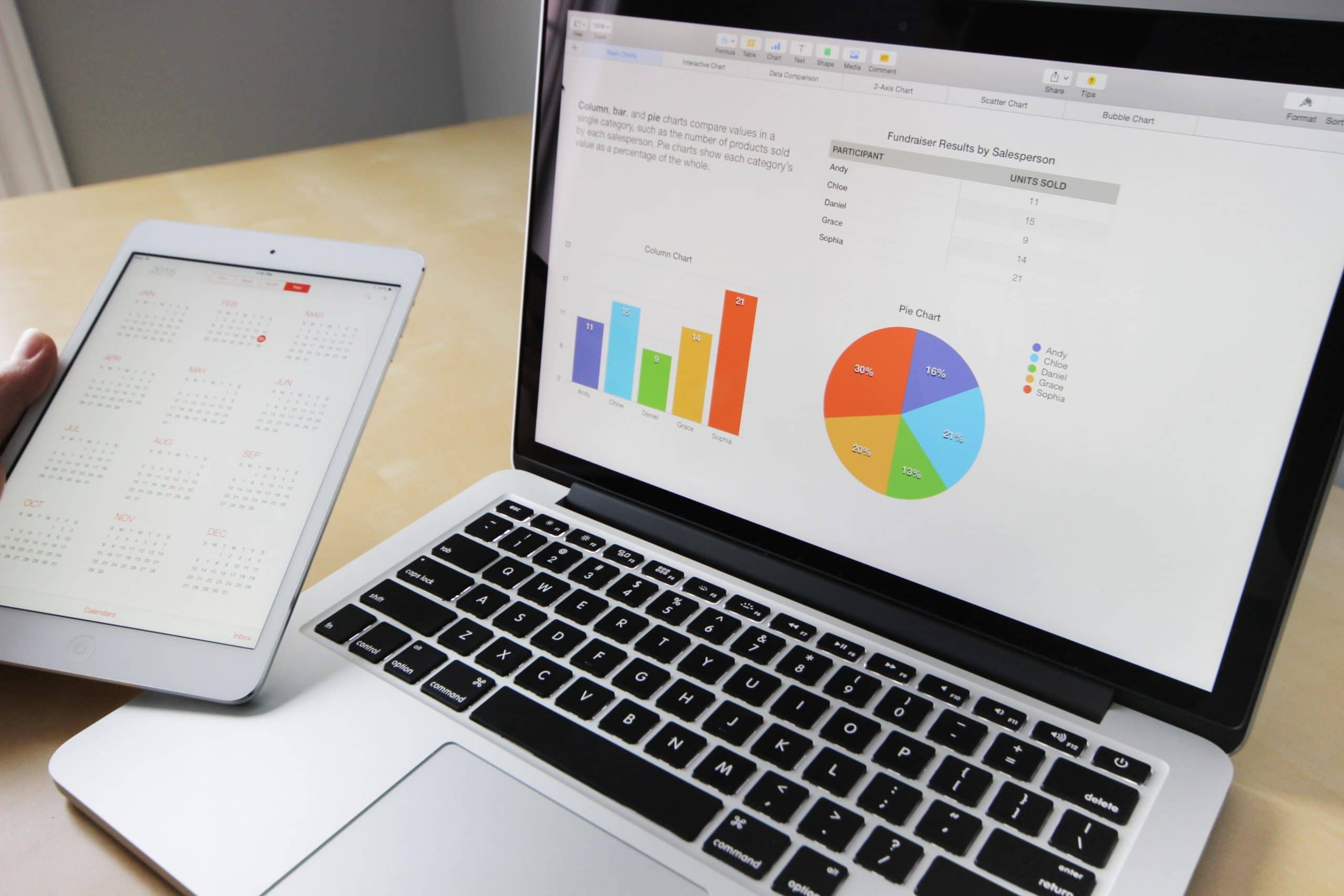
Image from Pixabay via Pexels
Merge of CRM with Big Data and AI-Powered Analytics
CRM trends are moving towards the ability of big data and customer data platform softwares to collect and analyze customer data from many touchpoints, like contact centers, marketing campaigns, sales, and social media. The most advanced CRM software has evolved to make a connection between big data and strategies. These CRM tools will soon deliver to companies data-driven insights of their customers. This will result in marketing and customer retention strategies that can be fueled by accurate customer data.
Another thing that companies can expect is CRM platforms that employ artificial intelligence for analytics. This drives predictive analytics, which enhance the capabilities of the CRM software to offer forecasts from the data collected. With AI-powered analytics, CRM tools can deliver real-time insights on customer behavior. This can identify buying patterns that can be transformed into conversion opportunities.
One-Channel Instead of Omnichannel
2020 trends show an increasing movement towards a single-channel approach to CRM. According to CRM experts, communication channels will be merged into a single piece of software that has the capability of handling all channels. For sales and customer service agents, they won’t have to switch anymore between multiple channels to maintain communication with customers. This allows to put more focus on making a connection with customers, which is crucial now more than ever as customers keep turning more and more into interacting with brands. Also, advanced CRM technology can improve and smooth out internal operations.
Furthermore, it might be possible that, in the future, companies will have a channel-less CRM strategy, all thanks to artificial intelligence. Now this is something Back to the Future never predicted!
CRM and the Internet of Things
Experts are confident that the Internet of Things (IoT) will keep making considerable improvements in terms of how CRM is done. It is estimated that in 2025, IoT devices will increase to the amount of 39 billion. Advanced CRM systems have been taking advantage of that by integrating connections to IoT feeds from devices. If you’re wondering how this works, smart devices can offer lots of insights on customer use. That way, companies can utilize those insights to deliver better customer service and personalized marketing campaigns.
Mobile and Social CRM Get a Push
The developments in mobile technology and the need for constant connectivity that customers have are showing a push for CRM platforms to offer more mobile features. Experts predict that more CRM systems will deliver a full experience in devices that have an internet connection, like tablets and smartphones. At the same time, these systems won’t compromise the security of user data, even though they’re providing complete functionality. And, clearly, social media’s predominance drives a widespread implementation of social CRM.
Improved Customer Experience
This trend was also predicted for 2019 and it continues to build the future of CRM for its users and the customers of those users. The most successful CRM systems will have a more user-friendly interface so it can be easier to use with a simpler data access and analysis. Experts also say that there will be CRM features that will let sales and customer service agents to initiate contact with customers in a more convenient way.
With an easier use of CRM, companies will be able to provide a more personalized and improved customer service. Customers’ needs will be fulfilled accordingly and they will be further guided into the marketing funnel.
Customized CRM for Vertical Markets
The growth of CRM will cause platforms to be more niche-oriented. We might even see the development of new systems targeted to vertical markets, while existing vertical CRM will have more advanced features. Industries like finance, healthcare, and manufacturing, which are highly regulated, might soon be able to choose from a variety of CRM platforms with built-in functions to guarantee that companies meet all the industry regulations.
Integrations Will Make CRM More Powerful
CRM companies like Zoho are constantly adding important integrations for streamlined functionality in businesses, which enhance productivity and a better use of data for nurturing leads and customers. Soon, CRM platforms will have more advanced integrations with different data sources and other third-party software to offer even more customer information and an expansion of platform functionality. The integration with other business systems and data sources like marketing automation and analytics software will allow CRM platforms to track external interactions with customers. This will result in companies getting a unified view of the customer journey and a delivery of data that’s more relevant and, therefore, functional.
New CRM Users From a Younger Generation
While millennials take over the workplace, the user base of CRM software has begun shifting to a younger generation of workers. 28% of millennials think that the usage of CRM software is critical for a business to succeed. Meanwhile, only 18% of Generation X and 9% of Baby Boomers share that thought. This trend could possibly be more influenced by the fact that nowadays businesses are more centered in technology. In addition, freelancers have proven to be a growing segment of CRM users, since more freelancer tools are offering CRM features.
With all these trends and technological developments, there is no doubt that the future is CRM.
Another innovative addition from Zoho has arrived: Zoho Orchestly! This addition is part of Zoho One, the Zoho platform that has more than 45 Zoho products and services. Zoho Orchestly is a business orchestration platform that helps automate workflows, enforce compliance, provide visibility, and cut out inefficiencies. In Orchestly, you can view and track information flowing through the various apps of Zoho One, as well as third party applications. In other words, this makes business workflows to run smoothly, no matter how complex the process might be.
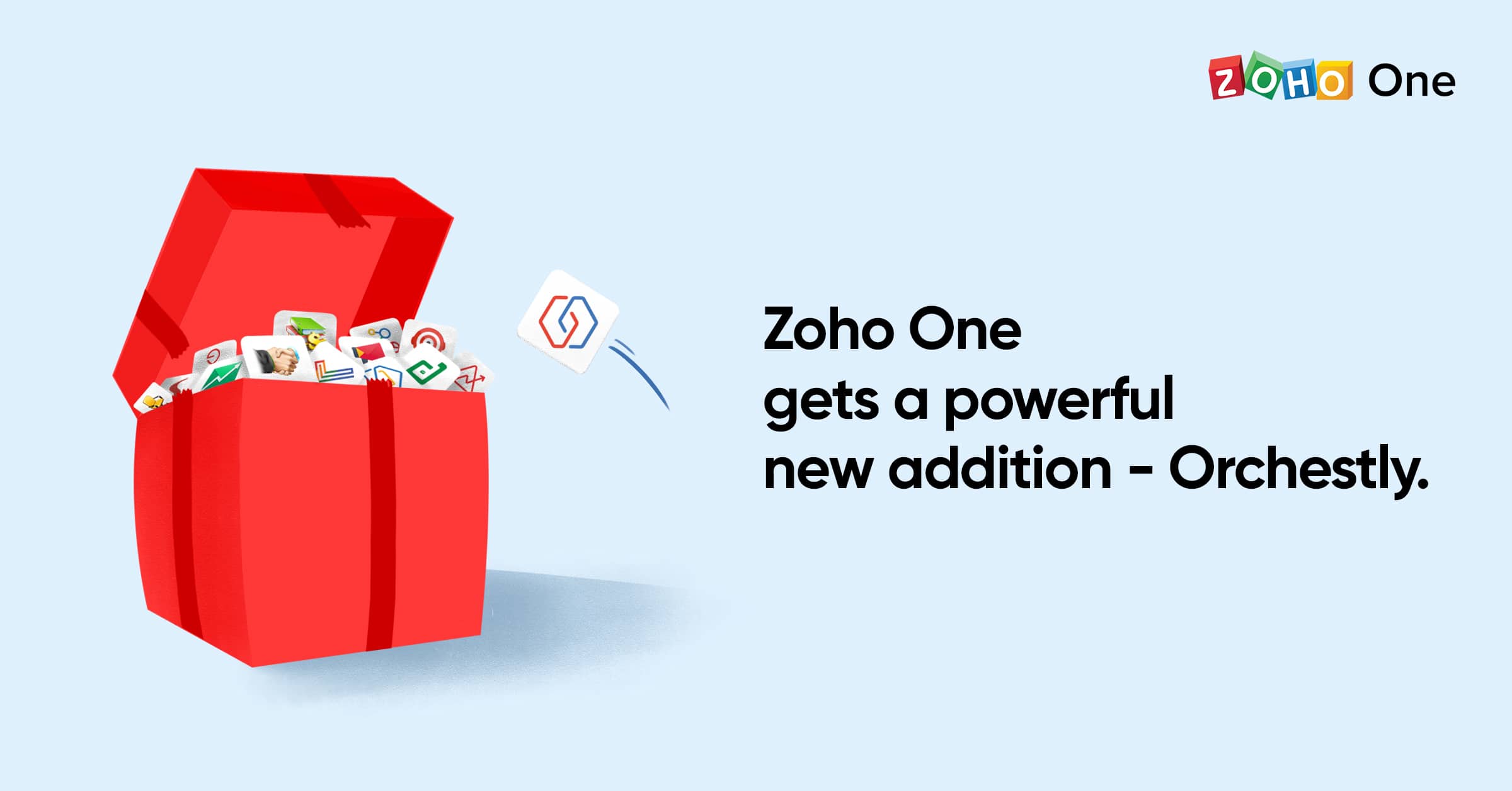
Image via Zoho
How Zoho Orchestly Works?
Here’s an example of how a team might use Orchestly: a marketing agency that runs on Zoho One and builds websites for its clients has the following workflow:
Team brainstorming ideas and options. This can happen in Zoho Connect groups, Zoho Cliq channels, or via face-to-face meetings.
A content writer creates the content in Zoho Writer. This is reviewed and needs approval by the editorial team, who collaborates in the same Zoho Writer document.
The job moves to a central design team using Zoho Desk to manage requests. Then it goes to a development team which uses Zoho BugTracker to log issues and track progress.
The content manager needs to review and approve the website before it can be delivered to the client.
Such workflows involving multiple systems within Zoho are common nowadays. If the communication between the different teams is only done via email or calls, things may become chaotic. Therefore, information can be lost and/or mixed. It can be challenging for the person responsible for this entire workflow to know the status of a particular job and where the bottlenecks are.
Zoho Orchestly allows the marketing agency to create a blueprint for the new website workflow with simple drag and drop options and no coding. Now each new website request would create a new “job” that would pass through the above predefined steps.
The right persons can be assigned to the different stages so that they (and only they) can get alerted at the right time and act. You can command actions, such as requiring the link to the Zoho Writer document to be attached when sending it to the editor. It is also possible to pull the relevant information from the various other systems involved (in this case, Zoho Connect, Zoho Cliq, Zoho Writer, Zoho Desk, and Zoho BugTracker) and display it in Orchestly. Lastly, you can also get workflows and insights from reports and charts.
Zoho Corporation has announced that they hit another historic milestone by achieving the number of 50 million business users around the world. The timing for this news is parallel to the Zoho’s considerable growth, which now has 10 data centers across the globe. These data centers support more than 45 different applications that help businesses located in more than 180 countries.
According to Zoho in their press release, because of the high global demand that the company is experiencing, they are “redoubling its efforts to provide the best, most unified platform, services, and applications in the industry.”
Another announcement made by Zoho is the introduction of WorkDrive, which provides online file management across all the Zoho business applications. This allows single storage, unified search, and contextual integration, among other integrated capabilities. In regard to what Workdrive can do, Vijay Sundaram, Zoho’s Chief Strategy Officer, said:
“A content collaboration platform must understand the context of the documents it stores. A proposal may turn into a sales contract and then into a service level agreement. […] WorkDrive creates a common, unified file system across all business processes, so the business context is easier to understand and preserve, making the system significantly more valuable to the customer. This unique type of a solution can only come from a vendor who also offers the business applications.”
Congratulations to Zoho Corporation for achieving such an important milestone! Here’s to 50 million more!
To read Zoho’s press release in its entirety, click here.
If you’re considering the implementation of Zoho Analytics in your business but aren’t sure what this data analytics software can do for you, then you’re in the right place! The following video presents a short and precise presentation of Zoho Analytics’ features. However, if you’re in a public place and forgot your earphones (wild guess!), you can read some of the video’s highlights that we have compiled to satisfy your curiosity, which you can read after the video.
Zoho Analytics’ Video Highlights
Zoho Analytics lets you import data, create visualizations of data, and share insights and collaborate with your colleagues. This enables you to make data-driven business decisions.
Because data comes from different sources and a variety of forms, Zoho Analytics lets you connect to a wide range of data sources like locally stored files, cloud drives, local or cloud data bases, popular business apps, and your own custom apps.
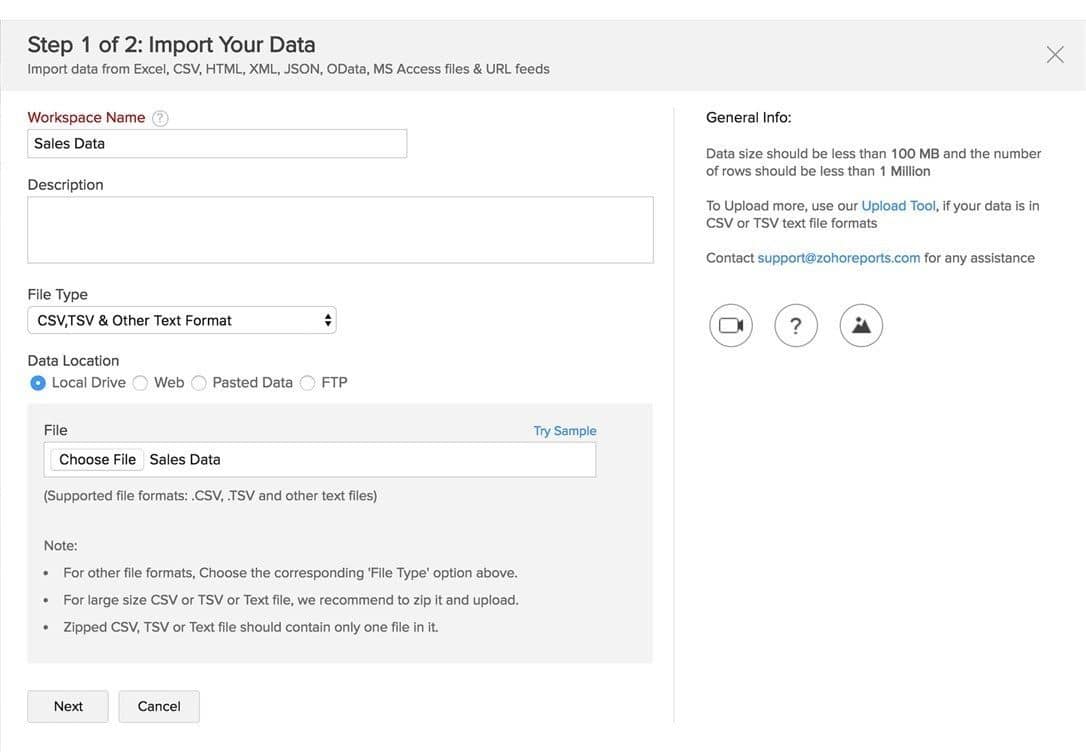
You can, for example, upload Excel sheets with data. Zoho Analytics identifies all types of data and columns, and imports the file. This is all placed in a spreadsheet style interface.
Zoho Analytics has an easy to use drag-and-drop interface. It also has different visualization options: customizable charts (40 types, to be exact), pivot tables, popular views, KPI widgets, and interactive and visually appealing dashboards.
Deep analytics capabilities that will enable you to extract powerful insights out of your data. Zoho Analytics can interpret your data and autogenerate reports and dashboards. This allows forecasting and predicting capabilities. You can also ask questions in natural language and get analytical answers instantly. Furthermore, you can set up data alerts to be notified of any changes to your key business performance indicators or targets.
You can privately communicate with colleagues and business associates in Zoho Analytics and control data access through fine-grained permissions.
Comment on reports and see the entire commenting history. You can also share your views in private groups or with a wider audience using various publishing options: generate URLs for standalone access to any report or dashboard; or generate reports in CSV, Excel, PDF, HTML, and image files, or as a Zoho Sheet, and send them via email.
Last but not least, you can see all the insights in your computer, tablet, or cell phone.
When looking for technology solutions for businesses, one of the main concerns is connectivity between applications. This is because business data is now distributed in online/offline applications, cloud storage services, databases, flat files, and web feeds. Therefore, it is a must to have a Business Intelligence and data analytics software that can connect seamlessly all your applications. A great option for this is Zoho Analytics, which goes beyond reporting and analysis and lets you automatically data sync with periodic schedules. Let’s look at all the integrations that Zoho Analytics can do for you.
The Essential Integrations
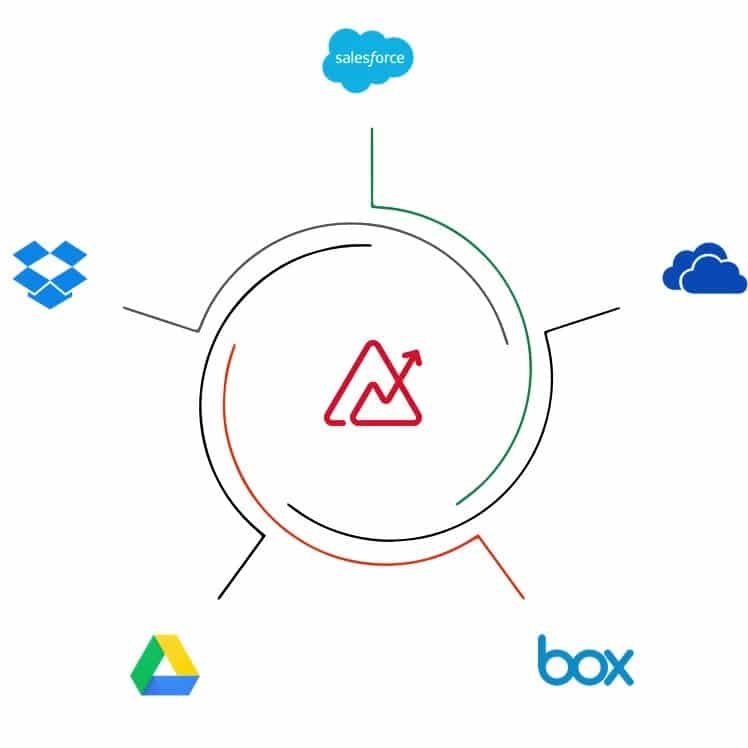
Zoho Analytics allows you to import data from different file formats and web/URL feeds. CSV, XLS, XLSX, JSON, TSV, HTML, and XML are just some of the file formats. You can also easily upload data from major cloud storage vendors like Zoho Docs, Google Drive, Microsoft OneDrive, Dropbox, among others. All can be set up with automatic synchronization. When it comes to multiple databases, you can synchronize/upload data not only from popular relational databases, but also from NoSQL databases. Your databases can be setup either locally (behind a firewall) or hosted or in the cloud.
Sales
Zoho Analytics integrates with many sales analytics applications like Zoho CRM (which you can visually analyze its data right away using Zoho Analytics), Salesforce, Microsoft Dynamics CRM, and HubSpot CRM. You can also import data from CRM solutions like Pipedrive CRM, Insightly CRM, and Base CRM into Zoho Analytics using Flatly.
Zoho Analytics allows you to import data from different file formats like CSV, XLS, XLSX, JSON, TSV, HTML, and XML.
Marketing
Emails, internet ads, social media, and surveys are now a standard when it comes to digital marketing campaigns, which is why Zoho Analytics can be integrated to many marketing analytics alternatives to make your campaign monitoring easier. Email marketing apps include Zoho Campaigns (which, connected with Zoho Analytics, lets you deeply analyze your data to improve your email marketing strategy for effective conversions) and MailChimp. Google’s marketing tools Google Analytics and Google Ads, as well as Bing Ads from Bing, can be connected to Zoho Analytics to track your email campaigns. In the survey field, you can connect Zoho Survey, SurveyMonkey, and SurveyGizmo; while in the social media field, Facebook, Twitter, and YouTube can be connected.
Finance and eCommerce
In the finance area, three Zoho products can be connected to Zoho Analytics: Zoho Books, Zoho Subscriptions, and Zoho Inventory. Other integrations include QuickBooks, Xero, and Stripe. Meanwhile, eCommerce platform Shopify can also be integrated.
Project Management, Helpdesk, and Human Resources
Integrate project management software Zoho Projects and Teamwork Projects. Track desk metrics by connecting helpdesk software Zoho Desk, ManageEngine ServiceDesk Plus, ManageEngine SupportCenter Plus, Zendesk, and Teamwork Desk. Improve your HR operations by connecting Zoho Analytics with Zoho Recruit and Zoho People.
Wait, and There’s More?!
Yes, there is! Last but not least, Zoho Analytics lets you connect with Zoho Creator, Zoho BugTracker, and APIs.
As you can see, Zoho Analytics is flexible enough to have plenty integrations which, if you ask us, is very convenient to get the most insights for your business’ different processes. And when that takes place, success is bound to happen. Isn’t that exciting?
To learn more about Zoho Analytics’ data connectors, click here.