Welcome to our update, where you’ll find the latest news from Zoho all in one place!
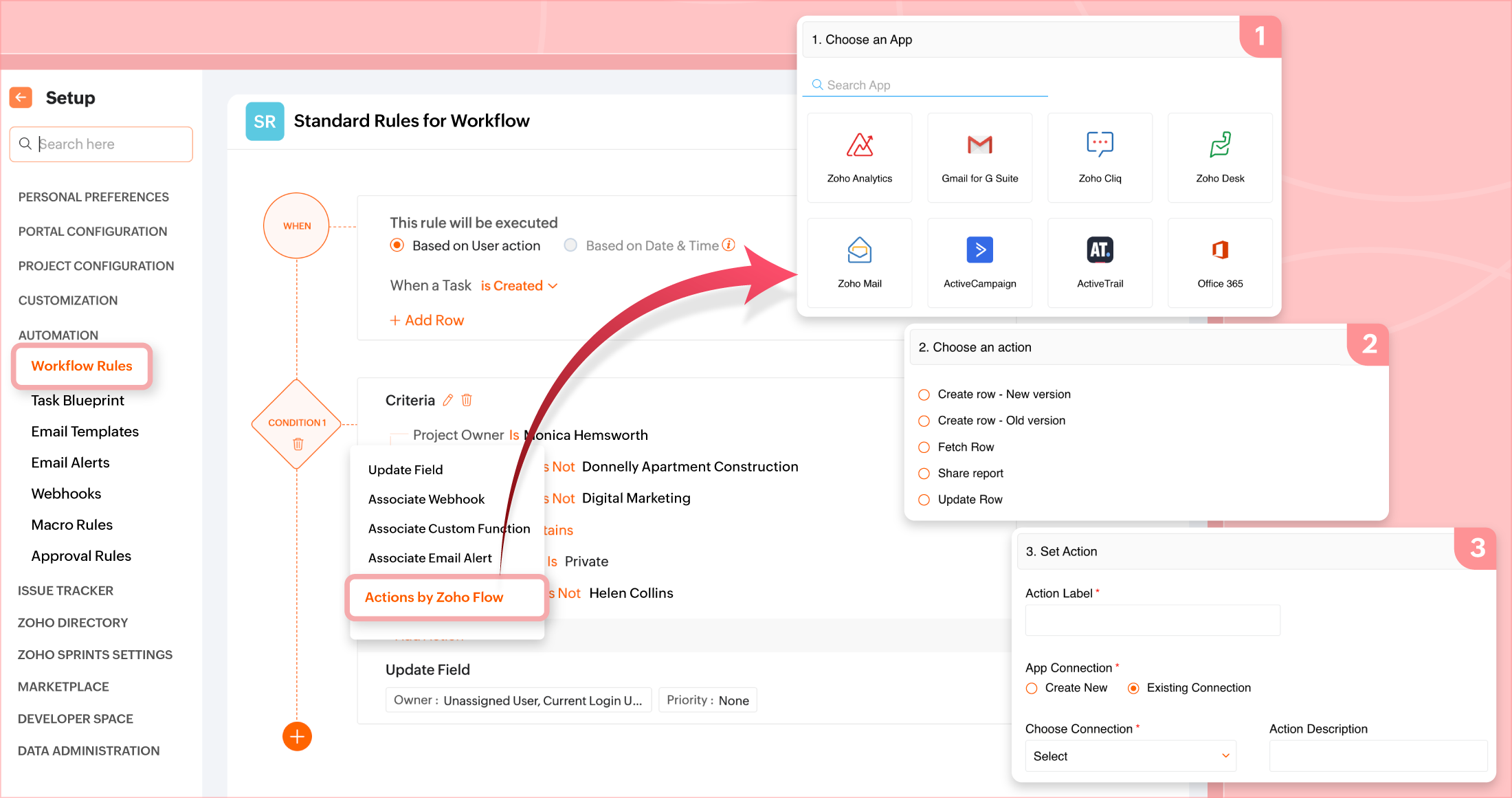
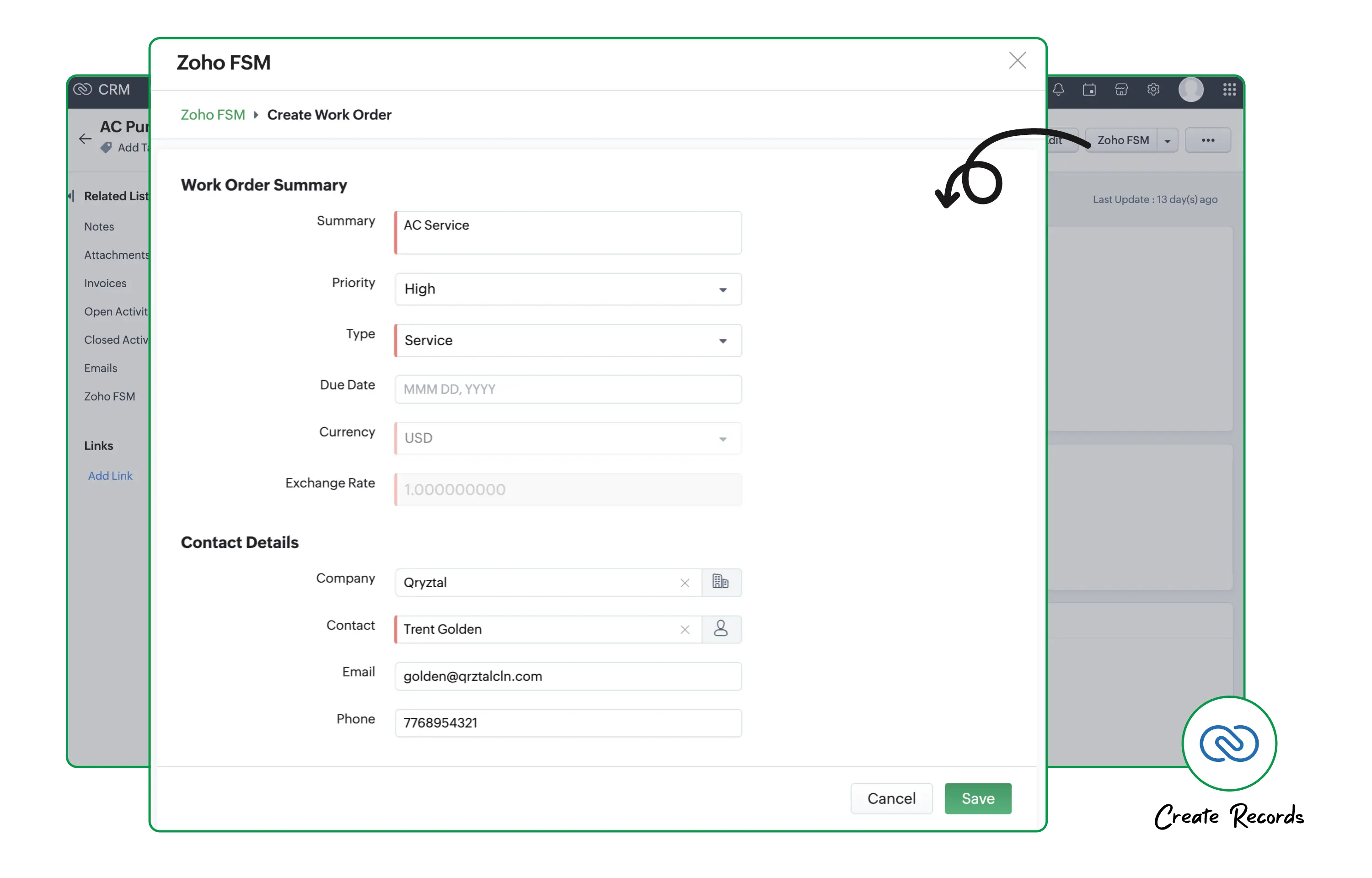
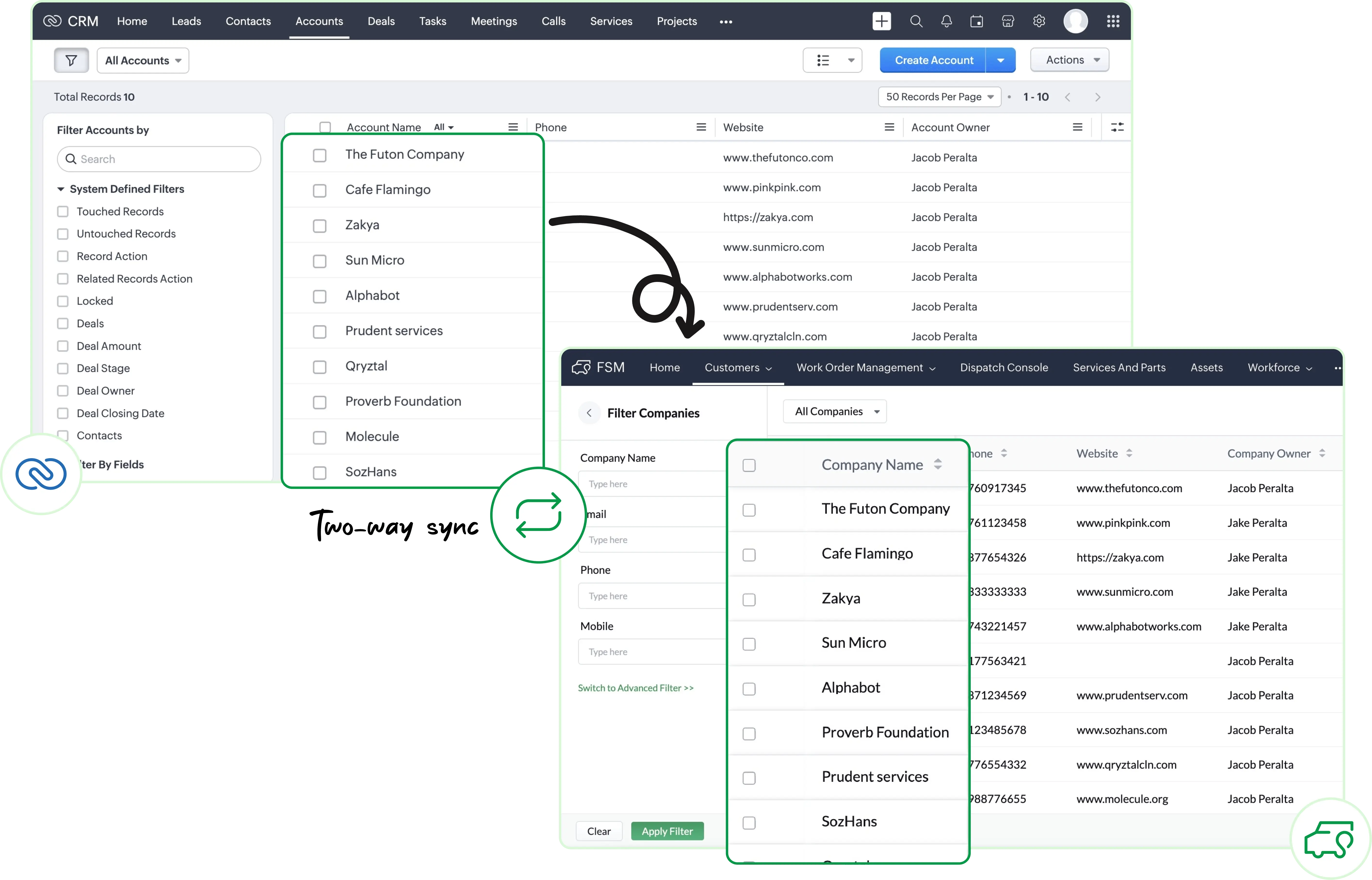
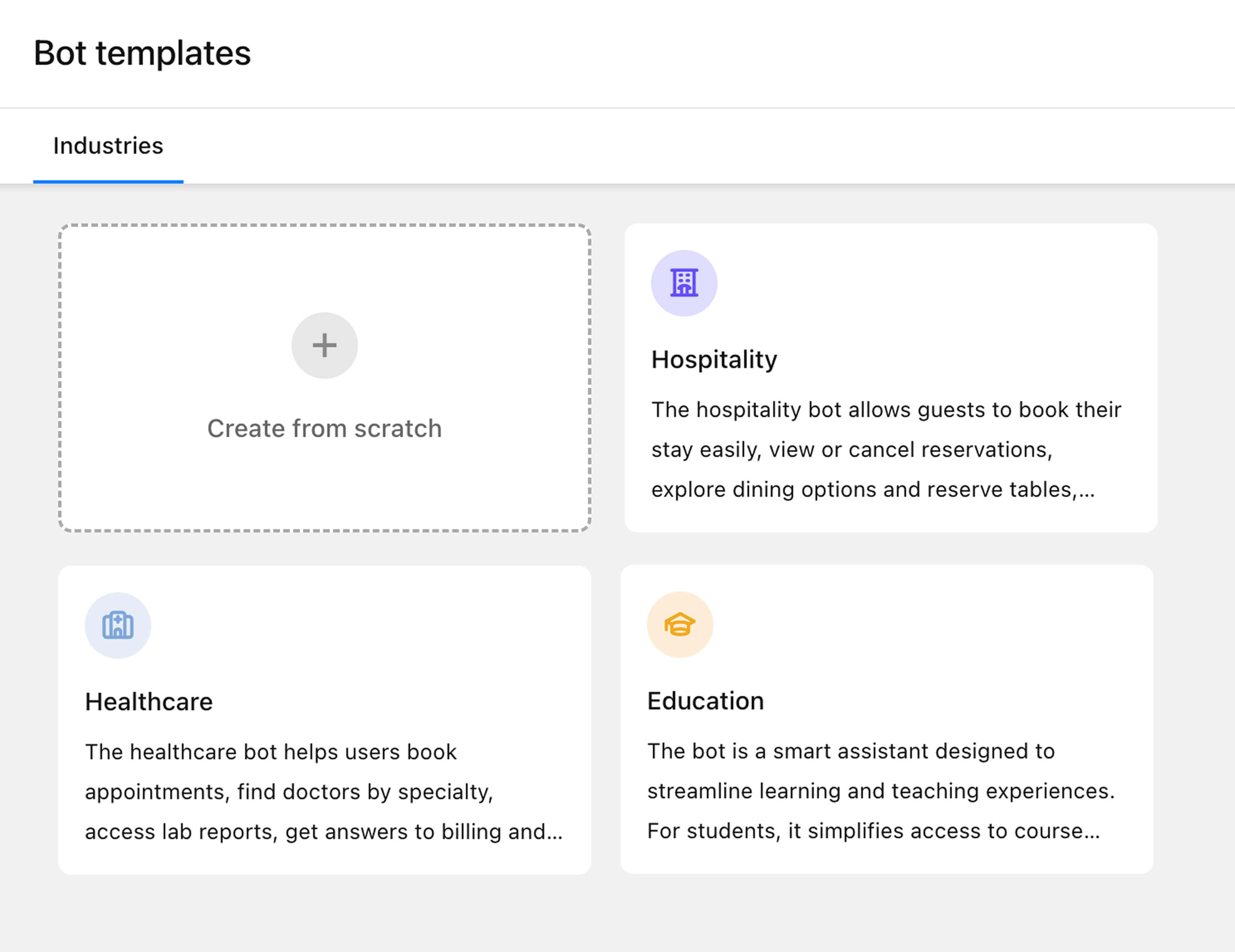
- New Workqueue View in Zoho CRM and Webform Spam Detection to Protect Your Data Quality
- Zoho Analytics Introduces Improvements in Dashboards, Performance, and AI-Assisted Analytics with Zia
- Scheduled Replies in Zoho Desk to Automate Communications at Key Ticket Moments
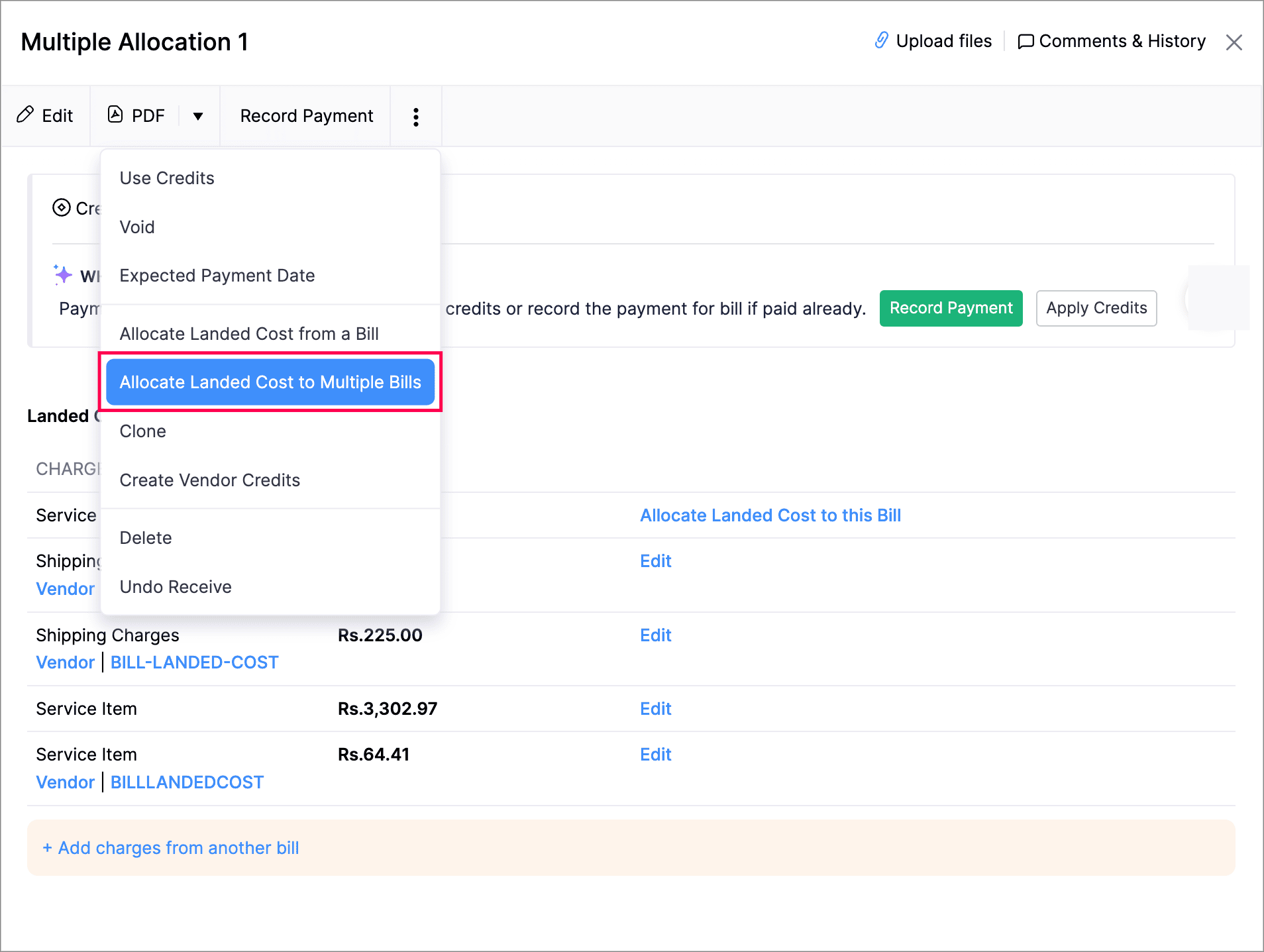
- Zoho Books Updates Online Banking for Reconciliation and Financial Control
- Smarter Access Control: Roles vs. Responsibility-Based Profiles in Zoho SalesIQ
- Webinars on Zoho CRM, Books, and Creator
New Workqueue View in Zoho CRM and Webform Spam Detection to Protect Your Data Quality
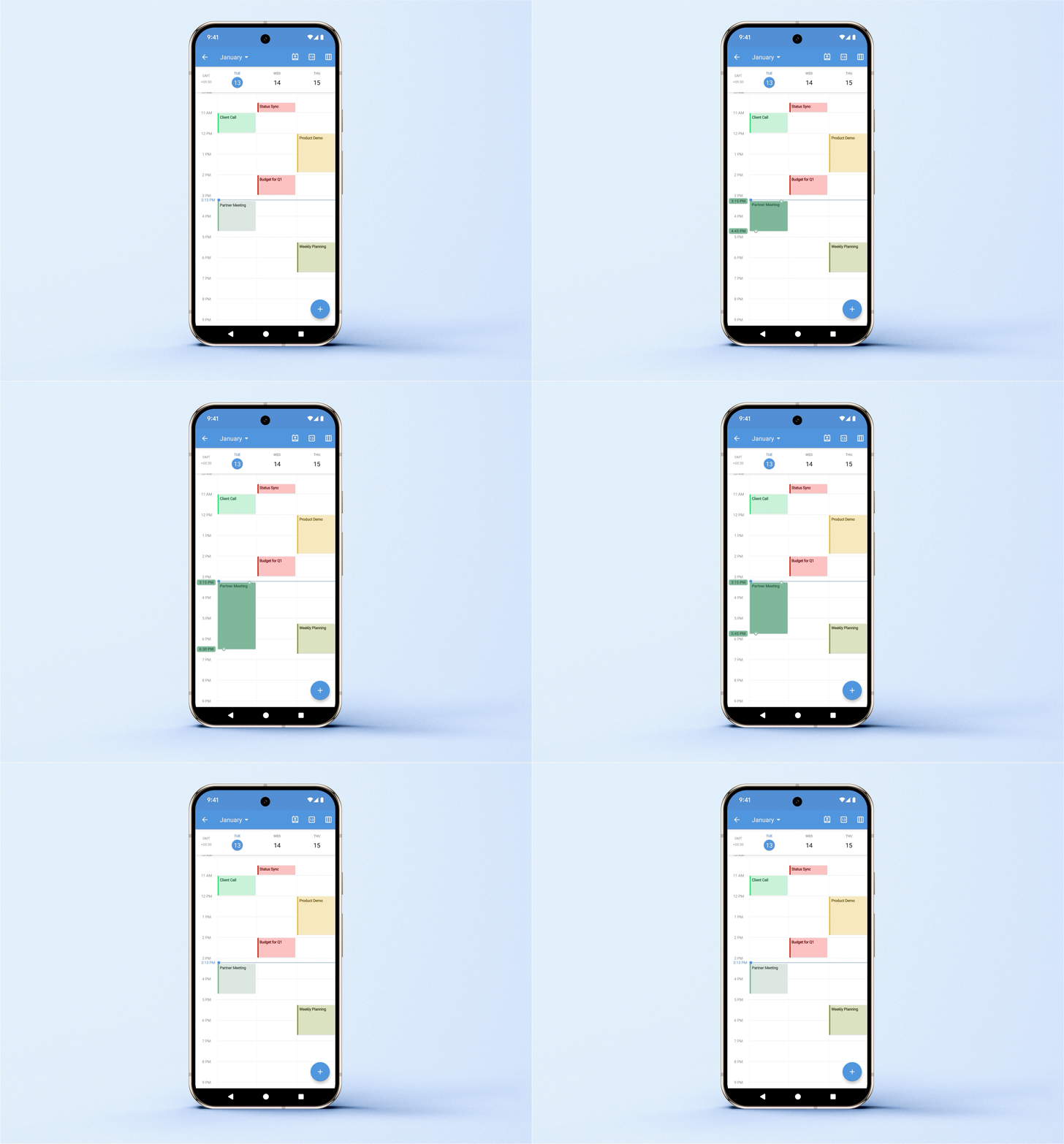
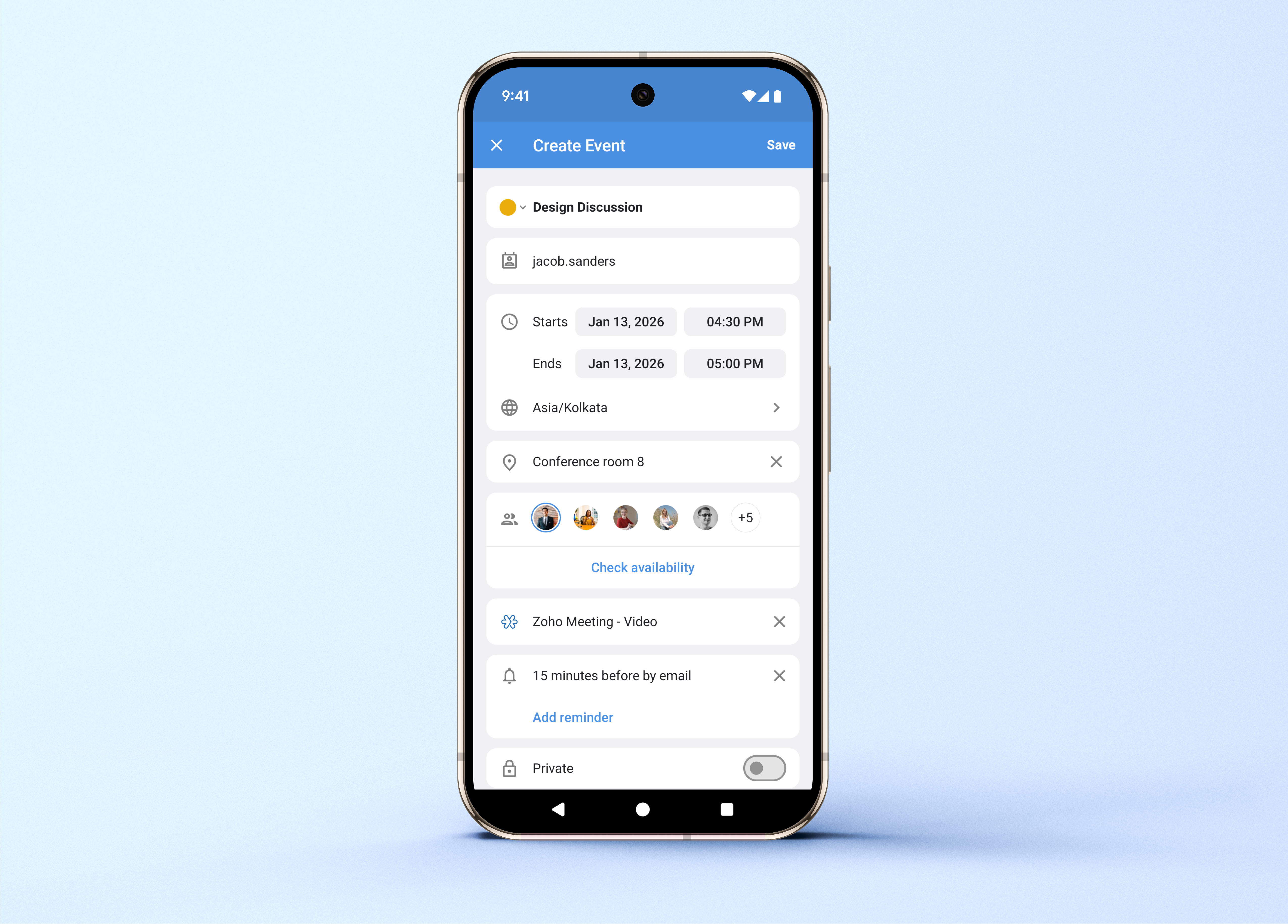
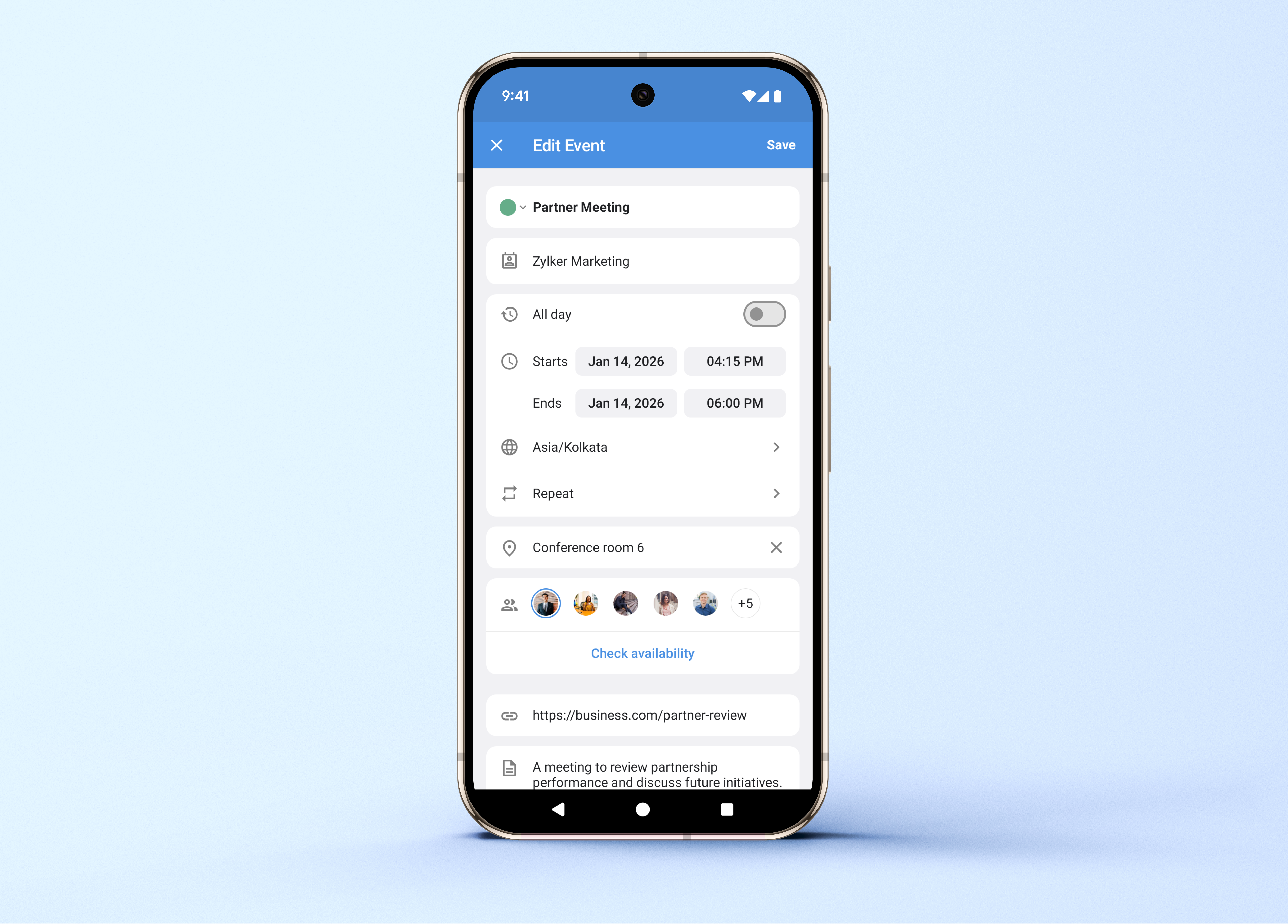
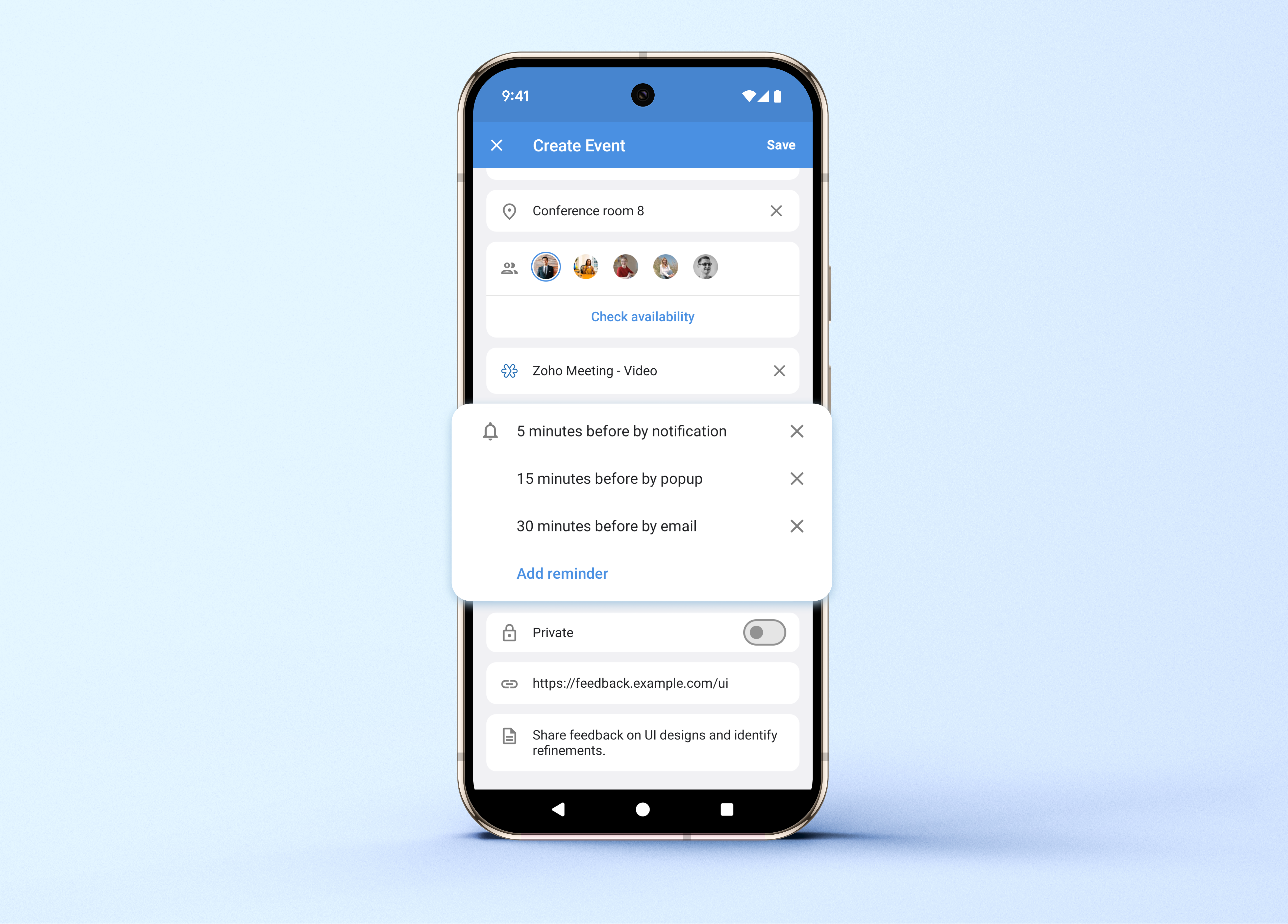
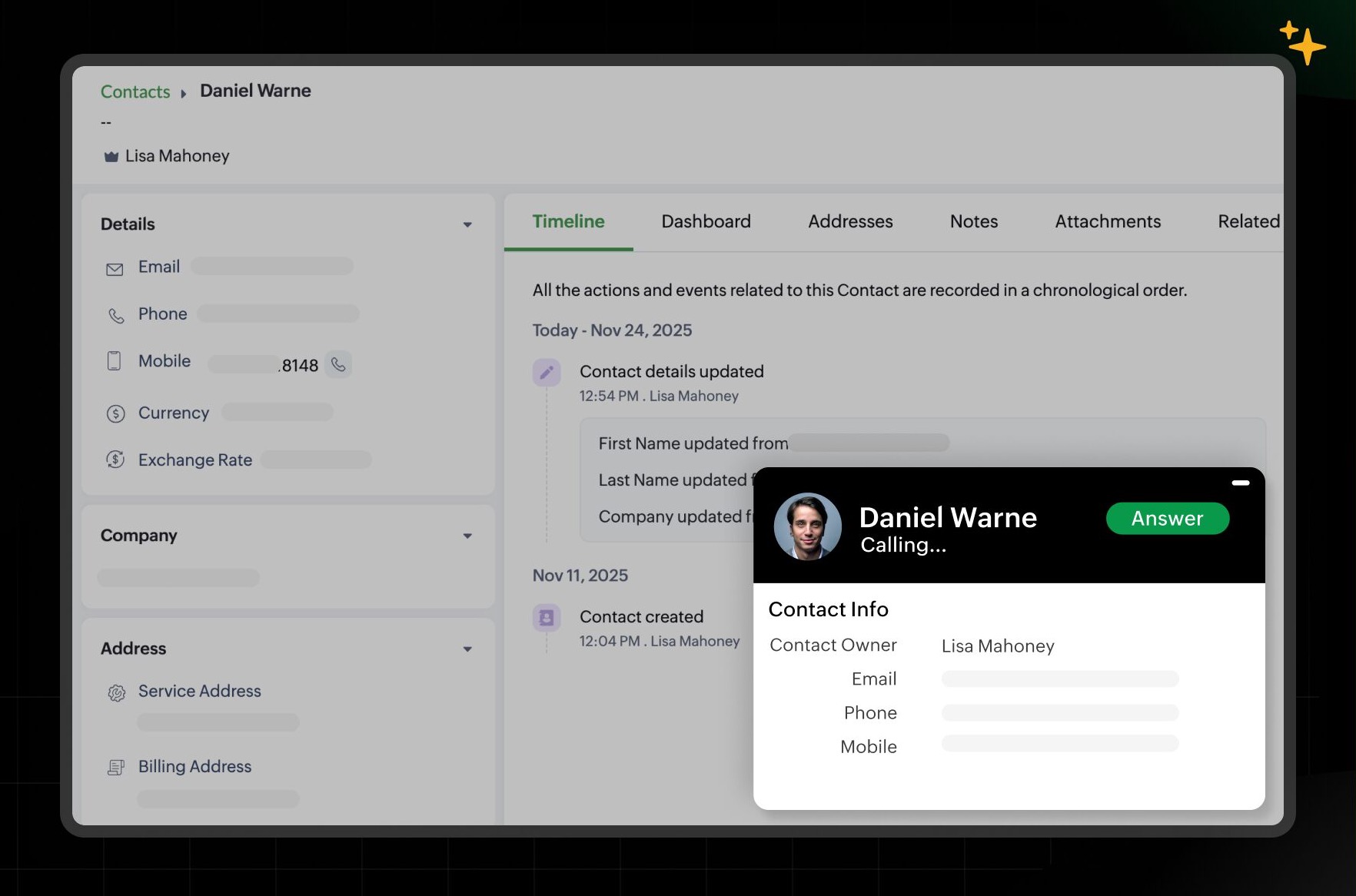
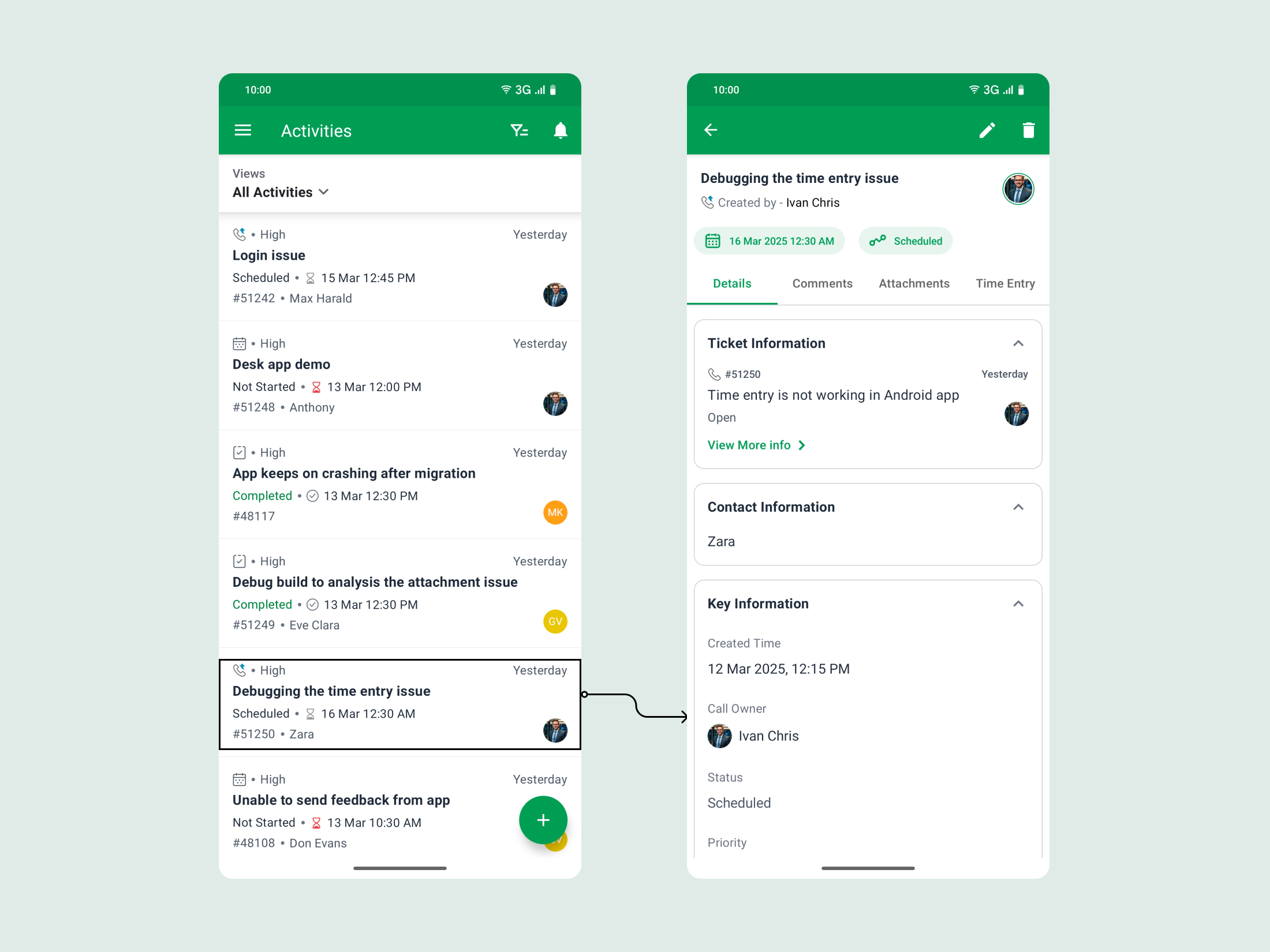
Workqueue is now available in Zoho CRM as an all-in-one view designed to help you manage daily activities with greater focus and prioritization.
My Activities: focus and prioritization
View all your scheduled and overdue activities in one place, with color-based priority indicators.
You can complete tasks and execute actions directly from this view.
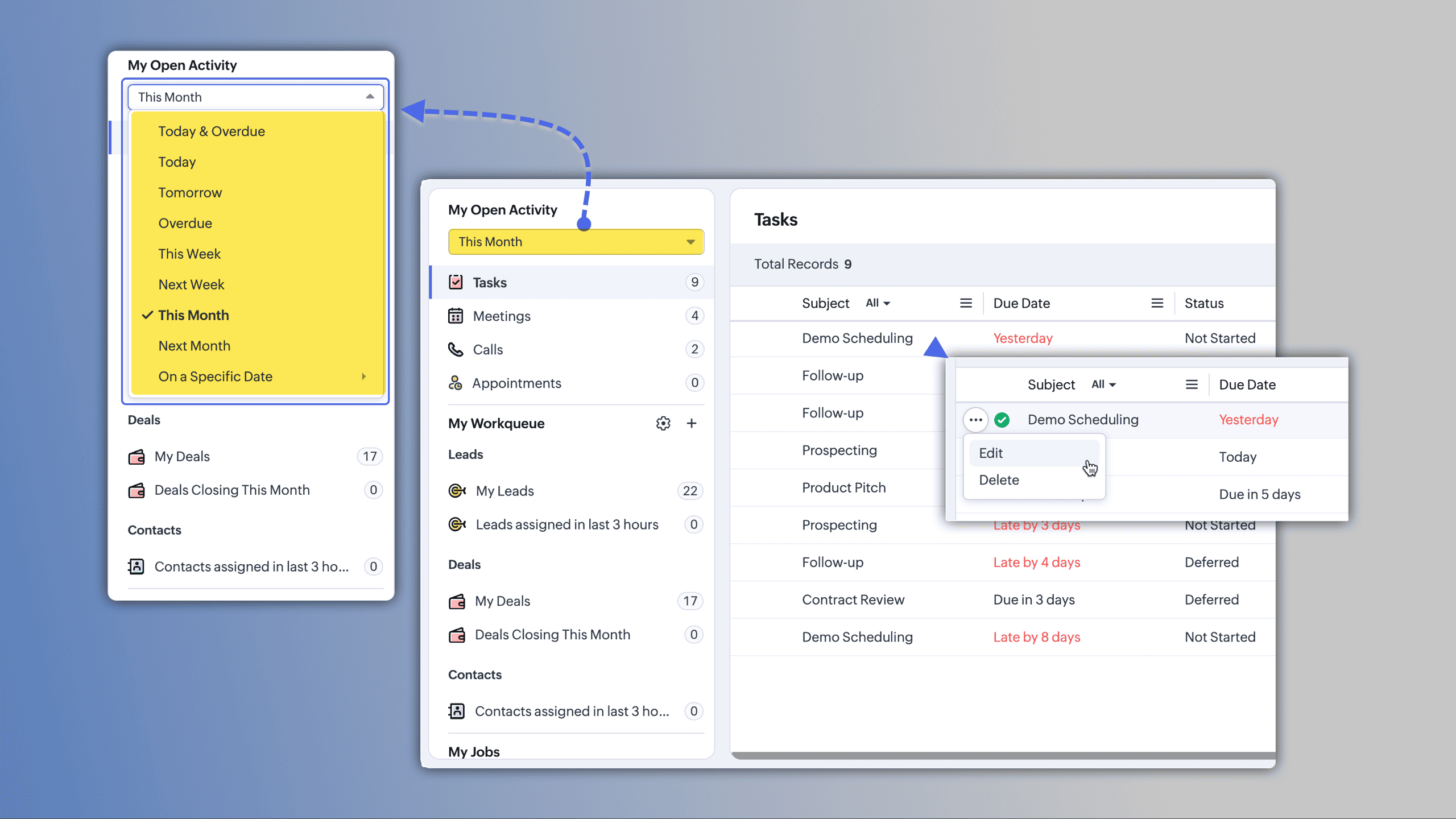
(image via Zoho)
My Jobs: centralized approvals
Manage approval processes, workflows, and validations from a single space.
Requests can be approved, delegated, or rejected with one click.
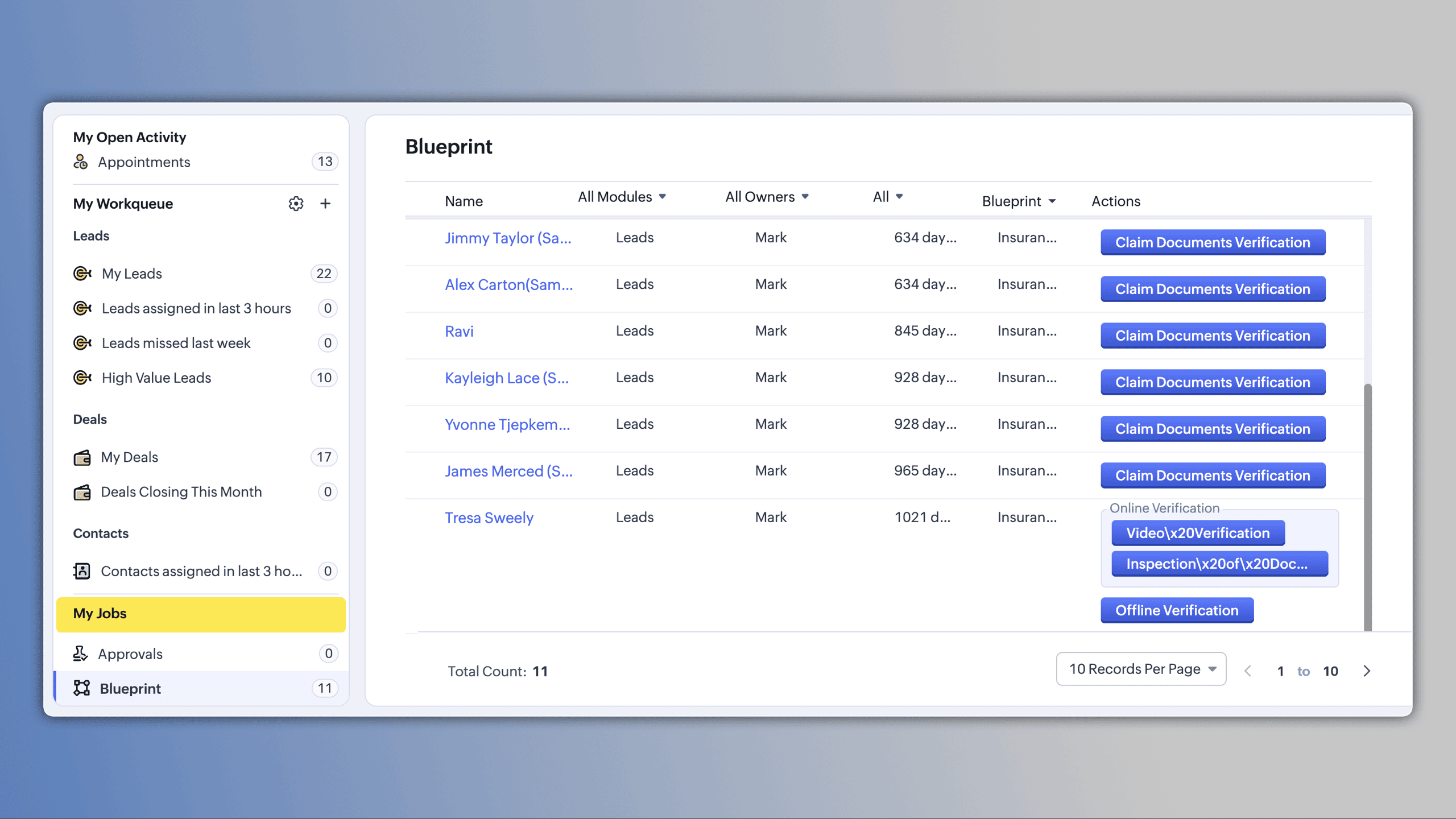
(image via Zoho)
My Work Queues: personalized views
Create queues tailored to your needs by importing views, applying date filters, or defining specific criteria.
Records are automatically organized by ownership and visibility, and you can create activities directly from the queue.
(image via Zoho)
Manager View
Users managing teams can access a dedicated view to monitor team work queues in real time.
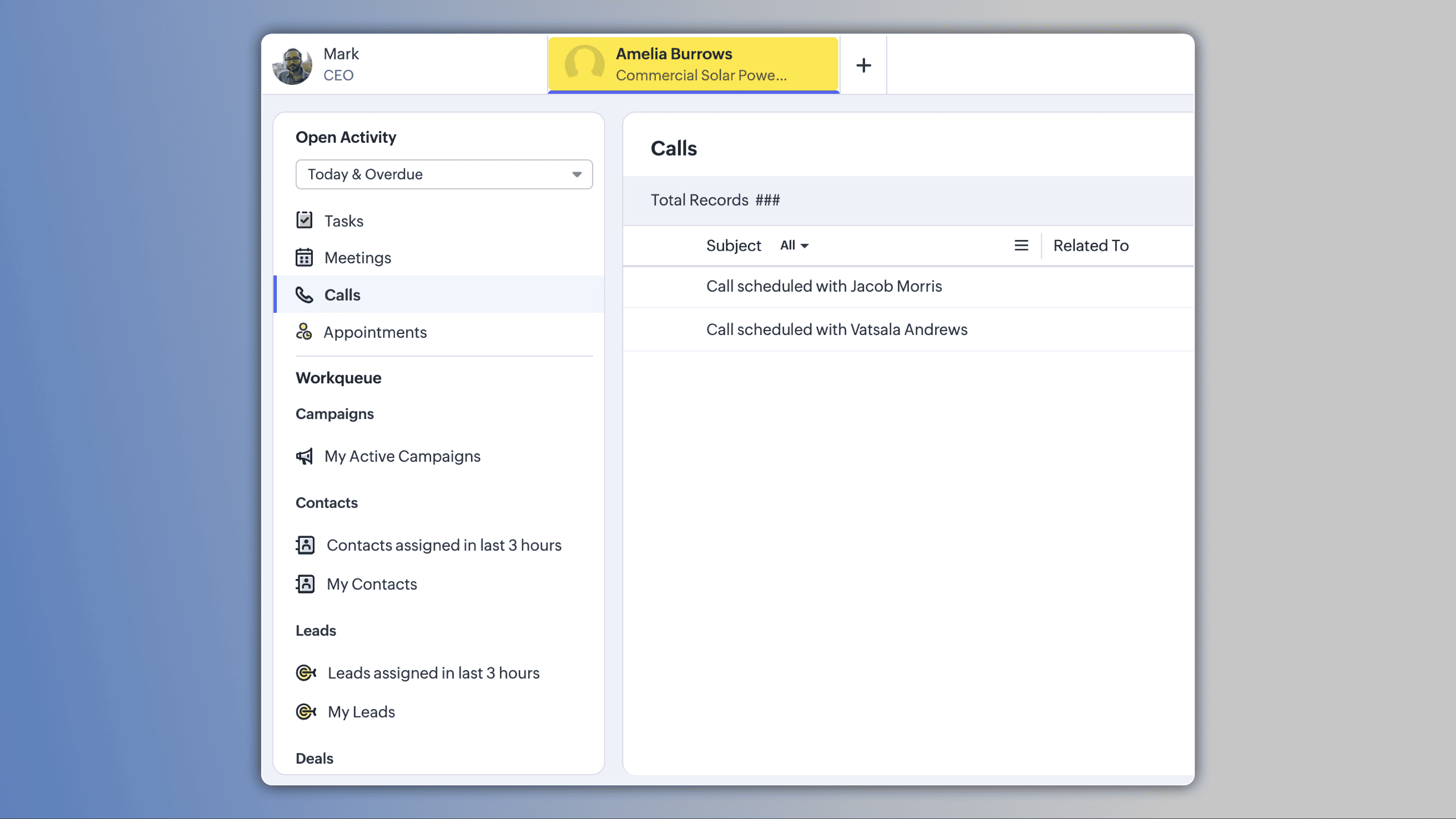
(image via Zoho)
How to access
In Zoho CRM, navigate to the Activities module and enable the Workqueue view to begin managing your daily work from a single dashboard.
Webform Spam Detection: Additional Protection for Your Data Quality
Zoho CRM now includes spam detection for webforms, adding an extra validation layer to protect the quality of incoming data.
Smart evaluation with spam probability scoring
Each submission receives a final spam probability score based on multiple signals detected during the process.
Instead of binary validation, you receive a more granular risk analysis.
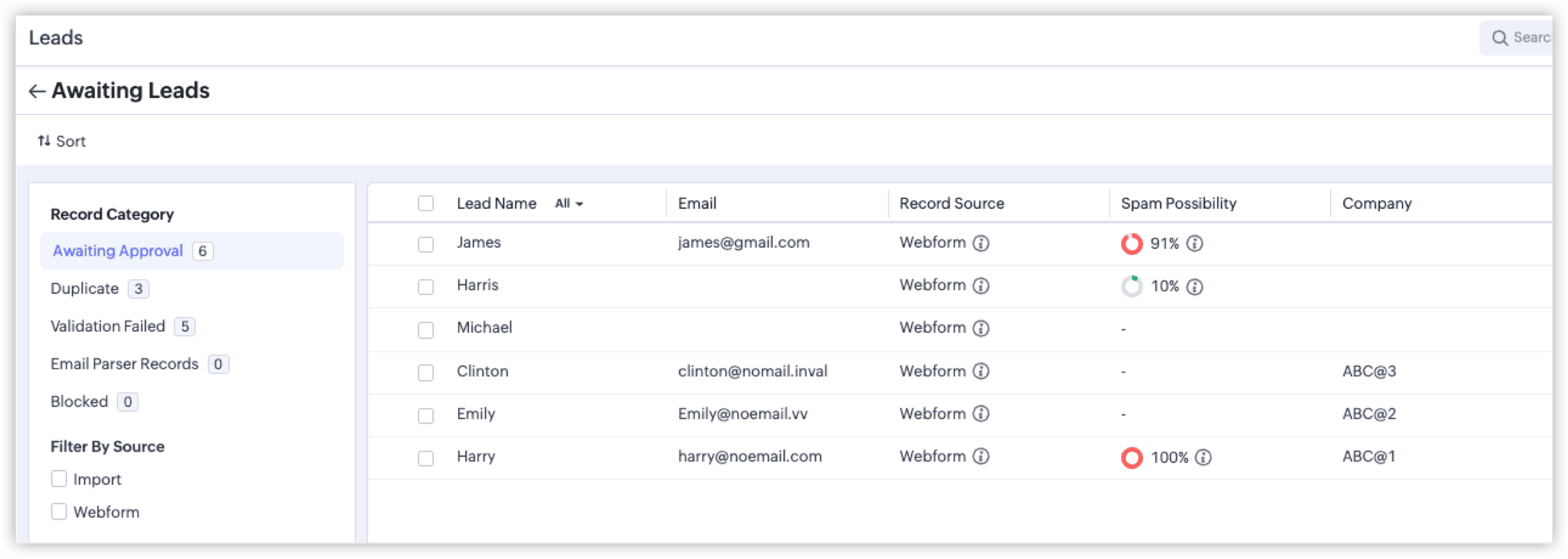
(image via Zoho)
Identification of common spam patterns
- • Submissions from bots or automated crawlers
- • Invalid or inconsistent phone numbers
- • Invalid email addresses
- • Other patterns associated with non-legitimate records
Color indicators based on severity level
Records are classified using colors that represent the severity of spam probability, allowing faster review.
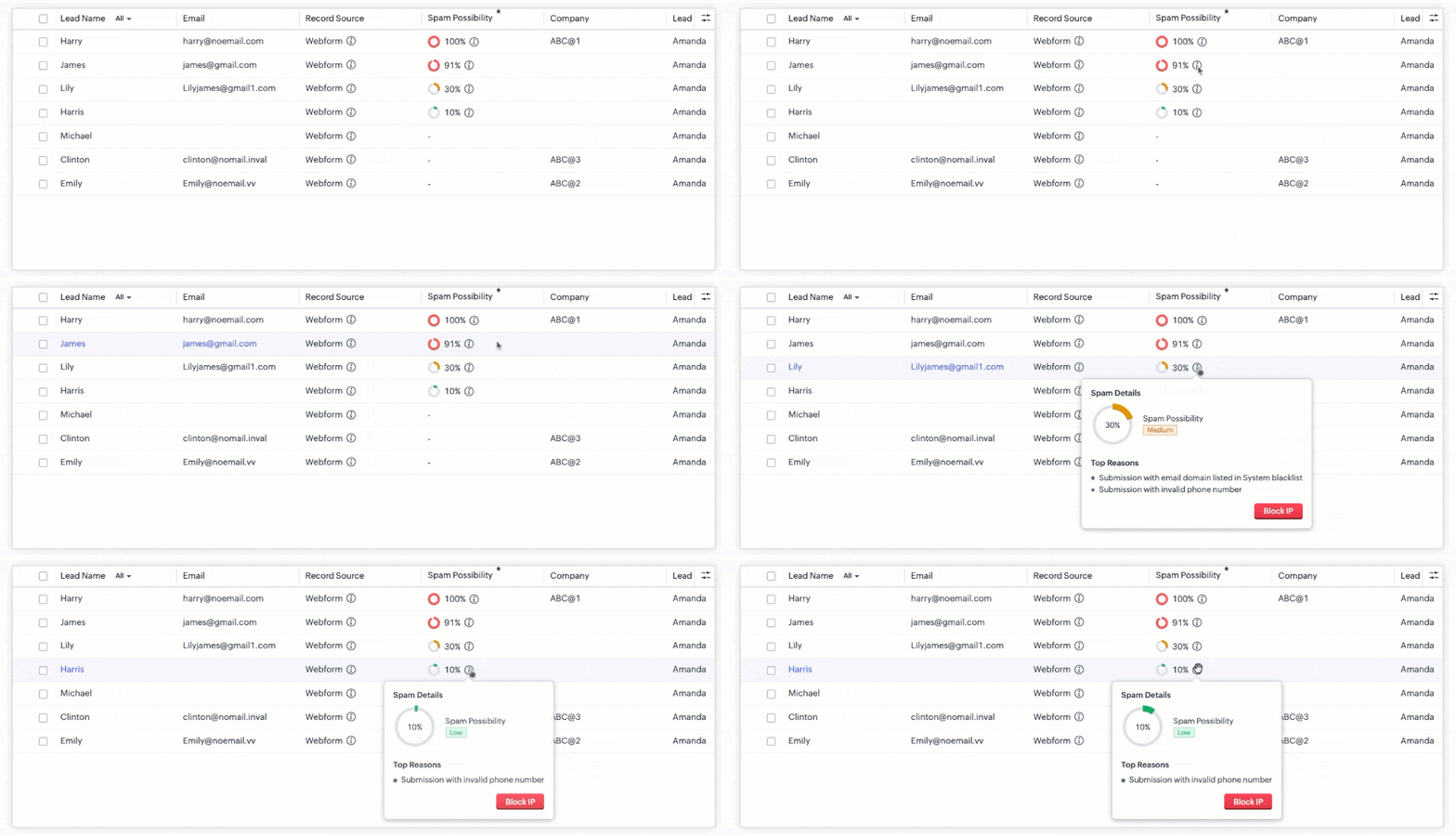
(image via Zoho)
Optional IP address blocking
You can block IP addresses associated with suspicious submissions to prevent future entries from those sources.
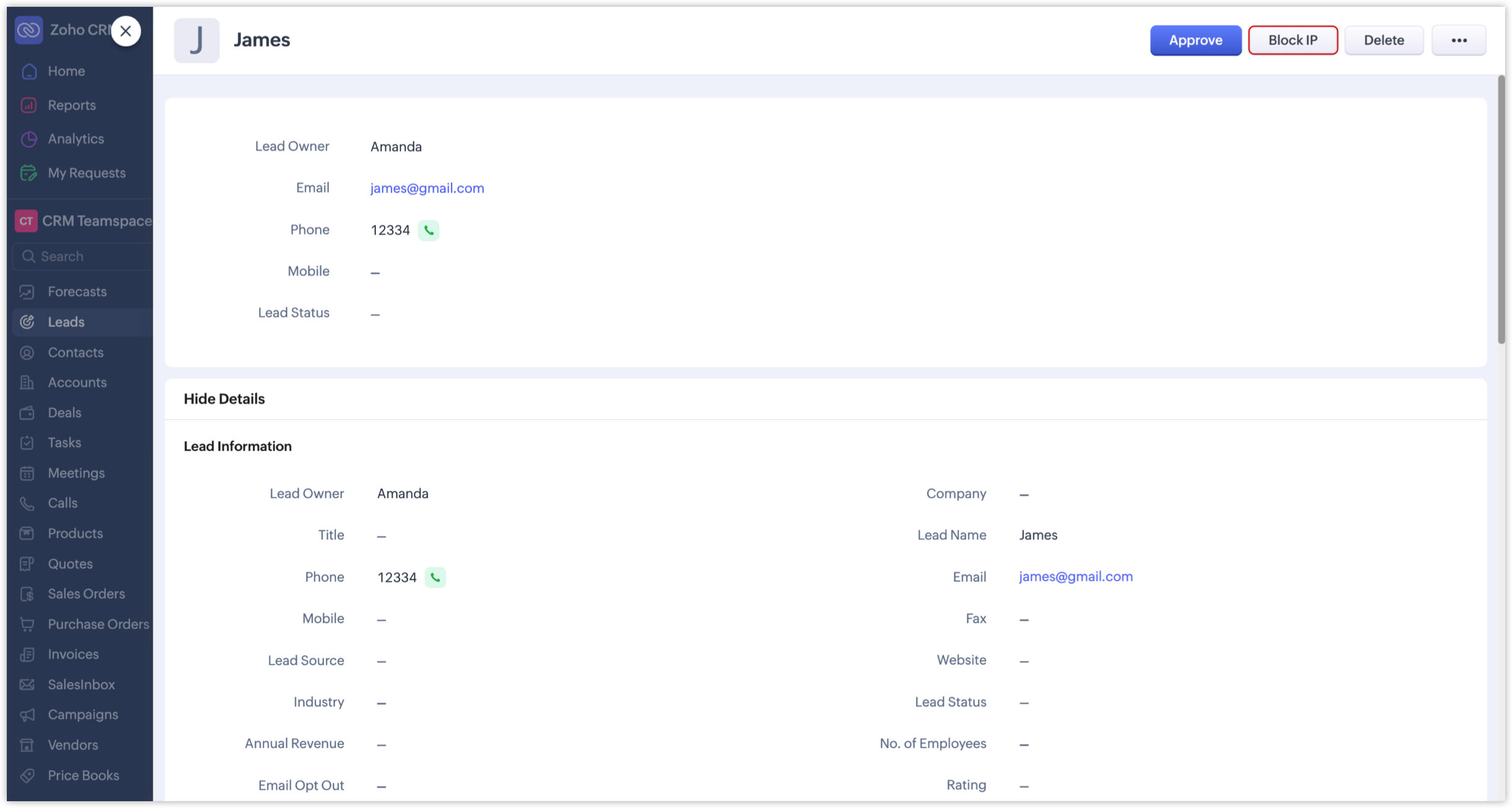
(image via Zoho)
How to enable spam detection
- • Go to Setup in Zoho CRM
- • Navigate to Channels > Webforms
- • Edit the relevant form
- • Enable the spam detection option
Impact on data governance
Spam scoring, visual classification, and optional IP blocking strengthen control over data capture.
This protects automations and ensures business decisions are based on reliable data.
Zoho Analytics Introduces Improvements in Dashboards, Performance, and AI-Assisted Analytics with Zia
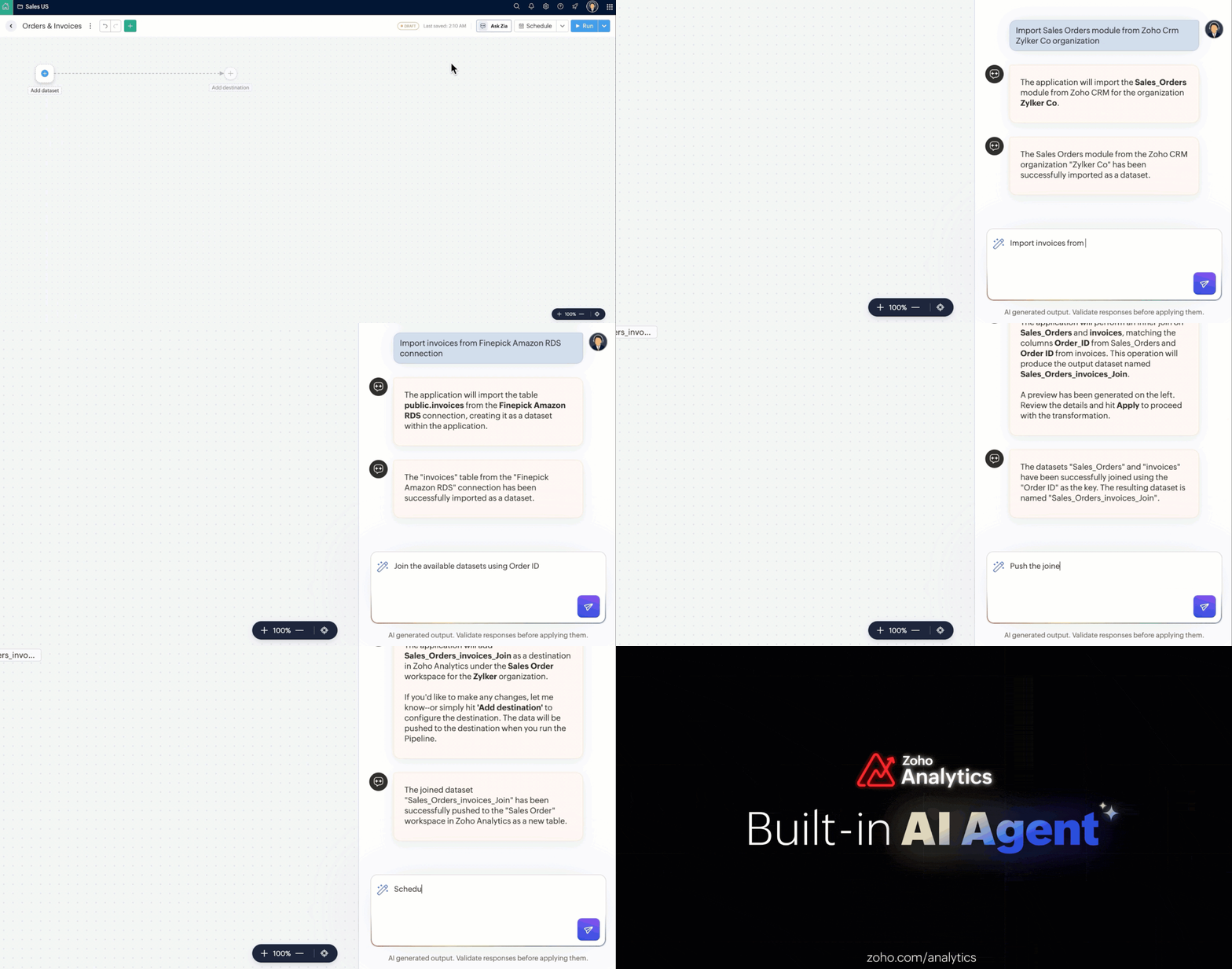
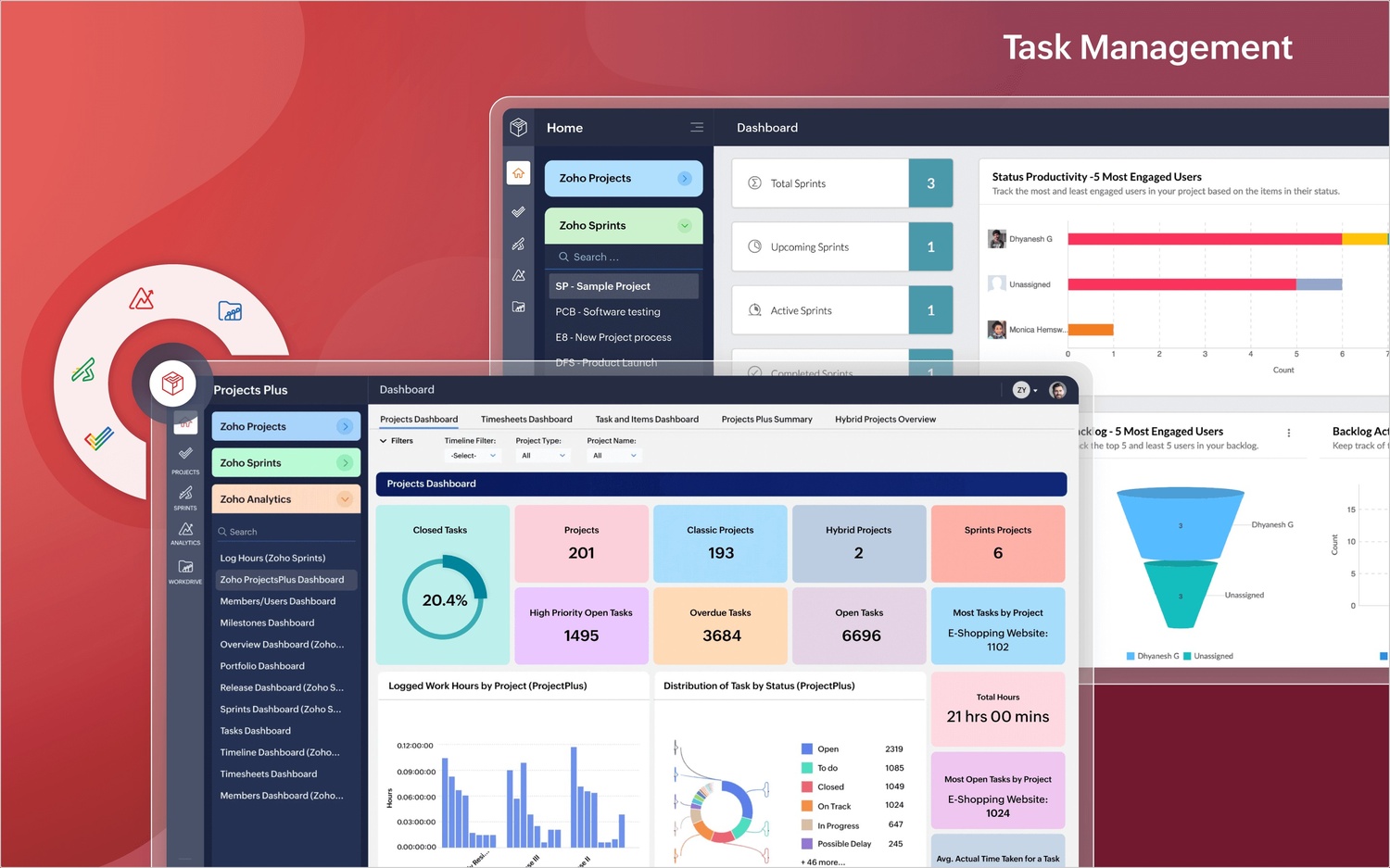
Zoho Analytics adds improvements focused on optimizing workspace performance, simplifying view organization, and expanding AI-assisted analysis capabilities. These updates help you work with large data volumes more efficiently and in a more structured way.
Archive Data: performance optimization for historical data
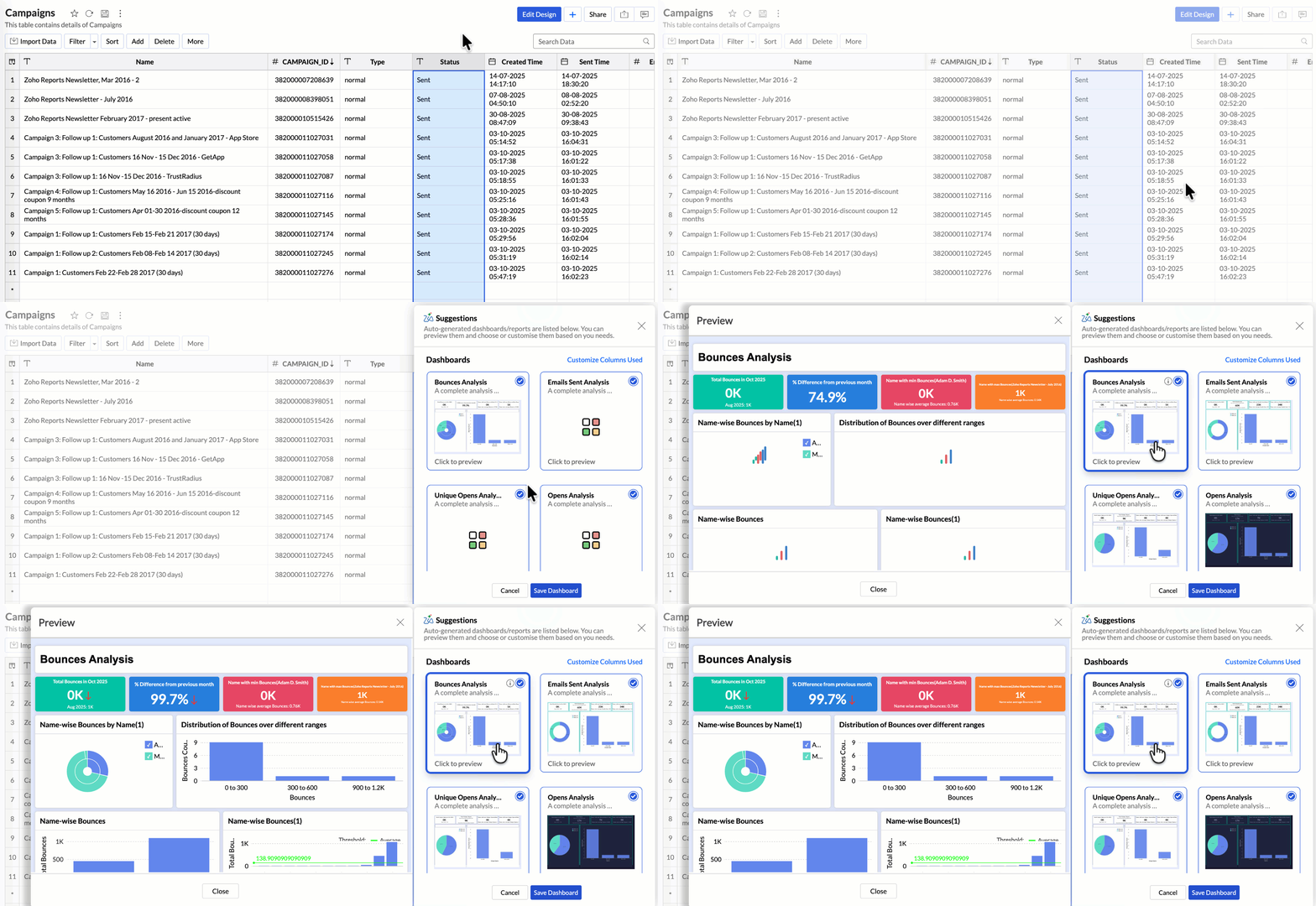
Archive Data is introduced as a capability that lets you move older or less-used records out of active tables.
This enables you to:
- • Reduce query load on historical data
- • Improve the speed of report and dashboard generation
- • Optimize storage management without deleting information
By separating active data from archived data, workspace performance improves significantly in high-volume environments.
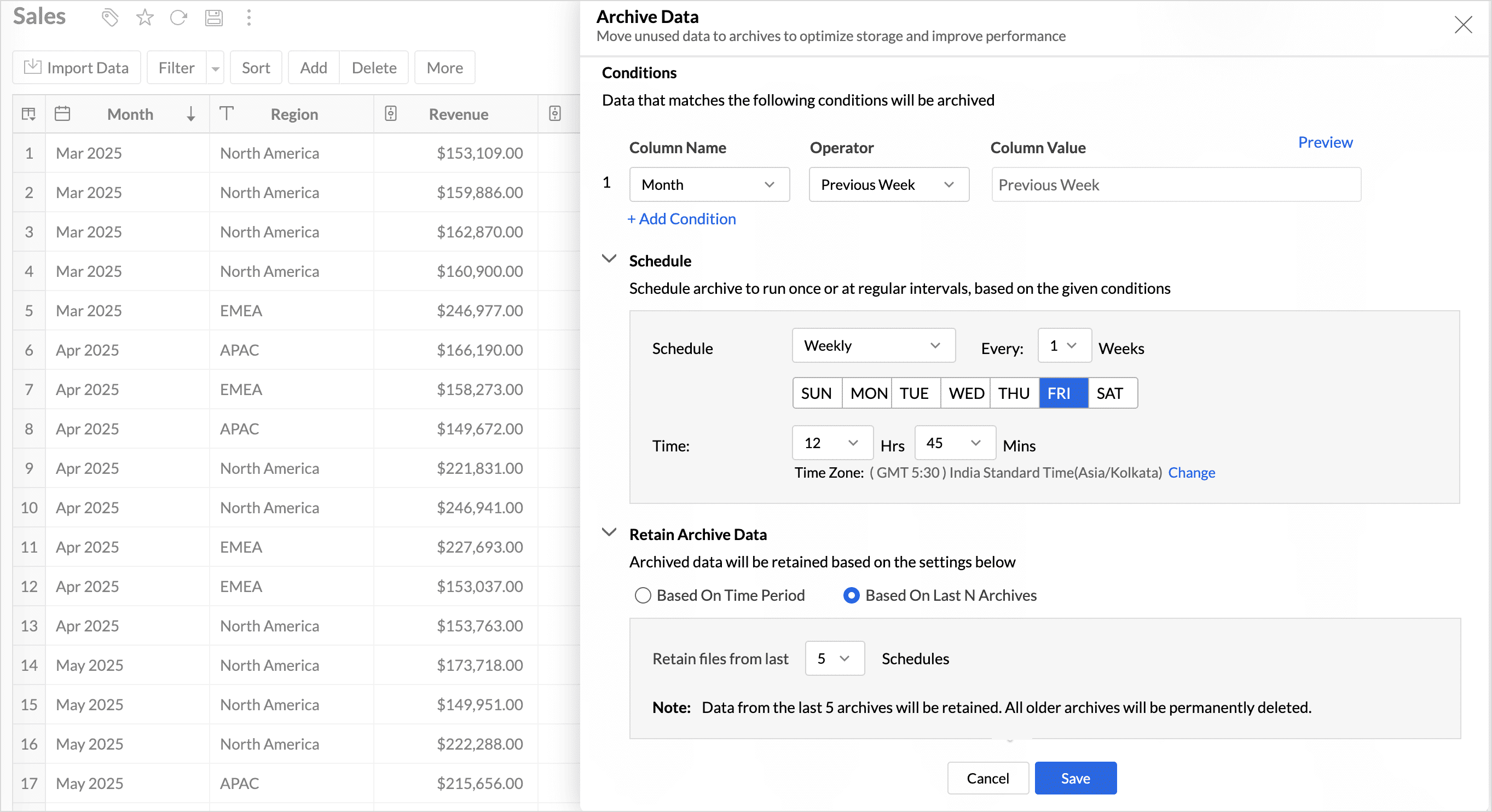
(image via Zoho)
Advanced organization with tags
You can now organize dashboards and reports using tags within the workspace.
This helps you:
- • Group views by team, project, or use case
- • Filter and quickly locate relevant reports
Tags improve collaborative management of analytics assets.
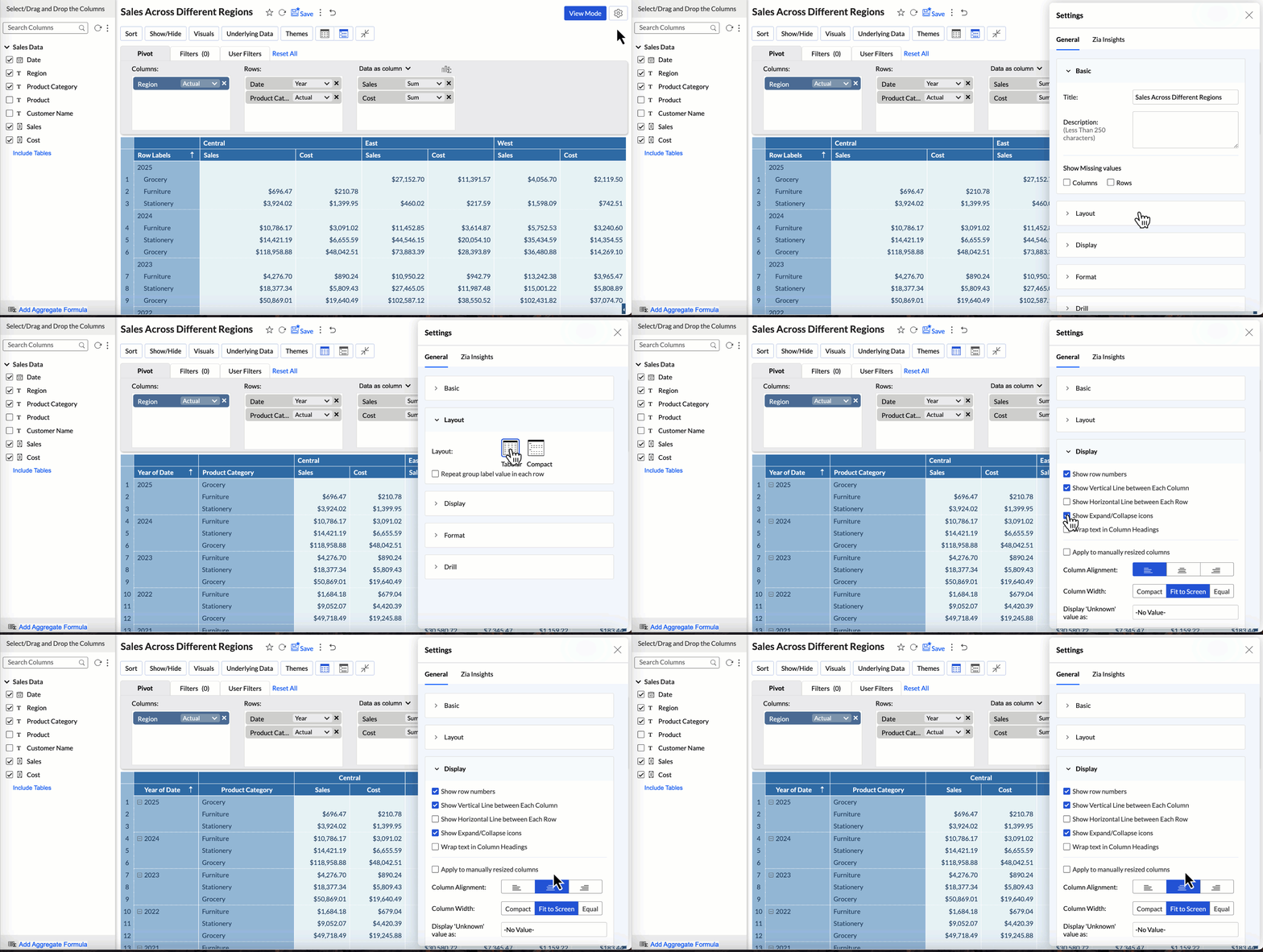
Global Custom Sort at the workspace level
Global Custom Sort lets you define a custom order for text-based values at the workspace level.
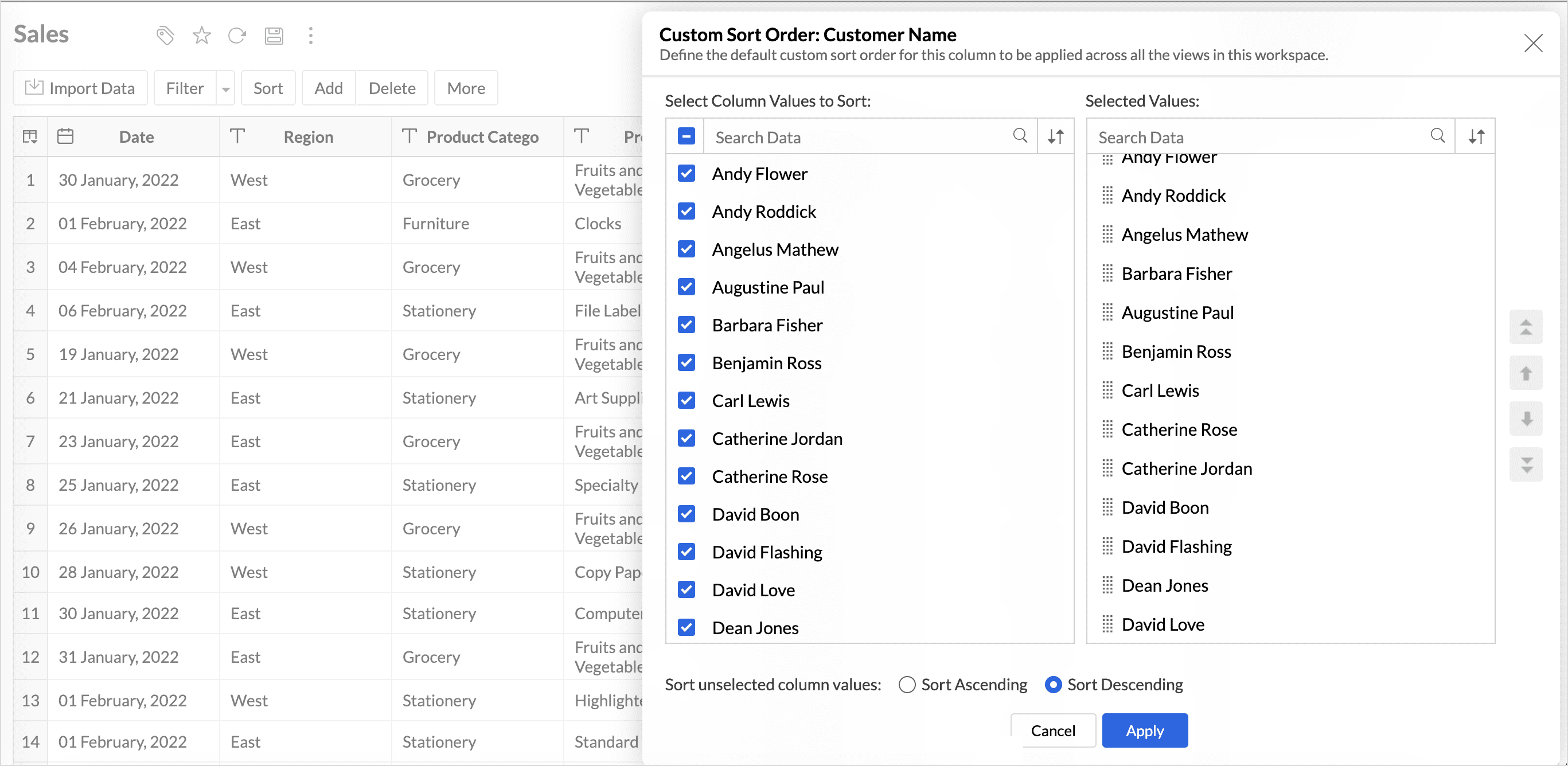
(image via Zoho)
This helps you avoid configuring sorting manually in each individual report and ensures consistency across dashboards.
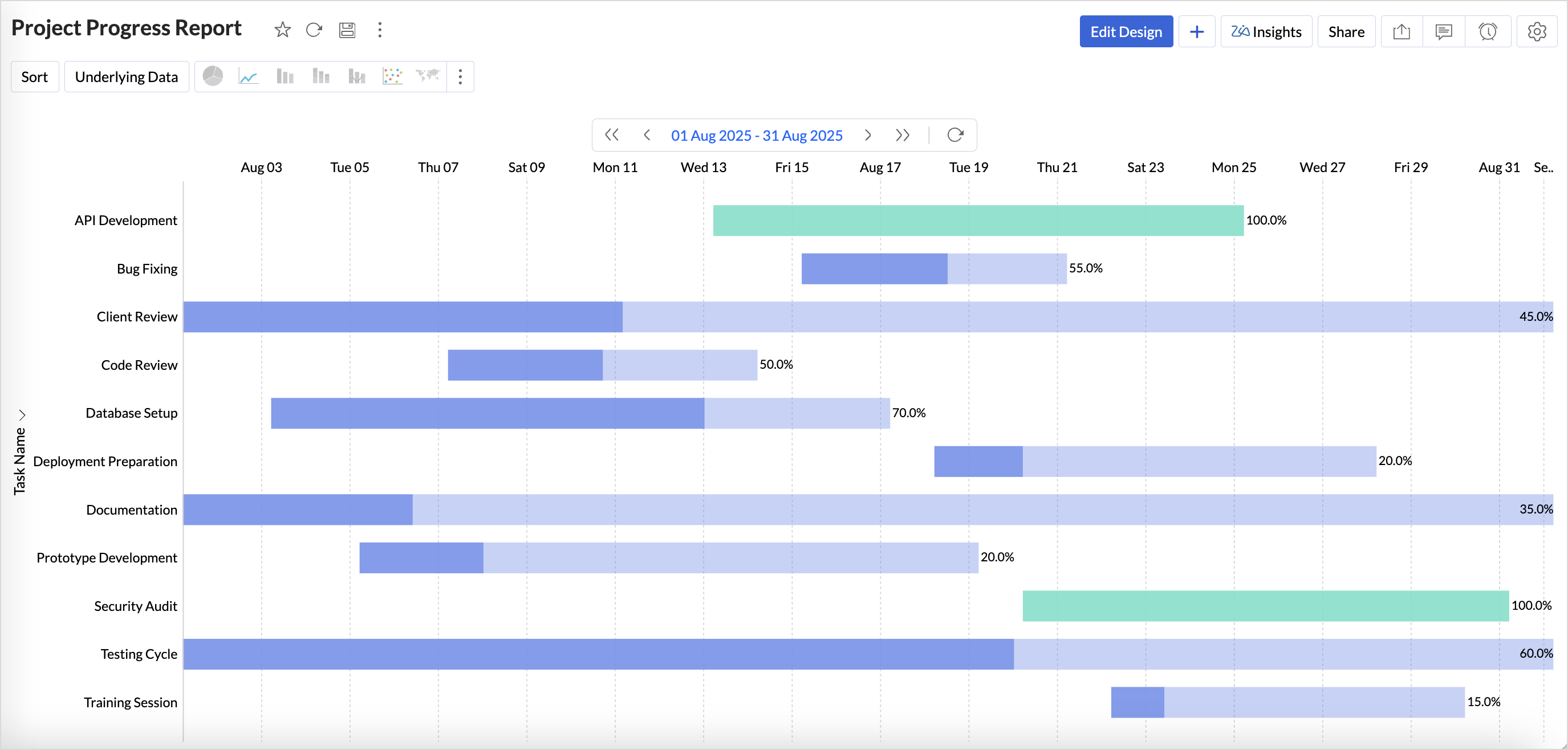
Flexible period selection in charts
Overview charts now let you select specific time periods to analyze relevant trends without including unnecessary data. This supports more focused, contextual analysis.
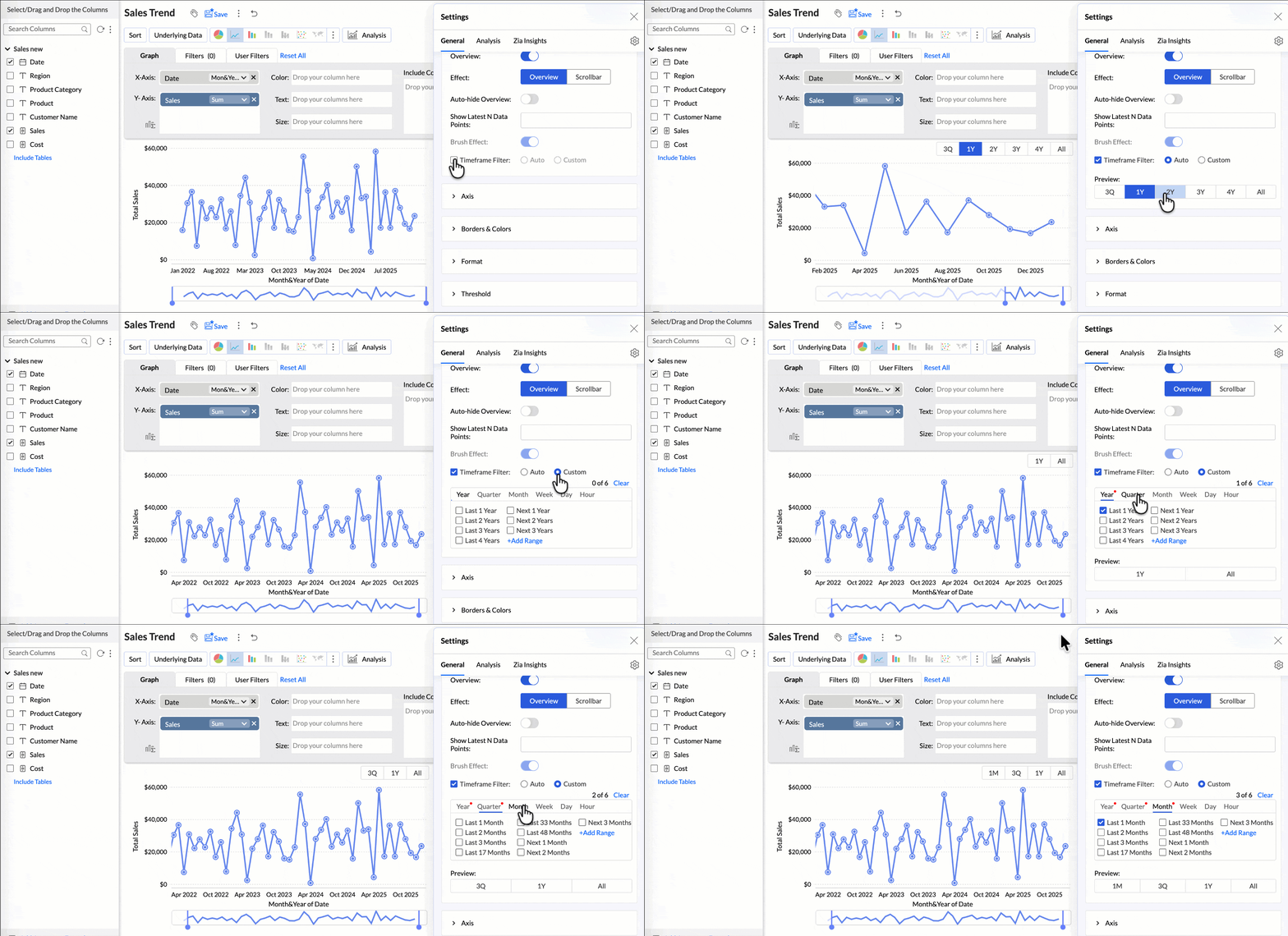
(image via Zoho)
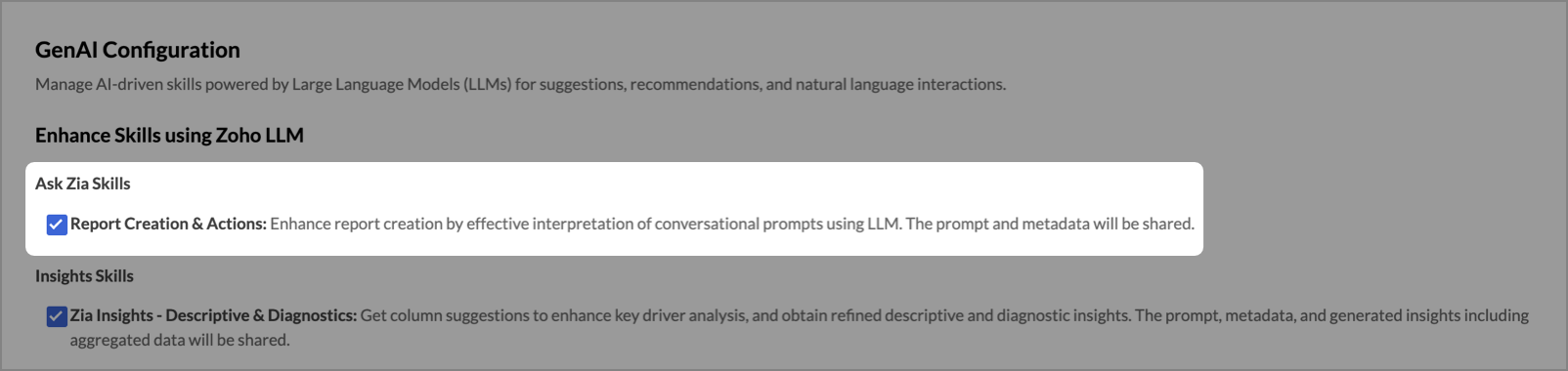
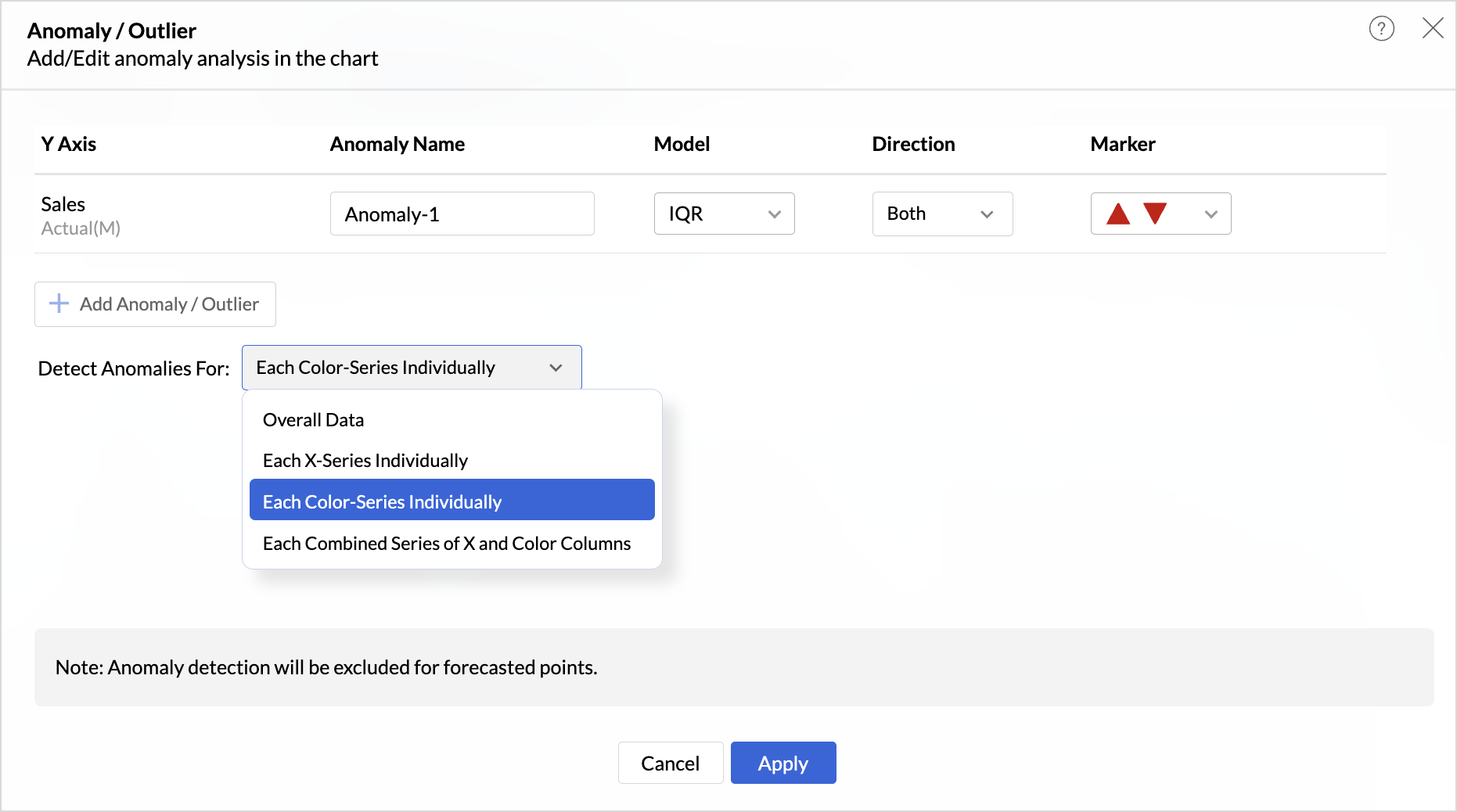
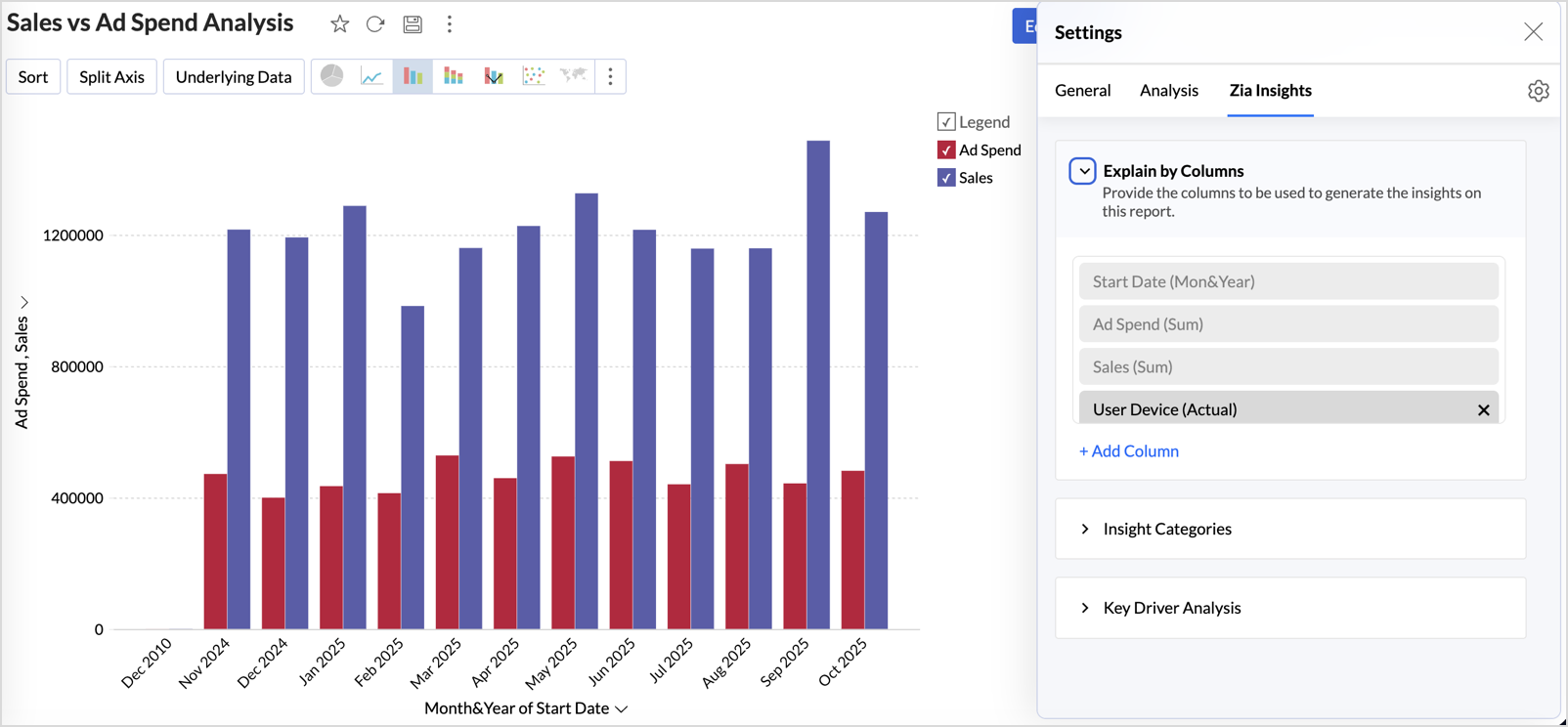
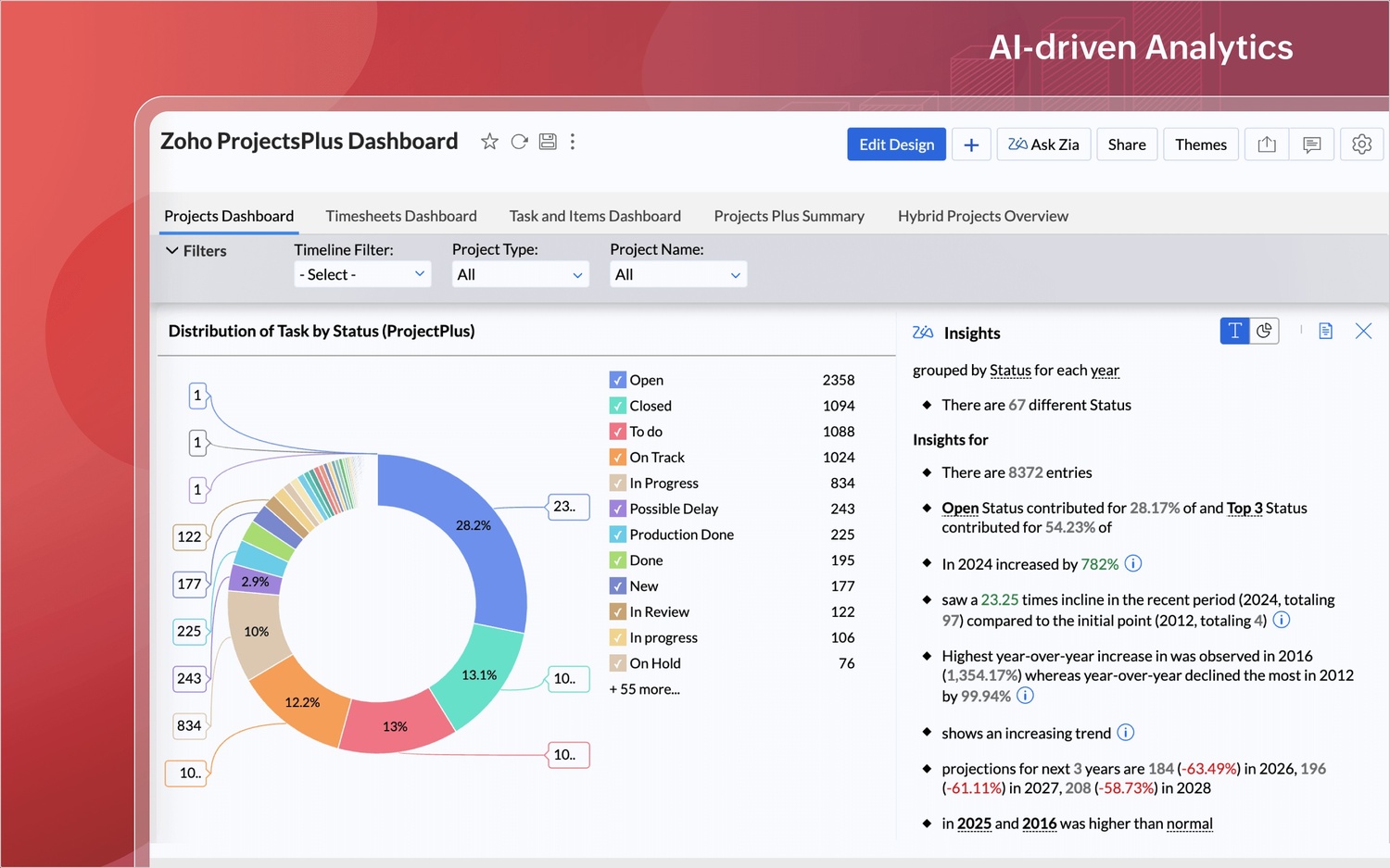
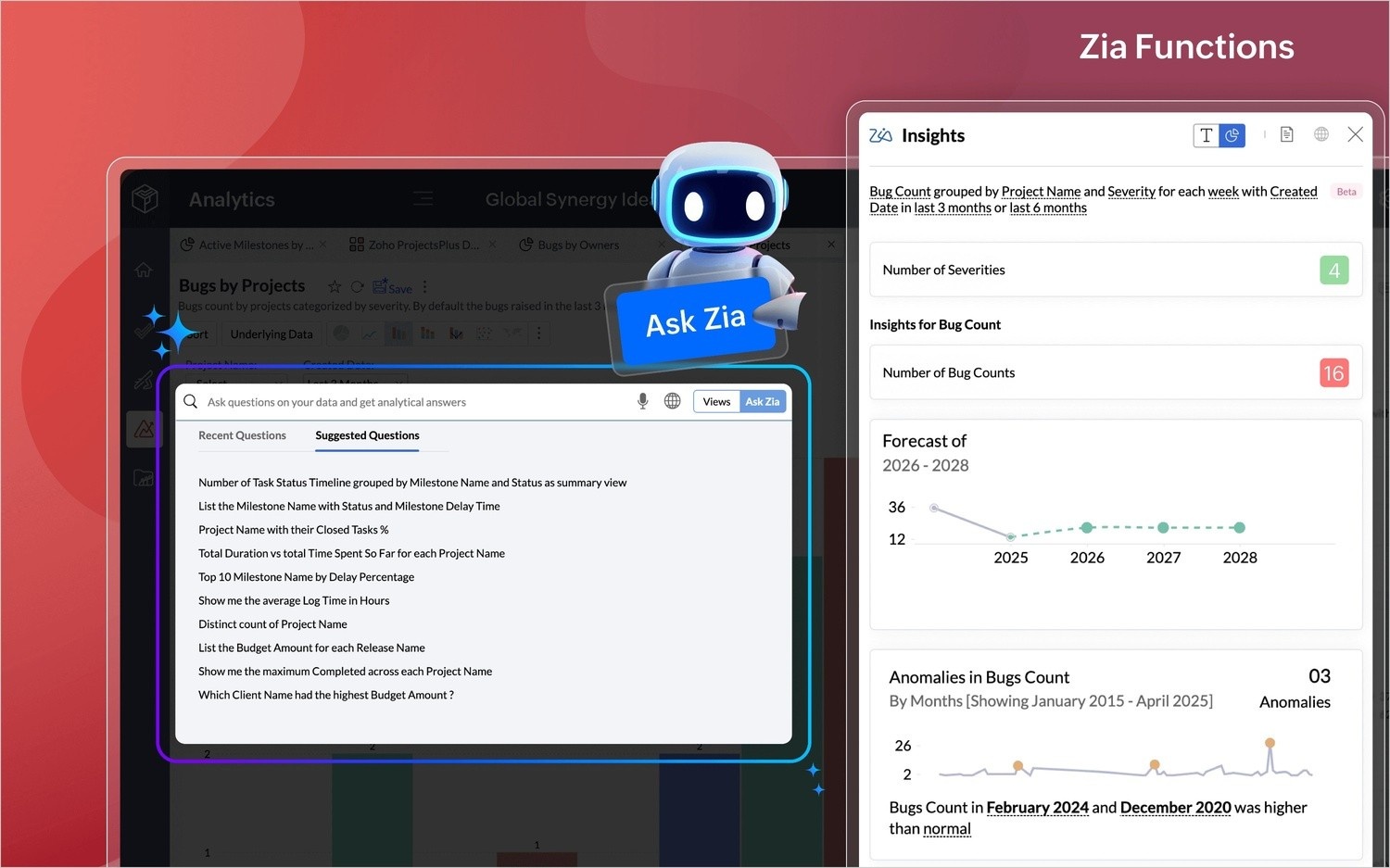
Zia Insights: more display flexibility
You can now choose how Zia Insights appear in your dashboards using three options:
- • Overlay
- • Within Report
- • Replace Report
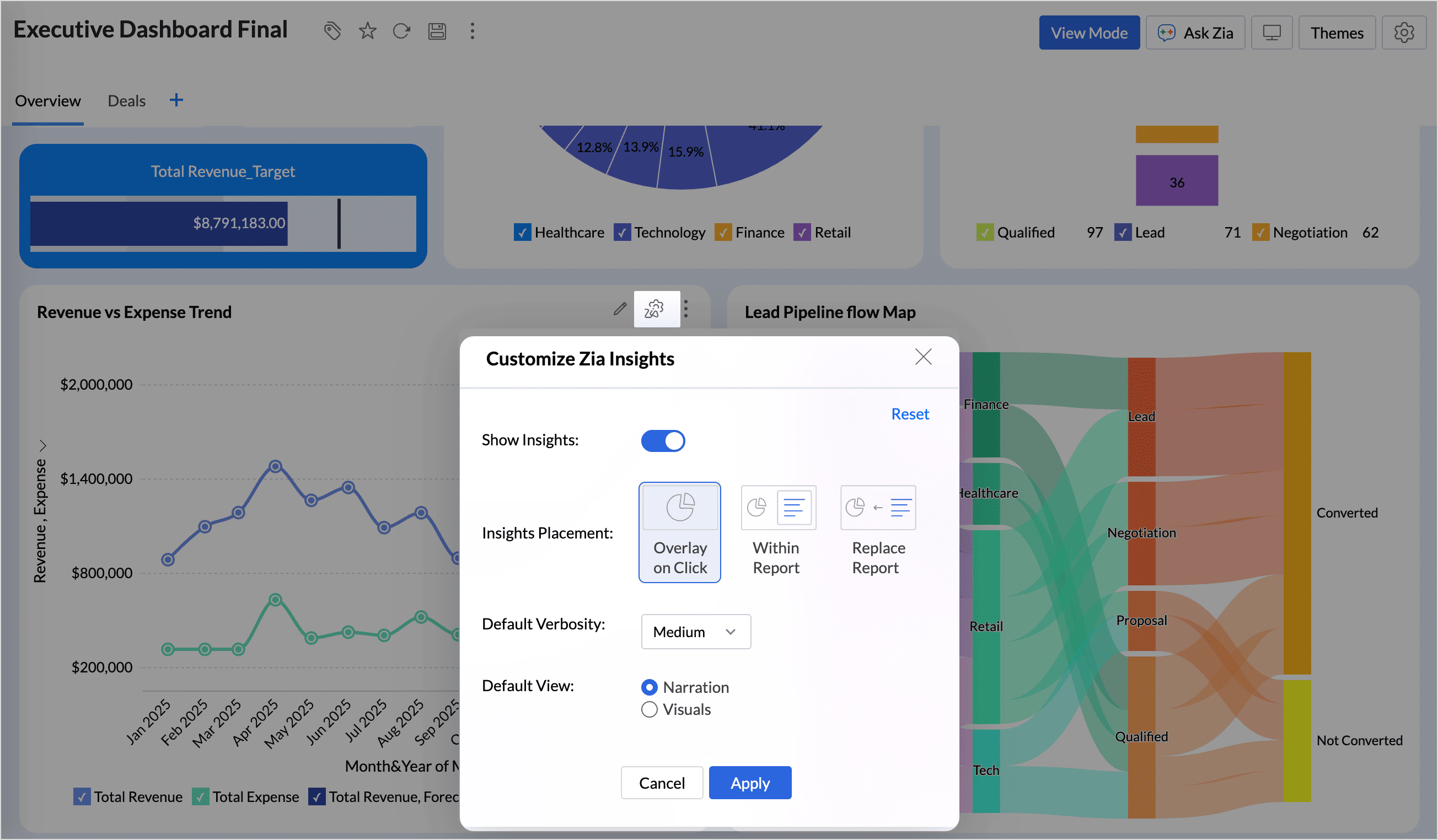
(image via Zoho)
This flexibility helps you add AI-generated insights without disrupting the dashboard’s visual structure.
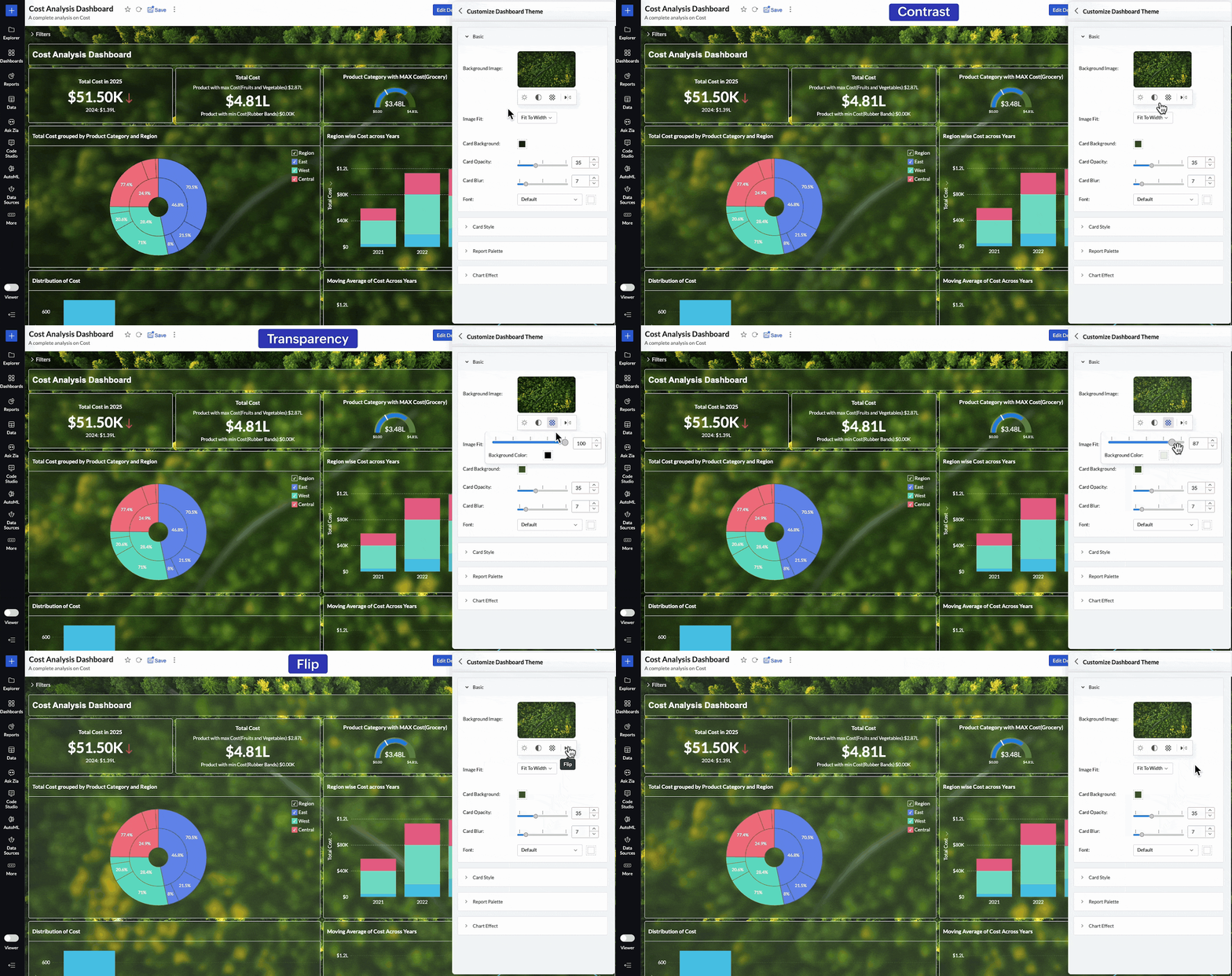
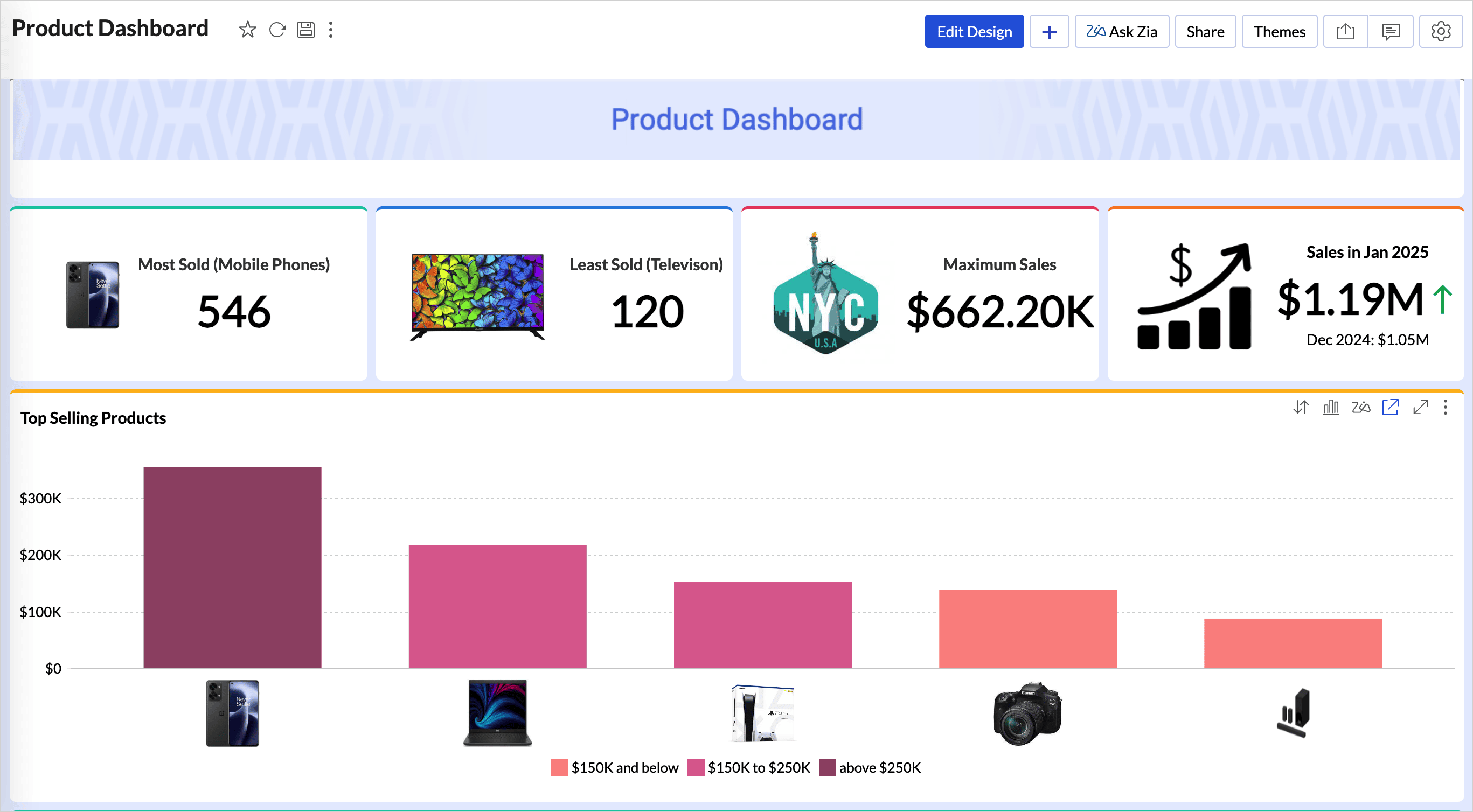
Image size control in dashboards
New options are available to resize images within dashboards:
- • Original
- • Fit to width
- • Contain
- • Stretch
This improves visual presentation and layout balance.
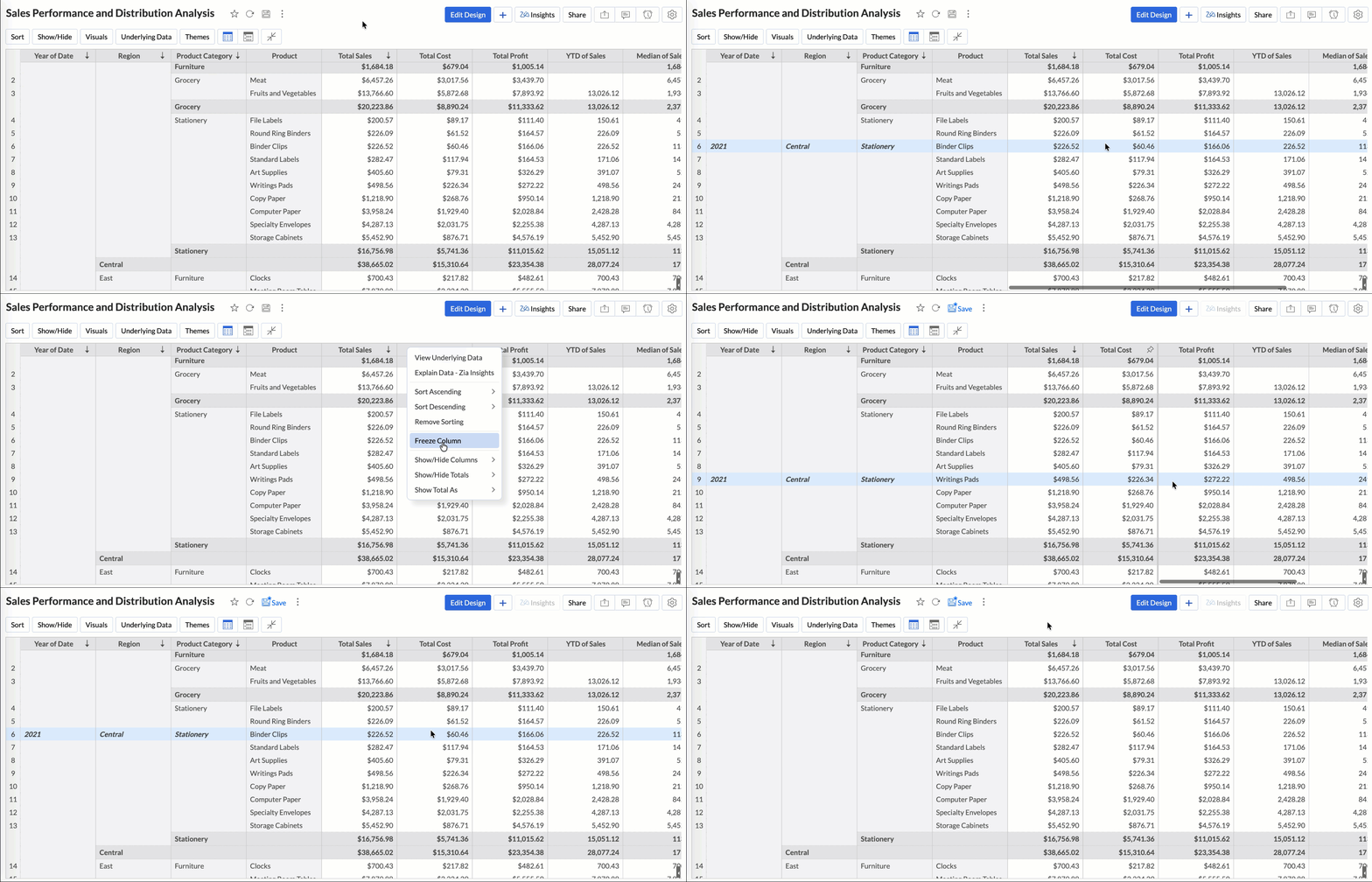
Tabular View with more control
Tabular View now allows you to:
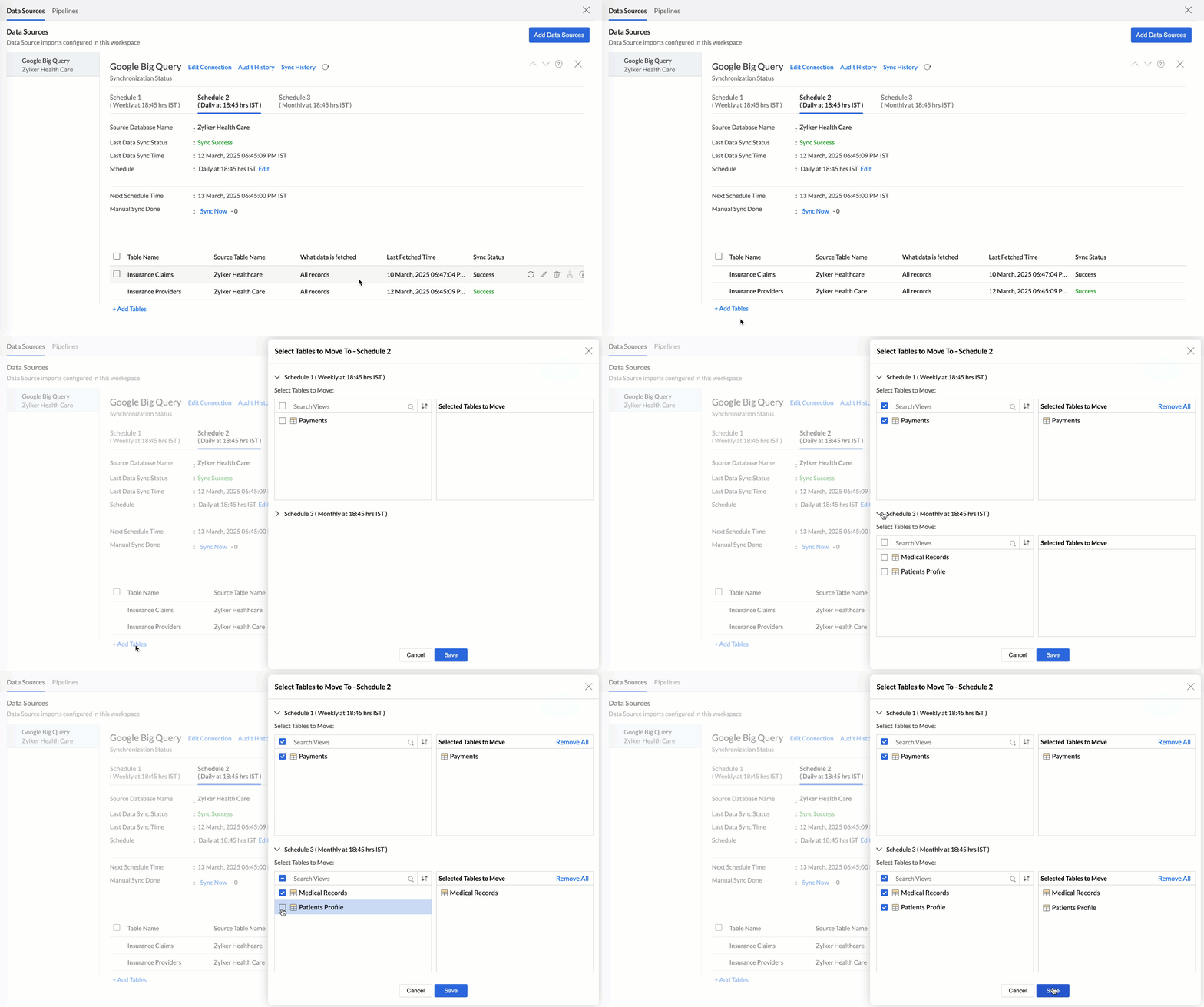
- • Access all linked tables through lookup columns within filter criteria
- • Customize join paths between tables to avoid ambiguous connections
This improves accuracy in tabular analysis and sharing filtered views.
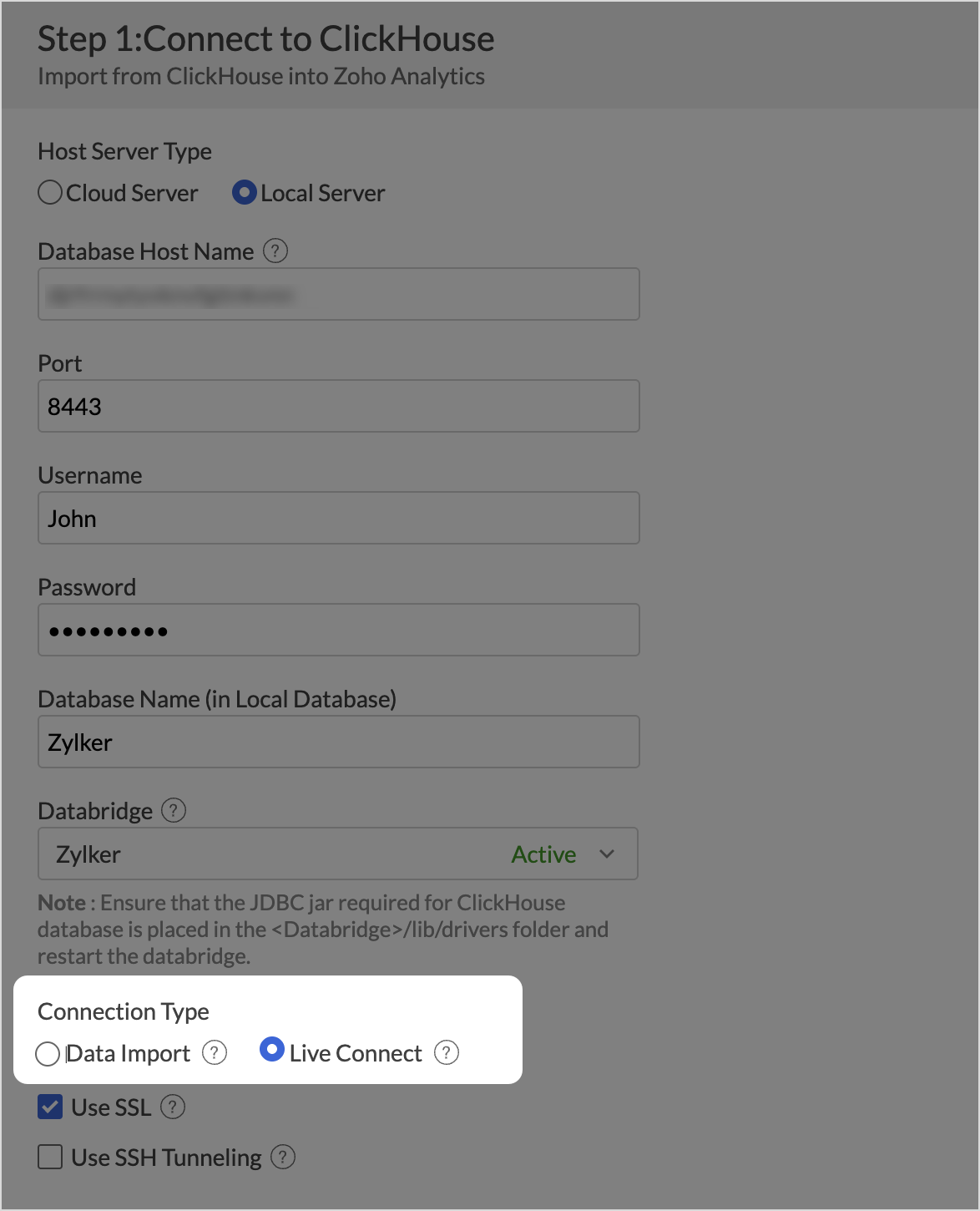
New enterprise connectors
Zoho Analytics adds new connectors:
- • Zoho FSM, to analyze field service operations
- • Adobe Commerce (Magento), for ecommerce metrics with prebuilt dashboards
These connectors expand data consolidation in a centralized analytics environment.
Scheduled Replies in Zoho Desk to Automate Communications at Key Ticket Moments
Zoho Desk now lets you manage scheduled replies more structurally, giving you greater control over automated communications that will be sent at a specific point in the ticket lifecycle.
Scheduled replies view and categories
A dedicated scheduled replies view is introduced, where you can see all messages pending delivery.
Within this view, replies are organized into categories:
- • All Scheduled Replies
- • My Scheduled Replies
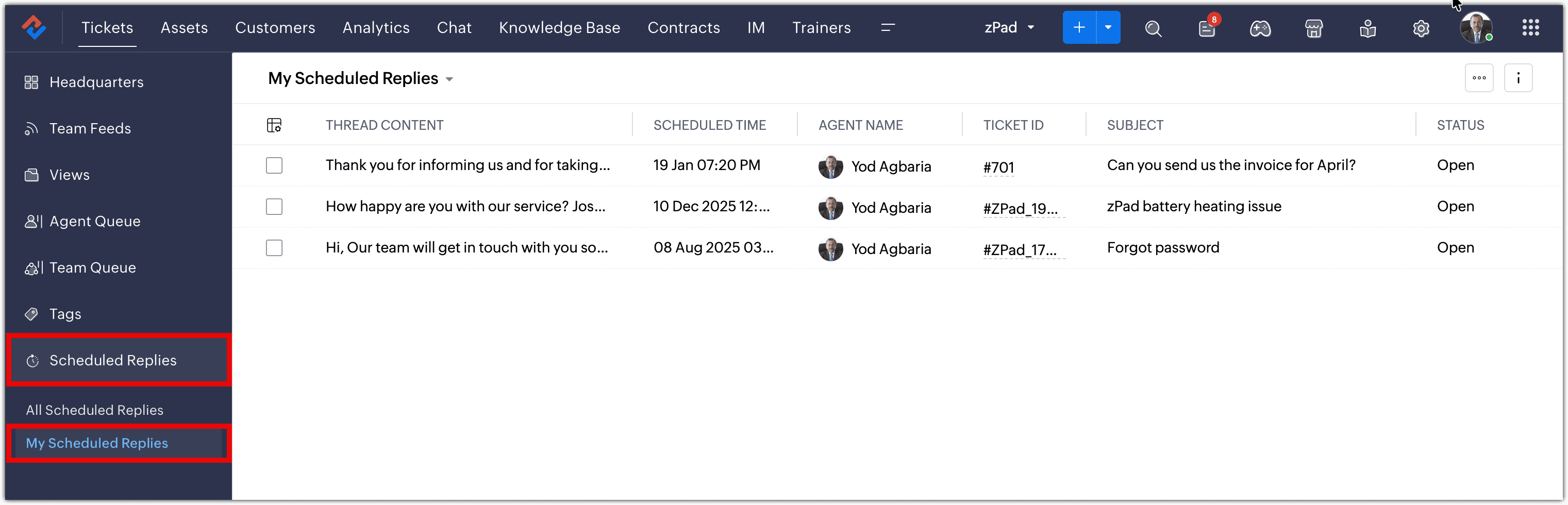
(image via Zoho)
Table view for greater operational control
Scheduled replies are presented in a tabular view, allowing you to review key information such as:
- • Related ticket
- • Scheduled send time
- • Reply status
- • Assigned agent
From this table you can take key actions such as jumping to the related thread, sending immediately, rescheduling, clearing the schedule and saving as a draft, or sending and closing the ticket.
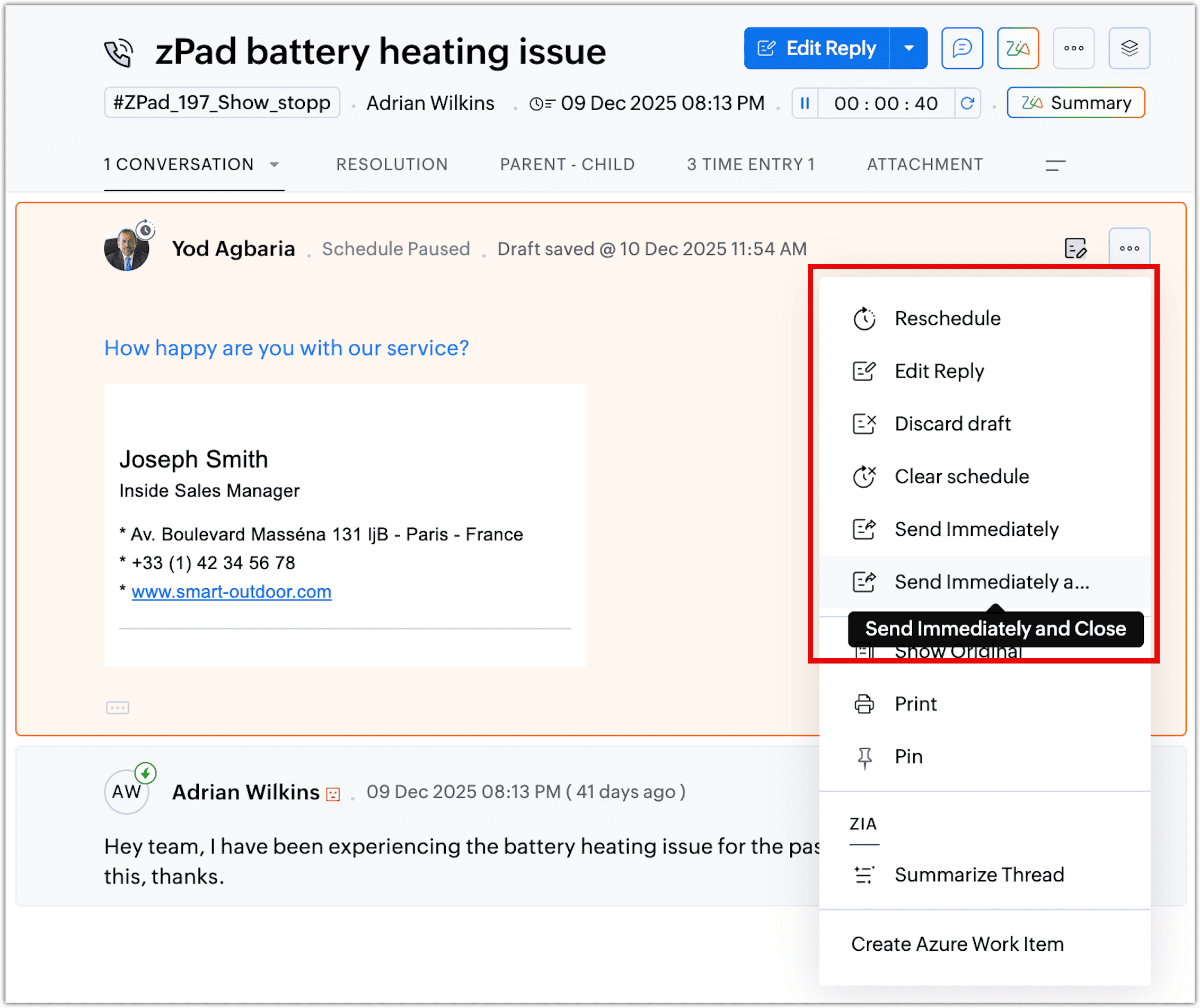
(image via Zoho)
These options help you adjust communications based on how the case evolves.
Actions available for scheduled replies
From the table view you can take individual actions such as:
- • Edit content before it is sent
- • Reschedule the date or time
- • Cancel the scheduled reply
This helps you adapt communications based on the ticket’s real-time progress.
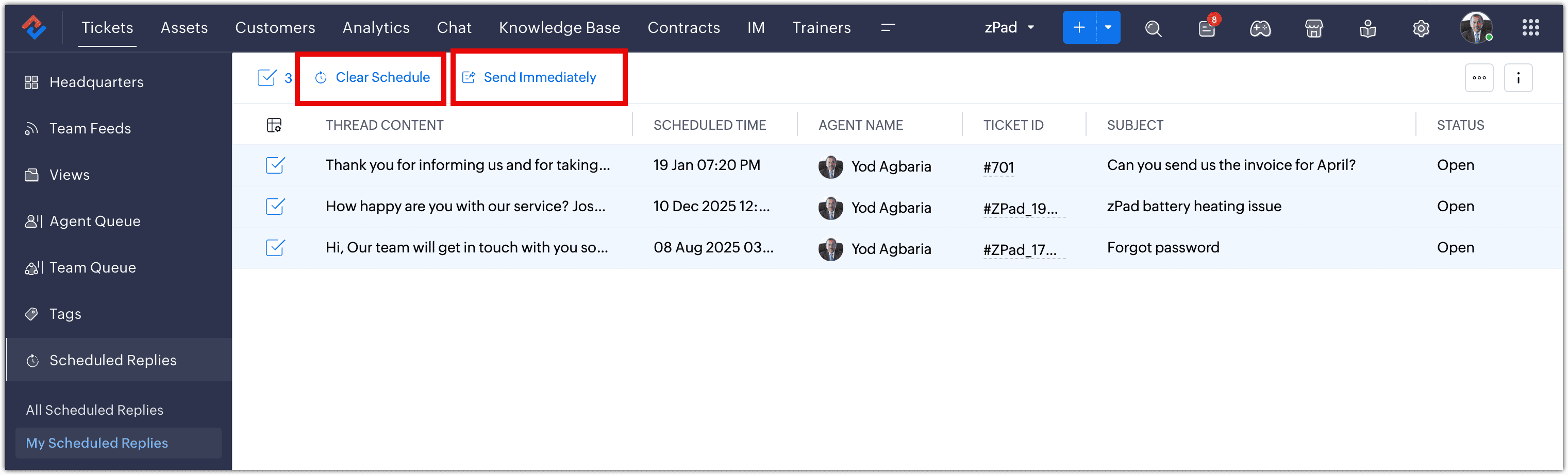
(image via Zoho)
Zoho Books Updates Online Banking for Reconciliation and Financial Control
Zoho Books adds improvements in the Banking module focused on optimizing reconciliation, automating categorization, and expanding bank feed flexibility. An AI agent and new capabilities are introduced to support higher volume with more control.
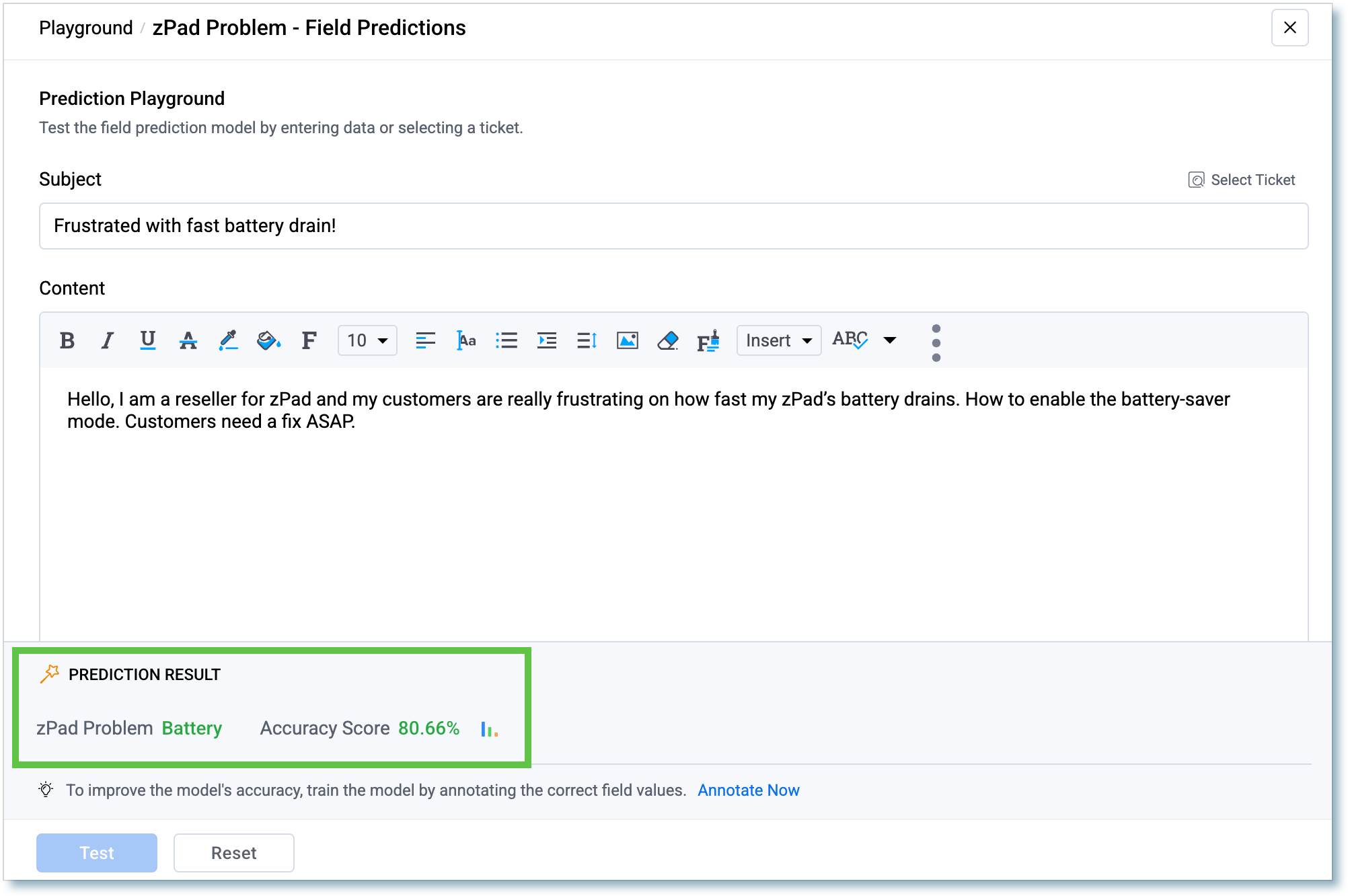
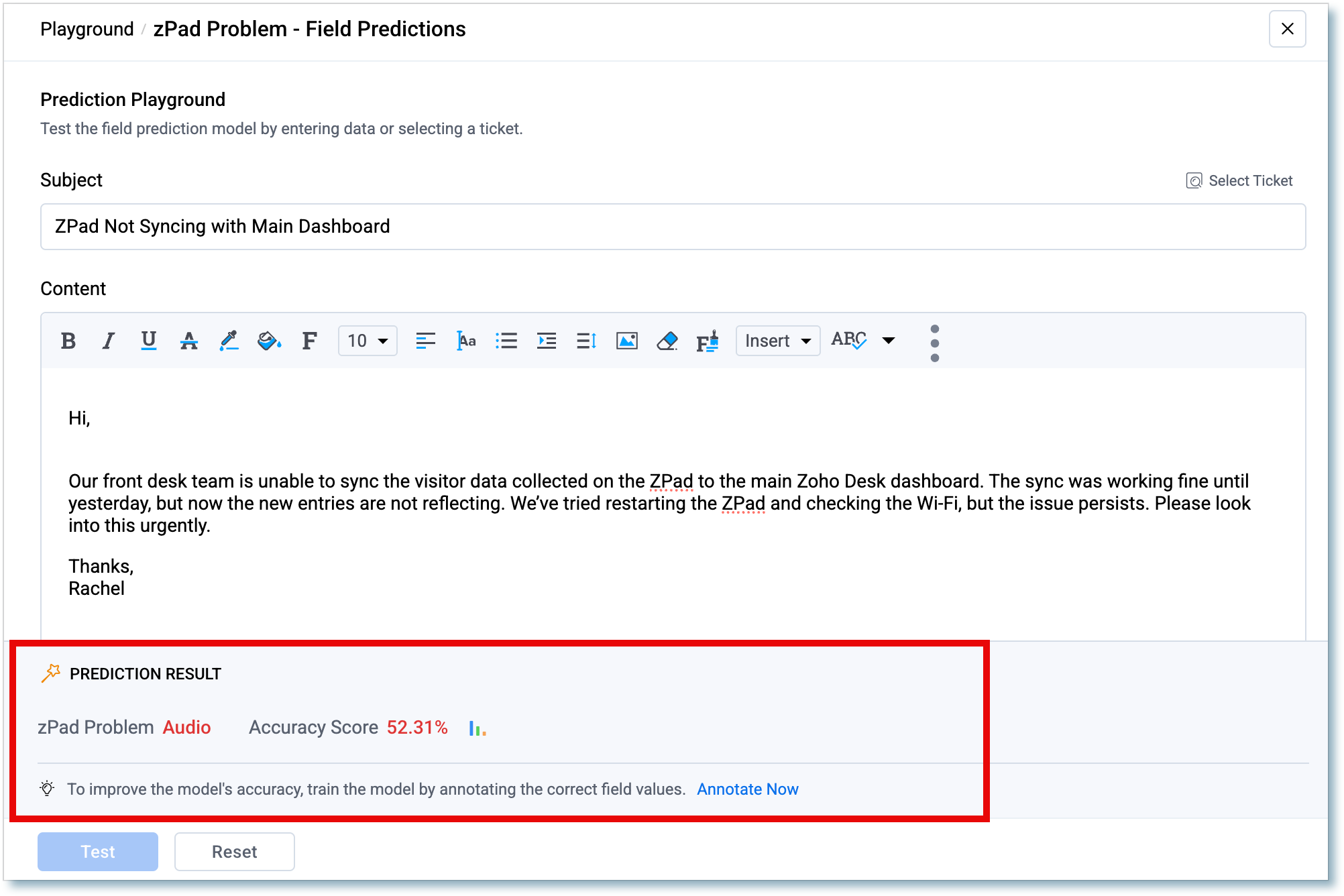
An AI agent is introduced to assist with bank reconciliation. It uses field prediction to suggest categories, accounts, and vendors based on history or bank statement context.
AI suggests values such as categories, accounts, and vendors, reducing manual data entry and speeding up reconciliation.
You can create a rule once and apply it across multiple banks, accounts, or cards to keep categorization consistent without duplicating configuration.
Categorize up to 50 bank transactions at once in a spreadsheet-like view. It includes filters for deposits, withdrawals, or date range, grouping by payee or date, and the option to merge multiple transactions into a single entry.
Select specific payments from Undeposited Funds when recording deposits. The system automatically calculates the total and keeps references to the included payments. A currency filter is included.
The reconciliation status report can now be exported in CSV format in addition to PDF, supporting analysis and customization.
Support is added to reconcile corporate cards. Cards configured in Zoho Expense appear in Zoho Books for reconciliation. A filter helps identify transactions matched in Zoho Expense that are still pending in Zoho Books.
Bank feeds can be retrieved for up to one year via Plaid (subject to availability). Integration is expanded with Syncfy for accounts in Mexico. Support is added for MT940 and expanded PDF support for banks in the US, Canada, and Mexico. Running balance is added in bank statements to help detect discrepancies.
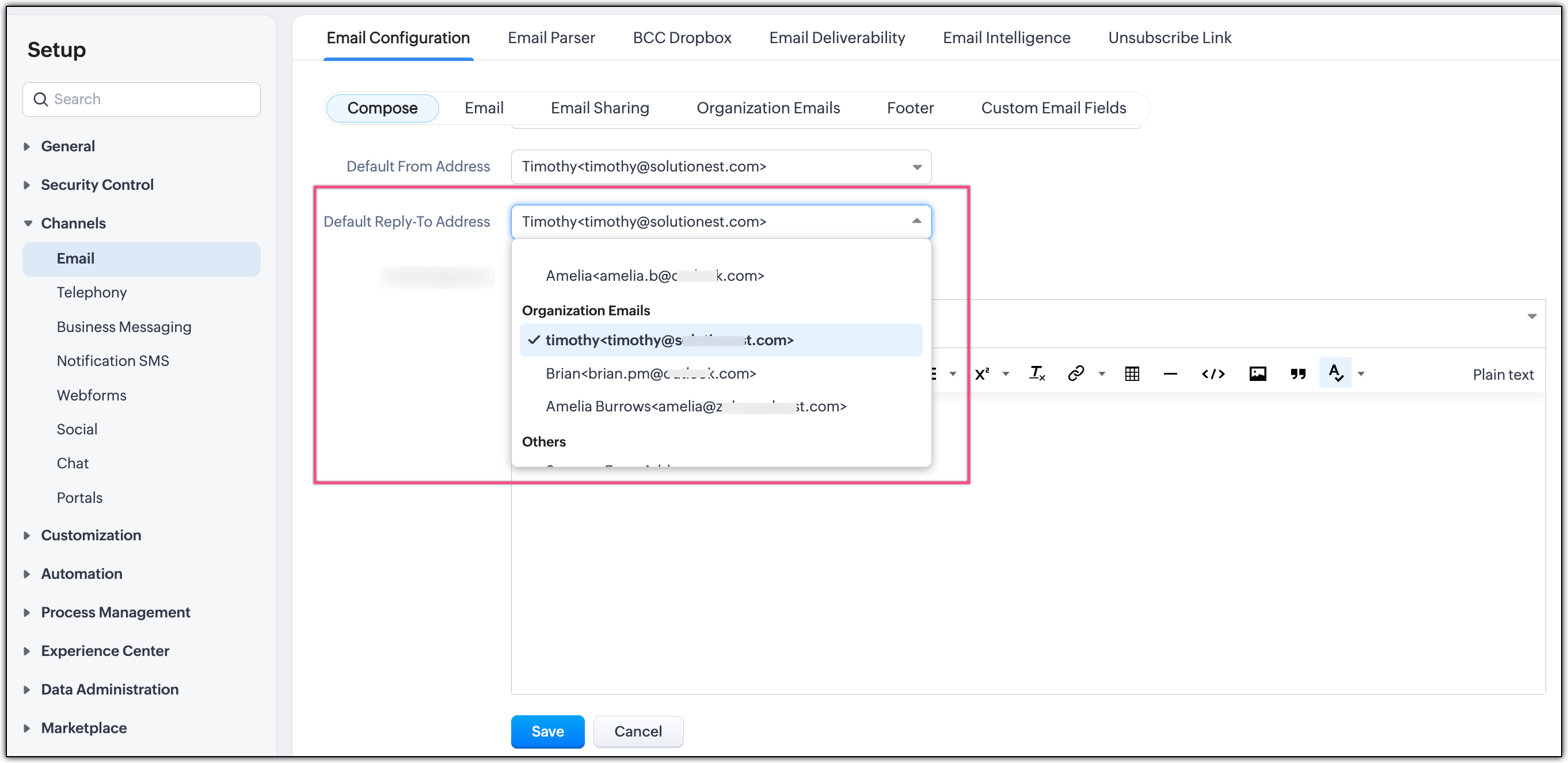
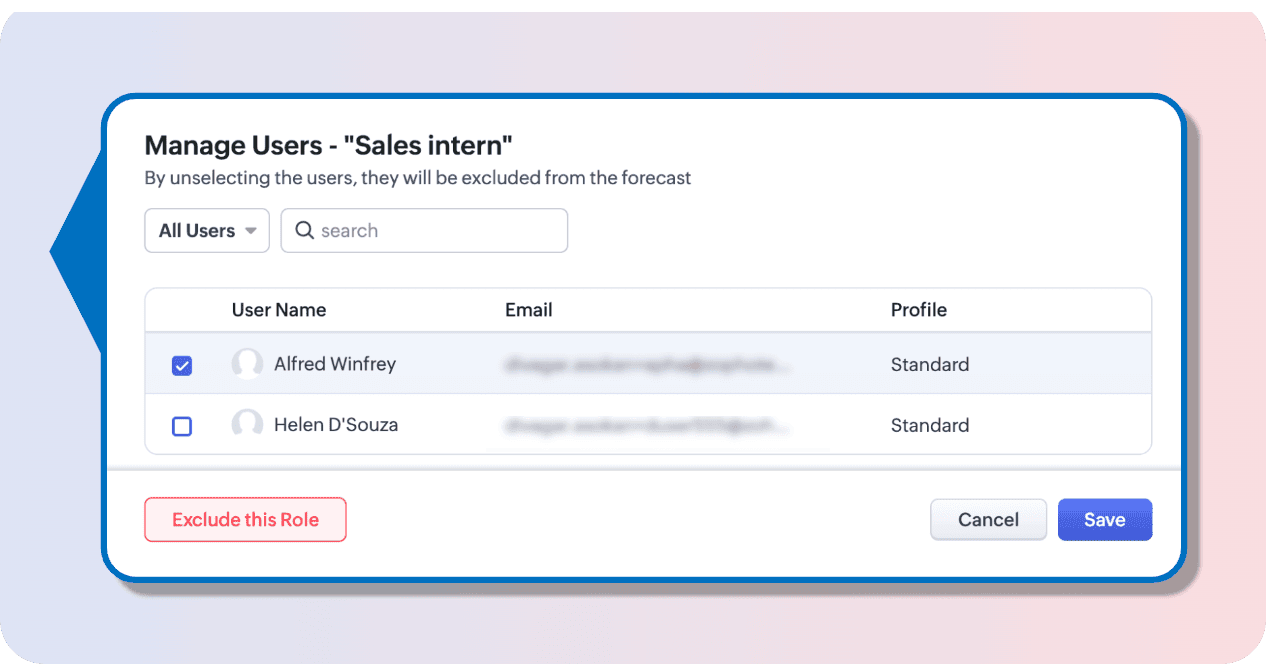
User-level segmentation is announced to restrict access to specific bank accounts, strengthening control and security.
Smarter Access Control: Roles vs. Responsibility-Based Profiles in Zoho SalesIQ
SalesIQ introduces a more structured approach to access management, clearly differentiating between role-based access and responsibility-based profiles. This update helps align permissions with your organizational structure and with the real functions each user performs.
Before: fixed access through predefined roles
Previously, access management relied mainly on predefined roles tied to organizational hierarchy. This meant permissions were strongly linked to a user’s position, with less flexibility to adapt access based on specific responsibilities.
Now: responsibility-based profiles
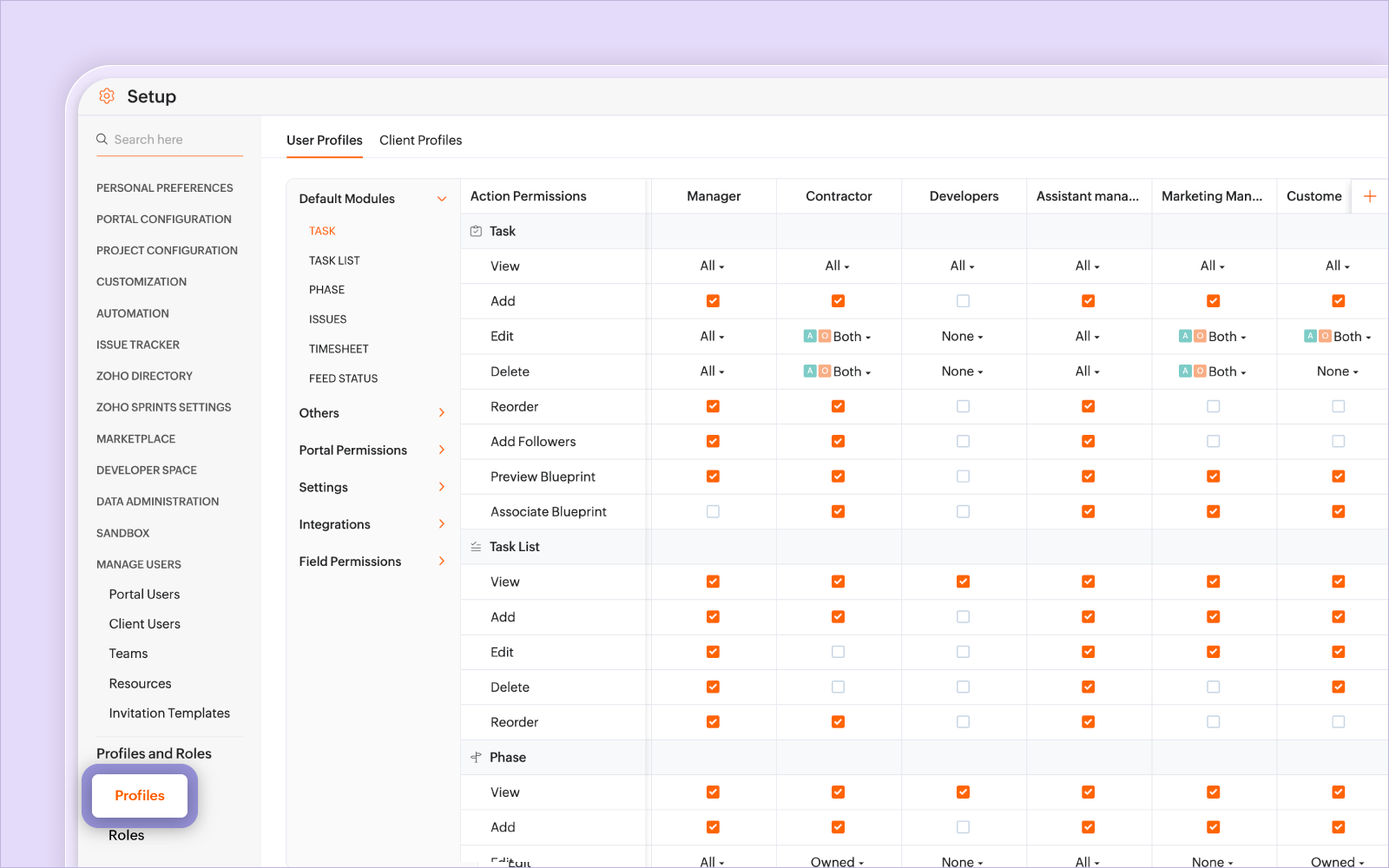
With a responsibility-based model, you can define permissions based on what each user needs to do in the system, regardless of where they sit in the hierarchy.
Profiles allow you to:
- • Configure permissions to create, edit, and delete records
- • Define access to specific modules
- • Control specific features within each module
- • Adjust permissions as responsibilities change, without modifying the hierarchy
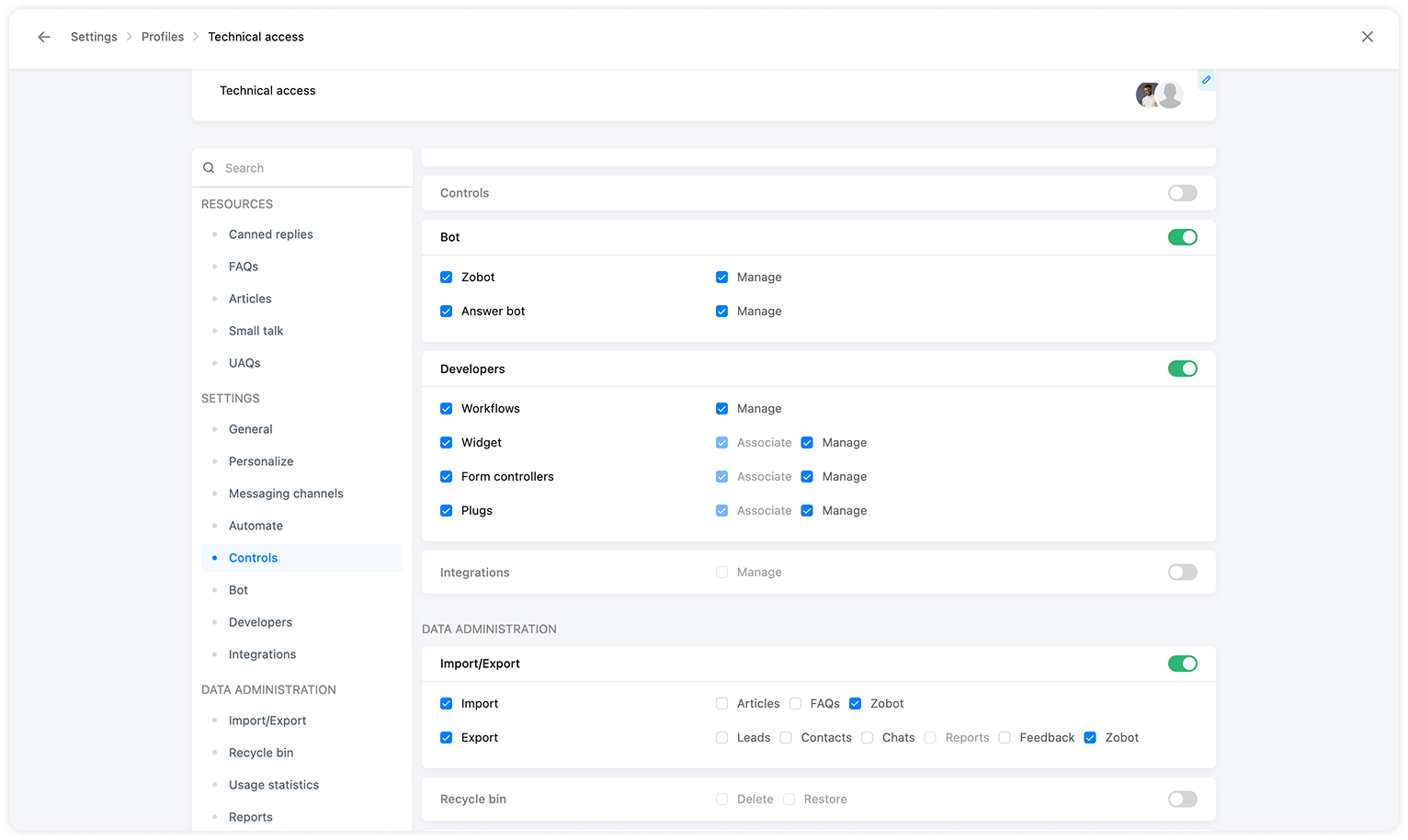
(image via Zoho)
This approach clearly separates visibility and action: the role defines what information you can see, while the responsibility-based profile defines what you can do with that information.
The result is a more precise setup aligned with each team’s real functions and stronger control over system security.