Category: Artificial Intelligence

  • Perfectly Balanced: Marketing Automation and Personalization

    When we hear the word automation, we immediately think of soulless robots and/or processes. However, if properly mixed, marketing automation and personalization can be “perfectly balanced, as all things should be,” like an infamous villain says. This will help to maximize the business objectives without making common mistakes associated to both areas. But, how to do it? We’re about to find out!
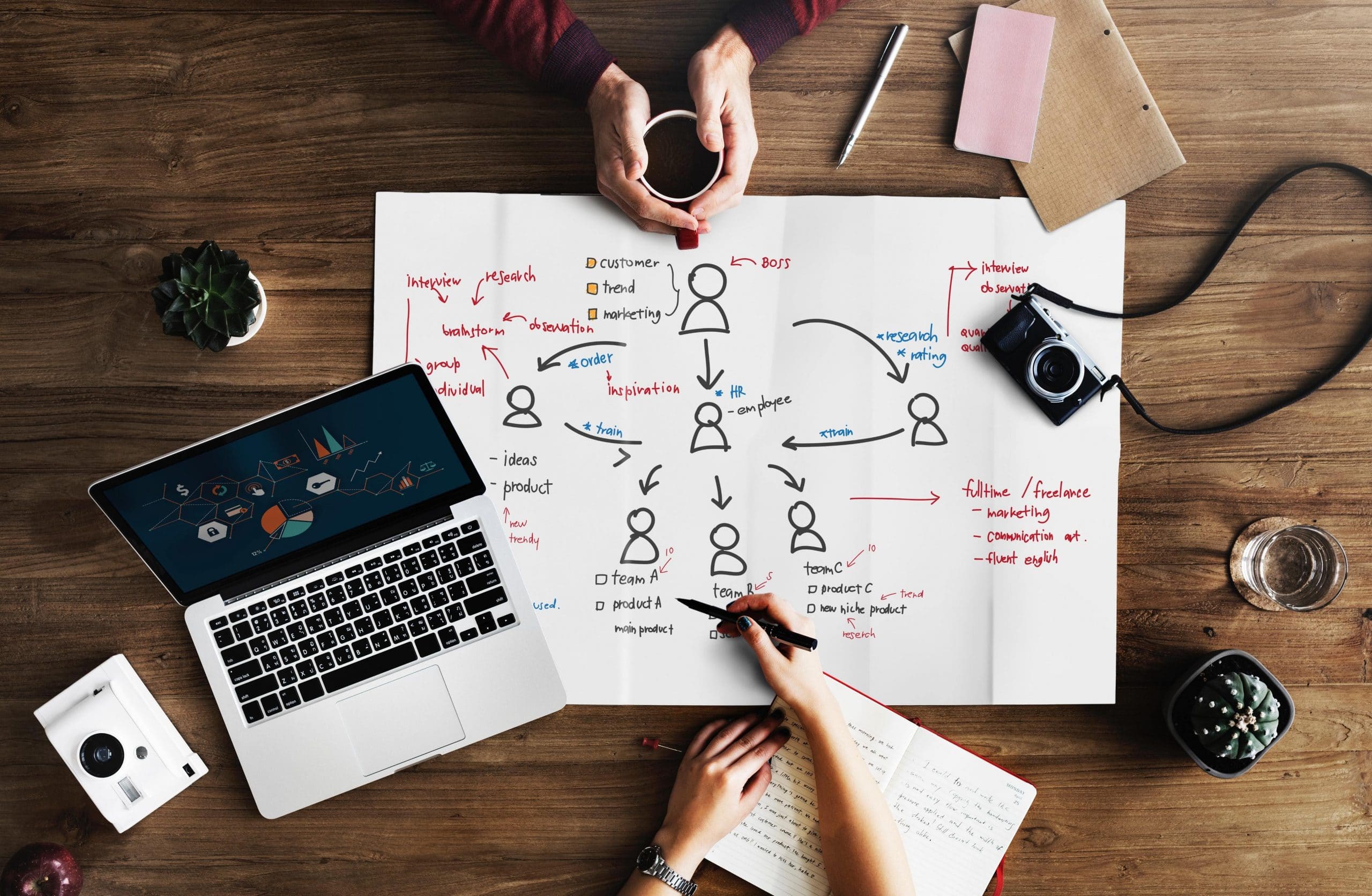
    Photo by RawPixel via Pexels

    What’s the Problem?

    First of all, let’s identify the problems. The first one is that when it comes to automation, many want artificial information (AI) to solve everything, which is not possible. To do that, they would need tons of way more information than the one retrieved by marketers and stronger security measures that block malicious access. For technology that is made to evolve, it’s very difficult to do at this point.

    Meanwhile, the second problem is the old-fashioned, personalized communications, which are hard to do in an increasingly digital world. Not everyone wants physical junk mail or phone calls at an inconvenient moment, yet, at the same time, a personal touch is crucial in order to effectively deliver the message to customers and to get good results.
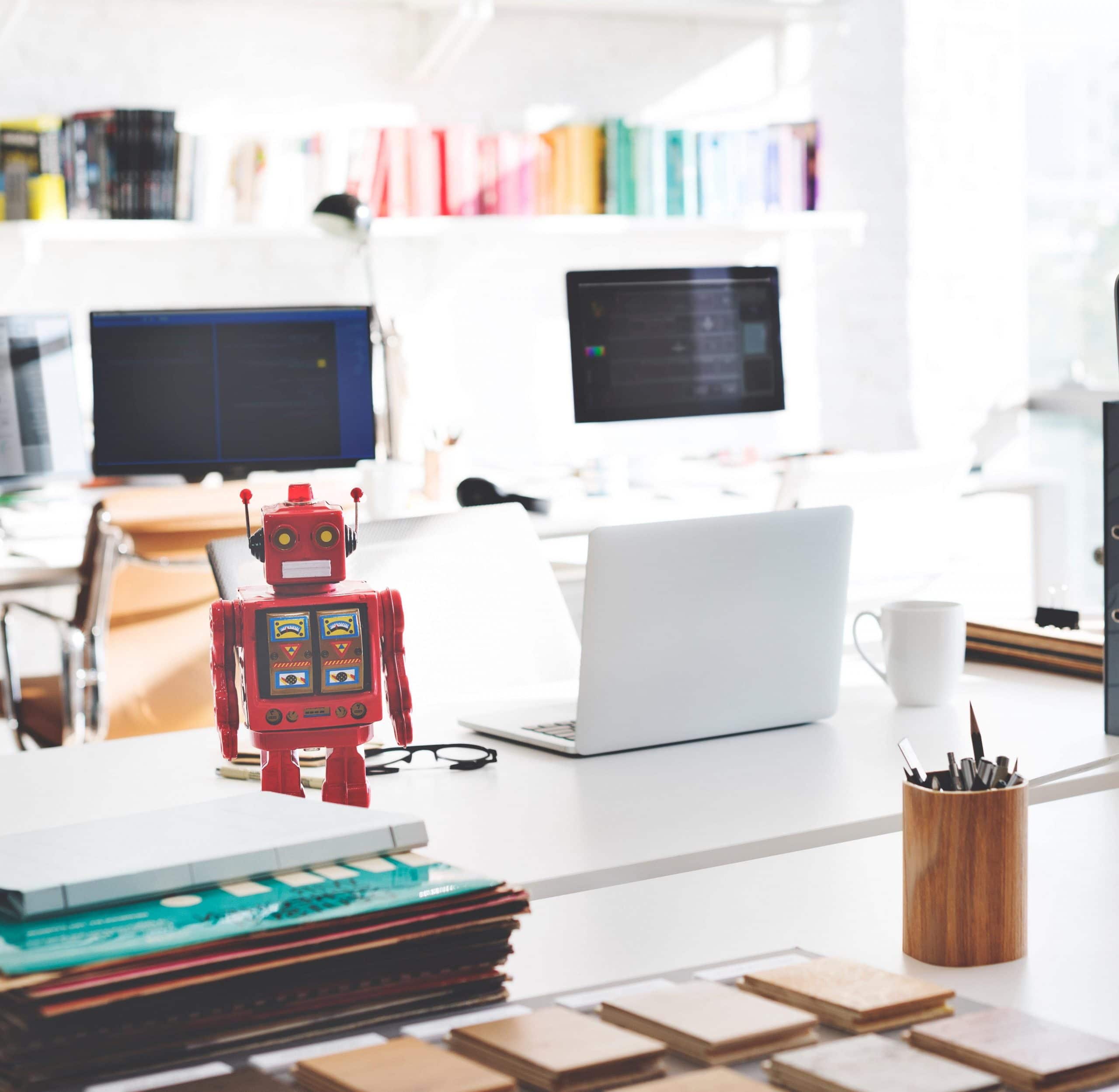
    This doesn’t look like a soulless robot, though! (Image by RawPixel.com via Pexels)

    What’s the Solution?

    Use data to segment your audience beyond titles and industries. Create a different message for different groups of people. That way, you can make sure that the right content is going to the right audience. After personalizing your communications, use an email automation platform to deliver the targeted messages to suitable recipients.

    Also, add small personalization hacks to automated processes. You can do this by going beyond email messages and making requests for calls or social media connections.

    Last but not least, make personalized touches throughout automated workflows. Tell salespeople to reach out personally after sending connection requests. The consumer will feel like they are dealing with a human being and not a soulless robot.

    To read more details about perfectly balanced marketing automation and personalization, read the full article here.

  • Zoho Launches an Updated Office Suite

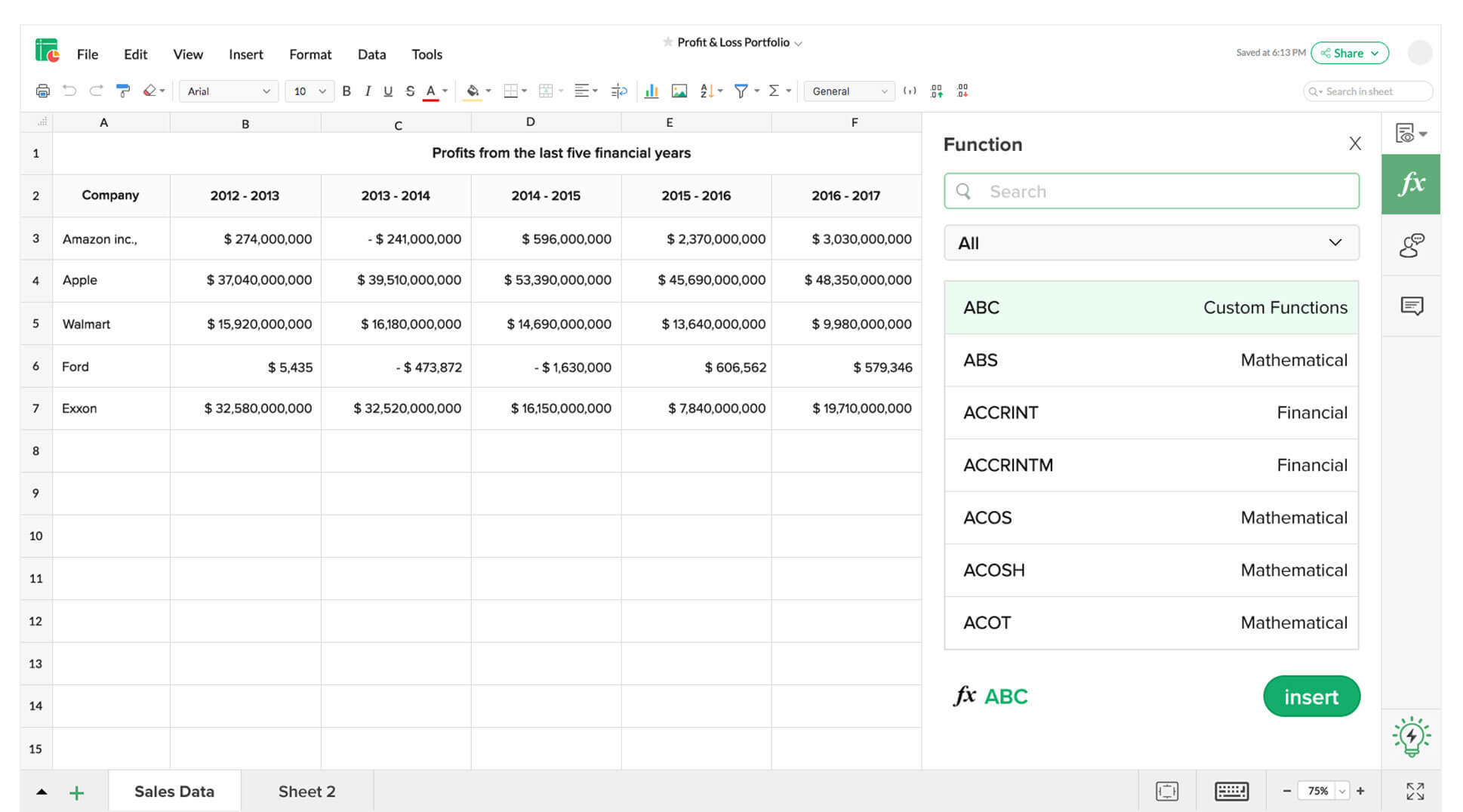
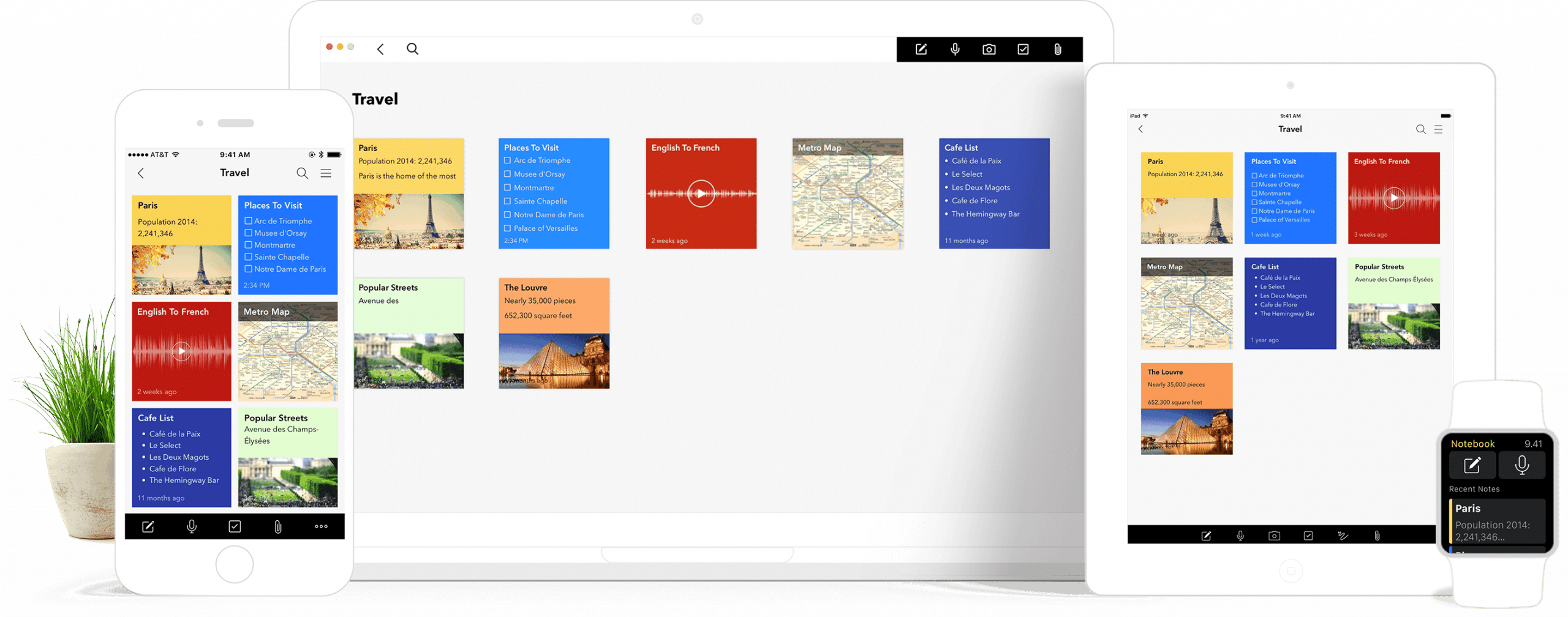
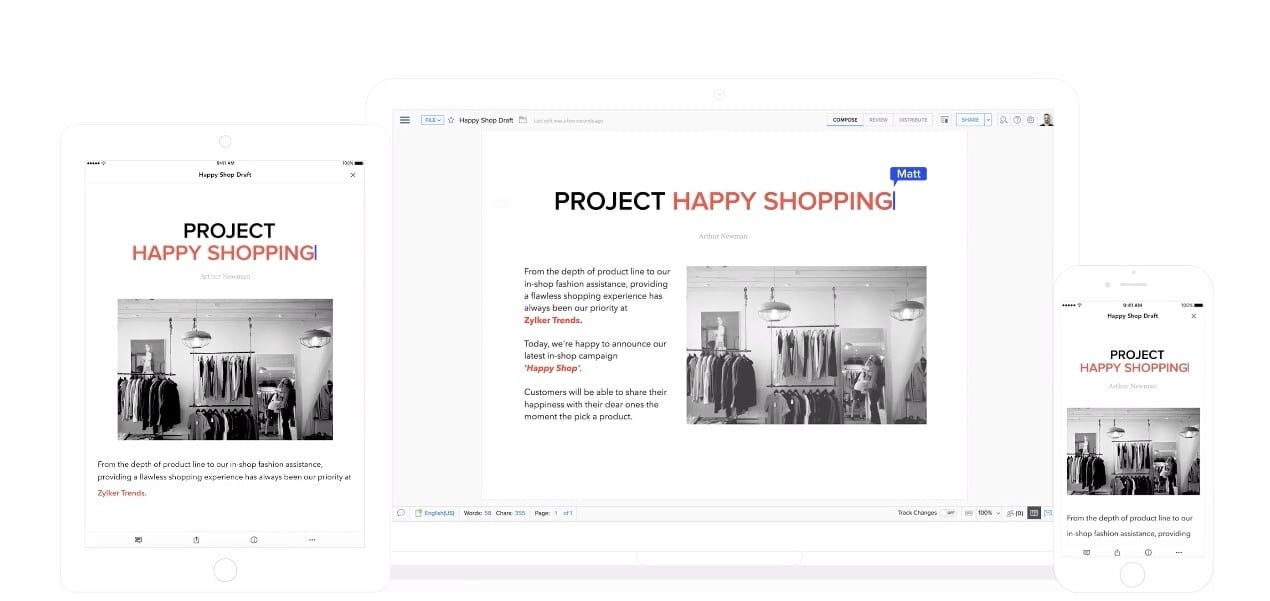
    Zoho recently announced some exciting and cool news in Zoholics Mexico City: the launch of a new version of Zoho Office Suite. This release includes four cloud-based productivity software applications, all of which have the artificial intelligence assistance of Zia: Zoho Writer, Zoho Sheet, Zoho Show, and Zoho Notebook.

    Image by Snapwire via Pexels

    One of the key features of Zoho Office Suite is integration. The applications are integrated between themselves and with Zoho’s communication and collaboration tools like Zoho Mail, Zoho Cliq, Zoho Projects, Zoho Connect, and many other business applications as well.

    Let’s have a look at some of the new features on each tool, shall we?

    Zoho Writer

    In this tool, Zia can detect context-based grammar mistakes, rate the document readability, and even suggest style corrections. Zoho Writer also features a new automation hub with document merging, one-click signature, and the creation of documents that can be filled. This tool can also work offline, and it includes distraction-free and focus modes. The cherry on top is that Zoho Writer has an option to enable typewriter sounds, in case you might want to feel like you’re in an episode of Mad Men (hopefully without the gender inequality).

    Zoho Sheet

    Here, Zia gives a deep insight of users’ data sets by showing relevant charts and pivot tables. Because Zoho Sheet has Natural Language Querying, users can ask Zia about their data and get from her the chart, function, or pivot table that is suitable. Zoho Sheet is also the first spreadsheet software to offer data-cleaning capabilities, which deletes duplicates and tackles inconsistencies.

    Zoho Show

    If you need to run presentations on Apple TV and Android-enabled devices, then this is your tool! Zoho Show allows this by turning the user’s mobile phone into a controller to beam and control slides on multiple TVs at the same time. This is pretty awesome, but let’s hope in the future Zoho will let us control our laundry with it as well!

    Zoho Notebook

    This one is the newest additions to the Zoho Office Suite family. It has been described by Zoho as “one of the most advanced note-taking applications on the market.” With Zia Voice’s help, users can create a customized recipe “smart card” by taking relevant shopping lists, instructions, and visuals from their favorite website. All these actions are initiated by voice command. Cool, right?

    Regarding the innovations made in Zoho Office Suite, Raju Vegesna, Zoho’s Chief Evangelist, said:

    “We built Zoho Office Suite to be the most integrated suite of productivity tools of its kind. […] We’ve added features and tools that can’t be found anywhere else, such as Notebook’s smart cards, Sheet’s data-cleansing tool, and Show’s integration with Apple TV. It is the combination of these apps, contextually integrated, that makes the modern worker exponentially more productive!”

    With all we’ve read about Zoho Office Suite’s new version, we definitely feel excited!

    To read more about Zoho Office Suite’s new features, click here.

  • Zoho Desk Adds Artificial Intelligence After Experiencing New Business Growth

    Zoho Desk, a Zoho customer service help desk application, recently announced the addition of features that are enterprise-focused and a new developer platform, all of this while gaining a 150% growth in new business.

    These new features are industry-first capabilities that allow businesses to improve agent productivity, manage cross-functional service processes, and integrate customer service in context with other business functions like artificial intelligence, service process automation, and mobile applications for supervisors and managers.

    So what does each business function offers? The Zoho Desk artificial intelligence goes by the name of Zia, which gives voice and chat assistance, anomaly reporting, sentiment analysis and triaging, context tagging, contextual availability, and skill building.

    Meanwhile, the service process automation is called Blueprint, which helps managers to create service processes that their teams can follow. It creates efficiency by making and deploying Blueprints in minutes. Because agents only see the actions applicable to them, they are able to respond quickly. Blueprint also enables proactiveness by allowing service managers to see the performance of their processes and which stages go through holdups, so they can deal with them in a proactive manner.

    Lastly, mobile applications for supervisors and managers are under the name of Radar. Made for iOS and Android, Radar helps decision-makers like supervisors and managers to look at their customer support operation from a performance perspective.

    Read the full article in Zoho.

This site is registered on wpml.org as a development site. Switch to a production site key to remove this banner.